


January 27, 2026
Question

Illustrator could partially read this file - PDF Compatible??

  • January 27, 2026
  • 3 replies
  • 16 views

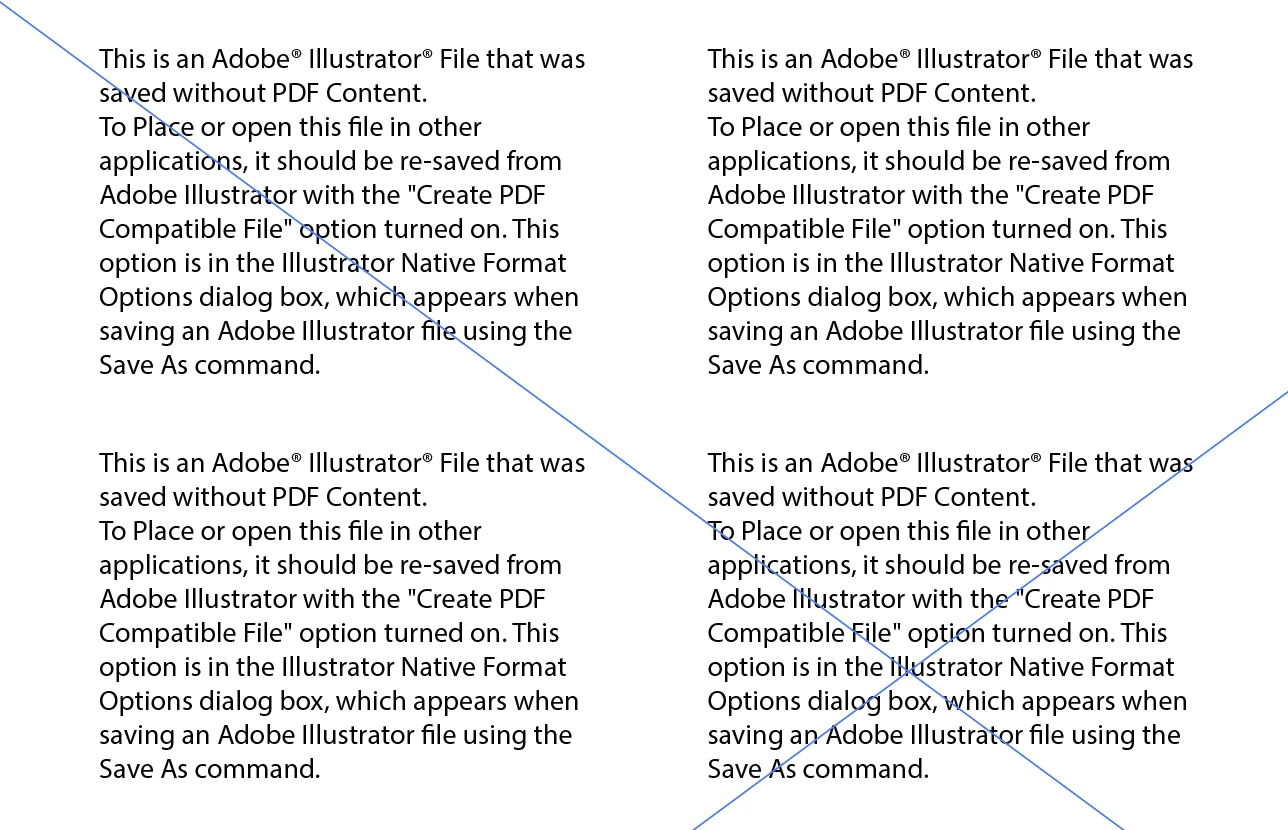
I am having extreme issues with opening AI files - everytime  I open a specific file, I get the pop up "Illustrator could partially read this file" and then it takes me to a file where all of my content is gone and the only thing left is the message (attached below) on a single artboard. I restarted my computer, cleared storage, reinstalled AI (30.1) and nothing worked. I was thankfully able to recover some of the work through Dropbox's history - but everytime I go to save the recovered artboards in a new file, save the file that is "PDF Compatible", and reopen - it pops up with the same message. The only that that has remediated this is saving my multi-artboard project as separate single-artboard files. Those are the only ones that don't crash out. This is insane and unacceptable - is anyone else dealing with this?


(This is what my file looks like after reopening)Screenshot 2026-01-26 at 9.48.52 PM.png
3 replies

January 27, 2026
Hi there! Thanks for your response - I ended up enabling PDF Compatible
File and it continued to have the same exact issue. Looking at other
conversations I was able to discern it's a bug of AI 30.1. I reverted back
to AI 30 and the problem resolved. Hugely disappointing update hahah.
[image: photo]
Kyler Martin
Brand & Design Manager, Daydream State
she/her *|*

daydreamstate.com
| kyler@daydreamstate.com
Office: 660 NE Northlake Way, Seattle, WA 98105 | Mailing: 1122 E Pike St,
PMB 1263. Seattle Wa. 98122.
<>
Ton Frederiks
Community Expert
Community Expert
January 27, 2026

And it is always adviseble to save first local on the desktop (or any not cloud connected folder) and when saved, copy the contents to dropbox.

creative explorer
Community Expert
Community Expert
January 27, 2026

@27408072 the work-around for that is start by changing the file extension from .ai to .pdf and opening it in Adobe Acrobat to verify that your artboards are visible. Once confirmed, create a brand-new Illustrator document and use the File - Place command rather than opening the corrupt file directly.

Ok...so why is this happening. Create PDF Compatible File was not enabled. Adobe has a background quick save that is conflicting with extenal syncing to DropBox. Which is giving this issue. I would go inside Illsutrator Preferences, Command K for the MAC, or Control K for the PC, File Handling - Uncheck the box Save in background. This will now force Illustrator to pause syncing until the file is fully written, preventing the partial-read error.

creativeexplorer_0-1769502004158.png


m