
Participant
August 2, 2019
Question

illustrator crash message on parallels!!! [title edited]

  • August 2, 2019
  • 2 replies
  • 638 views

hi guys

I installed Illustrator on parallels with my MacBook

It was installed successfully, and It opens very well.

But the problem is, I can't create a new project!

whenever I click to start, I get something "crash report"

I uninstalled Illustrator on Macbook just in case that could be the reason for the crash and error.

but It doesn't work. Still, i get that crash message.

Please help me with this...

I really gotta use Illustrator in window version with my macbook...
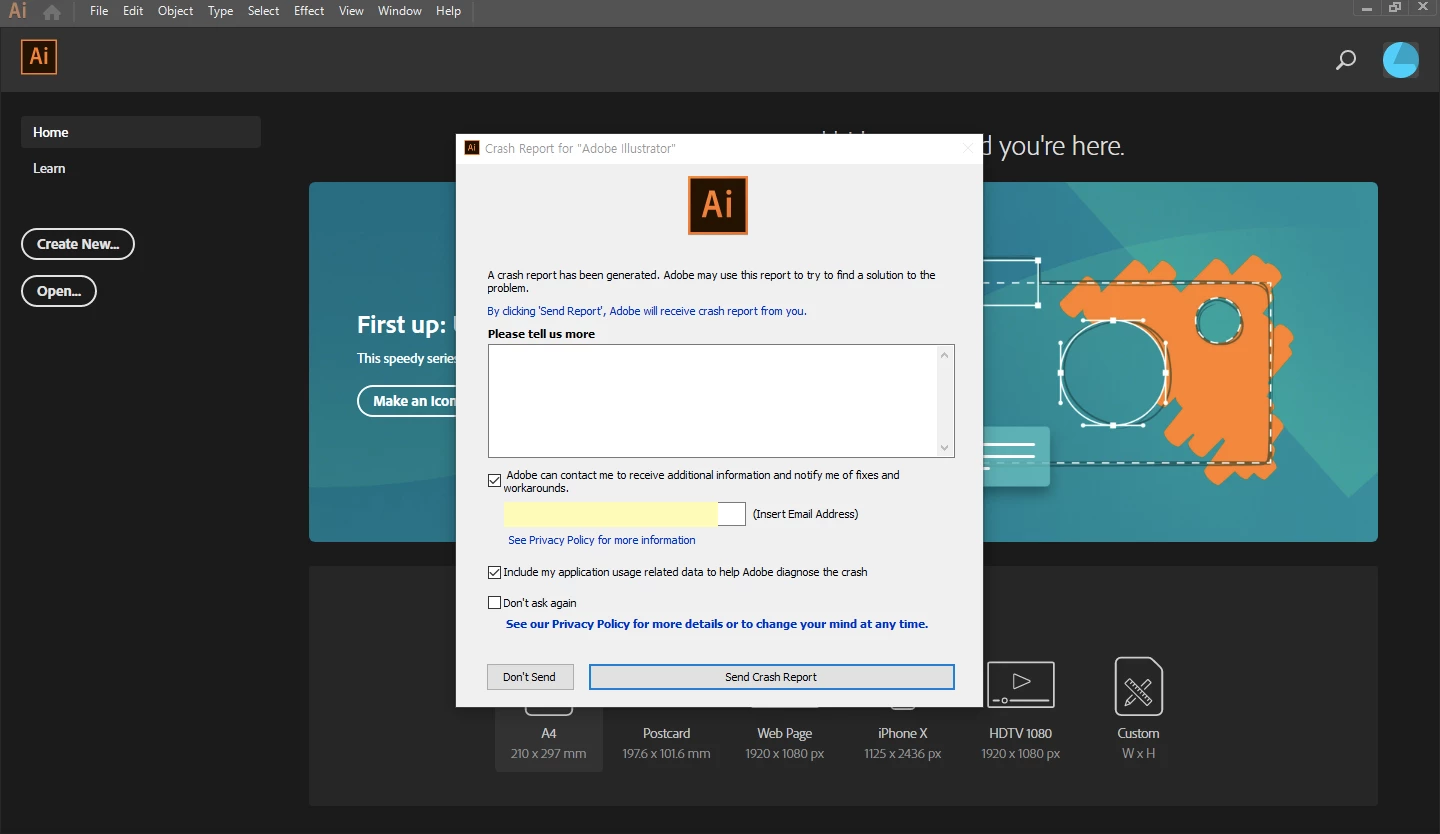
Message was edited by: Steve Werner Removed offensive title. Includes "!!!!!damm it!!"

This topic has been closed for replies.

2 replies

Legend
August 2, 2019

You should test in a real Windows computer to see if it is a VM related issue. Such issues are not surprising, especially as VMs to not virtualize GPUs. Adobe's support policy is here Technical support boundaries for Adobe Creative Cloud in a virtualized or server-based environments  A VM is unlikely to be a good place to run CC.

You could try Apple Boot Camp.

Mohammad.Harb
Community Expert
Community Expert
August 2, 2019

Try sign out  from creative cloud / Restart macbook/ sing in

if that does not work: Reset Preferences settings:

run illustrator while holding cmd + alt + shift

the other option is unistall/ reinstall