


Participant
May 25, 2026
Question

Illustrator crashes every time I try to save.
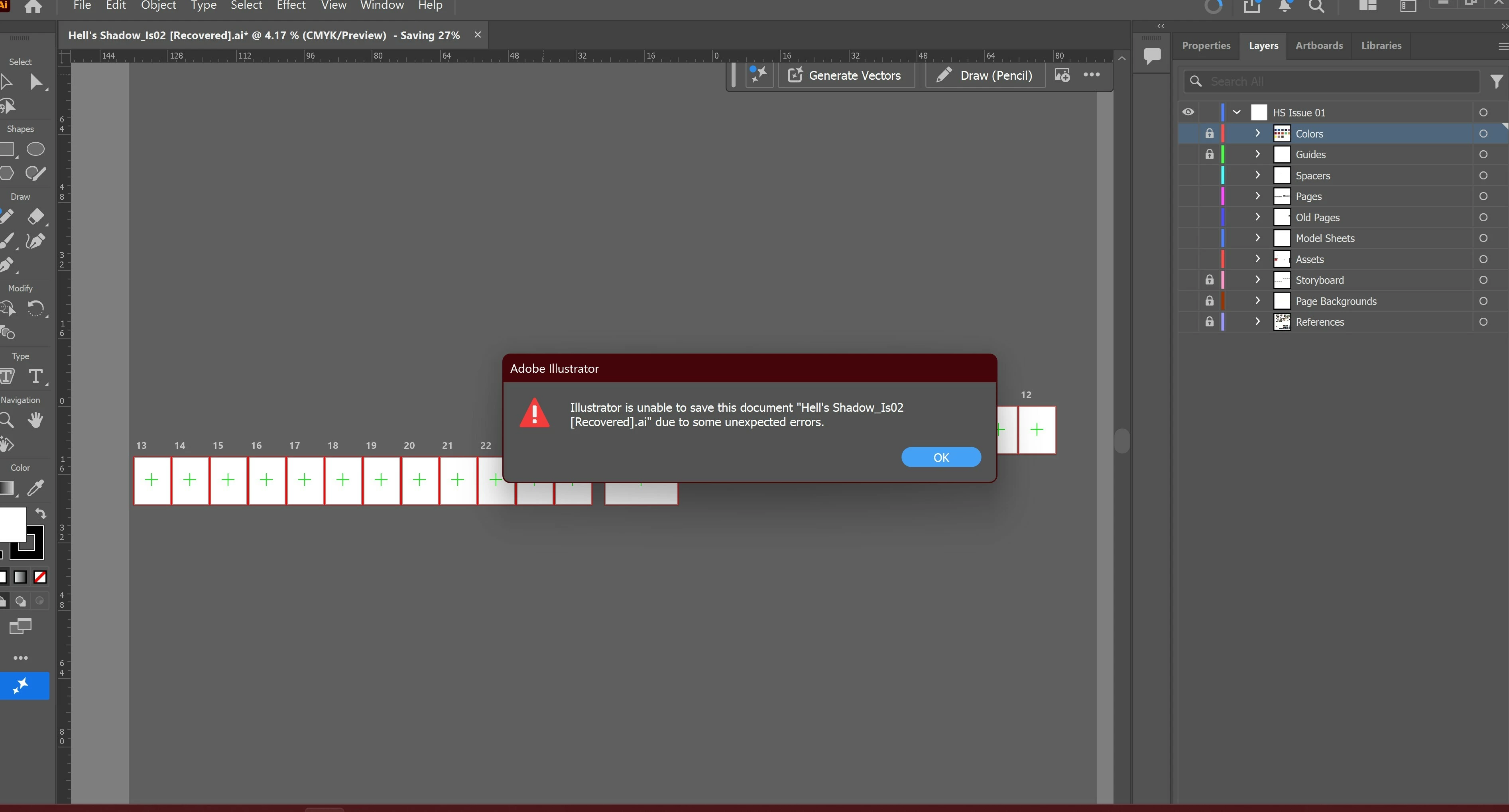
  • May 25, 2026
  • 2 replies
  • 21 views

Hi, I get this error every time I try to save now, and after I try a second time Illustrator crashes. I have too much work on this file to start over again, does anyone have an idea of how I can fix this?

    2 replies

    Abhishek Rao
    Community Manager
    Community Manager
    May 25, 2026

    Hi ​@PVMetal7412852,


    Thanks for reaching out and sorry to hear you’re running into this.

    Adding to the expert suggestions, could you please confirm the exact Illustrator version and your operating system details? In the meantime, please try using “Save As” instead of the normal Save option and save the file with a completely new filename locally on your internal drive/Desktop rather than a cloud-synced or network location.

    It would also help to try saving the file in other formats such as PDF, EPS, or SVG first, then reopen that exported file and try resaving it again as an AI document.

    Additionally, please try copying the artwork gradually into a brand-new Illustrator document and check if the new file saves correctly. 


    Please let me know how it goes after trying these steps.


    Thanks,
    Abhishek

    Ton Frederiks
    Community Expert
    Community Expert
    May 25, 2026

    @PVMetal7412852 I would first split up the file in several smaller copies and see if you can save those.

    Also save to your internal hard disk and avoid servers and cloud connected folders.