Participant
July 27, 2023
Question

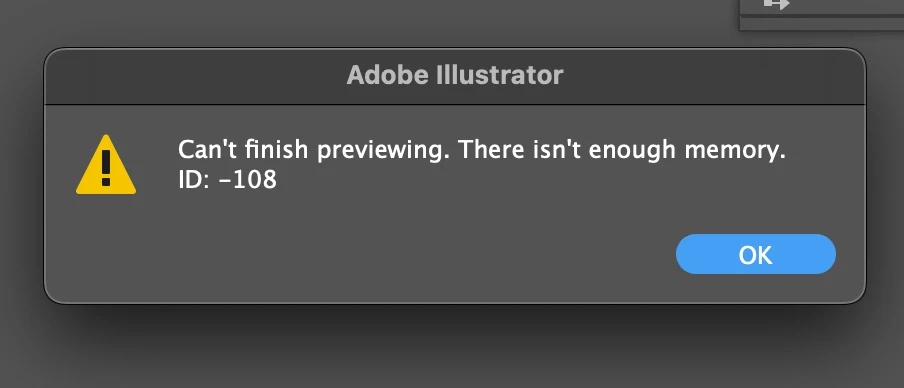
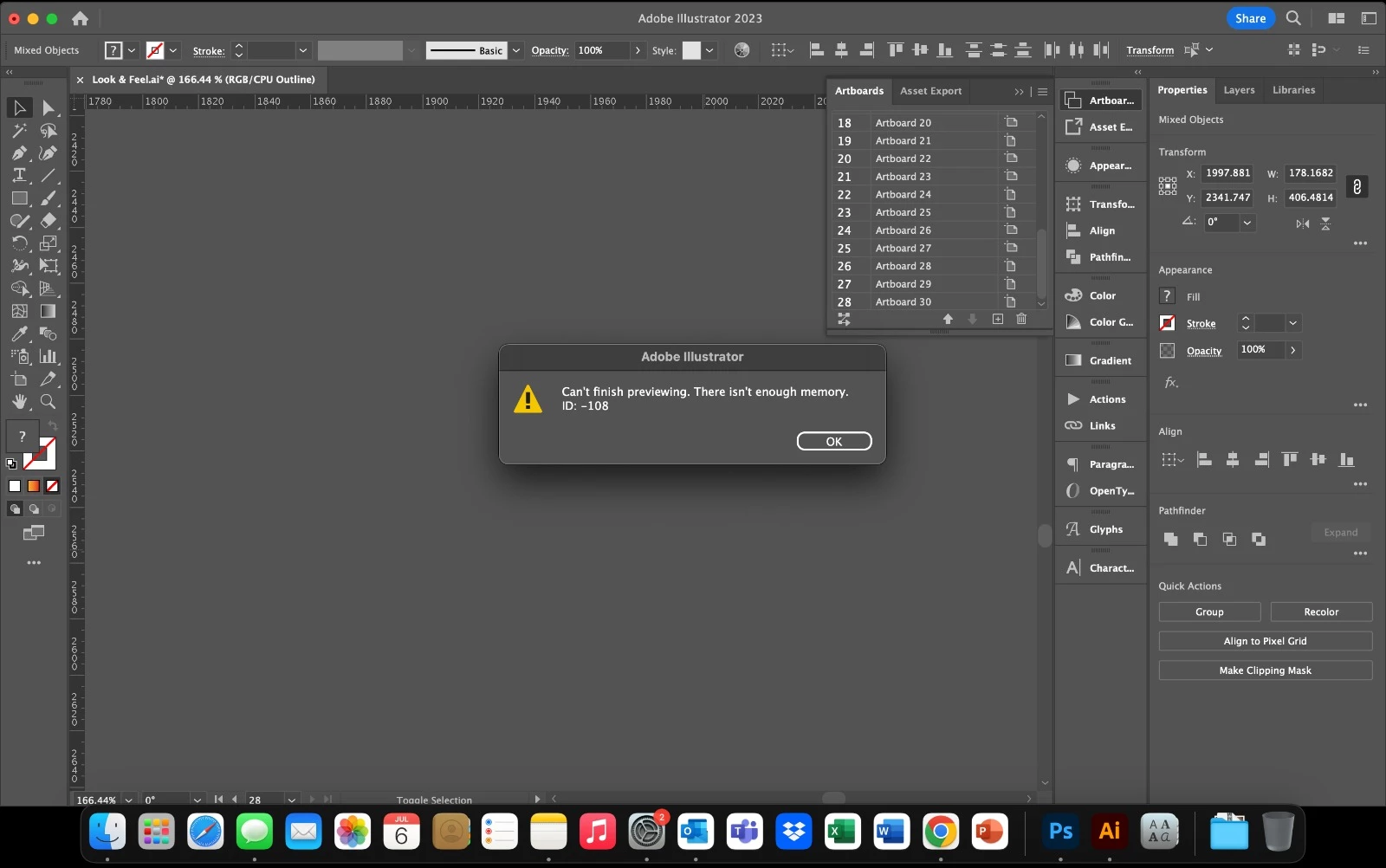
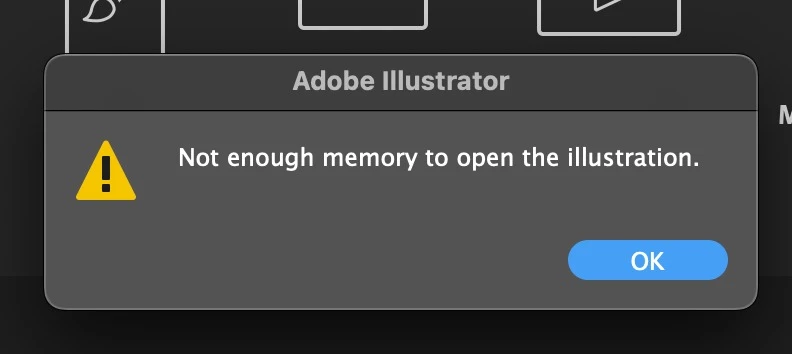
Illustrator crashes, unable to save file & not enough memory ID: -108 error

  • July 27, 2023
  • 2 replies
  • 364 views

Do you have any recommendations to fix these issues? Now we can't even save files and some files previously saved now are lost. 
 

This topic has been closed for replies.

2 replies

Anshul_Saini
Community Manager
Community Manager
August 1, 2023

Hi @defaultcbgsxc804dnd,

I'm sorry to hear that you're experiencing issues with Illustrator crashing, being unable to save files, losing previously saved files & not having enough memory errors. Here are some recommendations to help fix these issues:

  • Ensure you are using the latest version of macOS (v13.5).
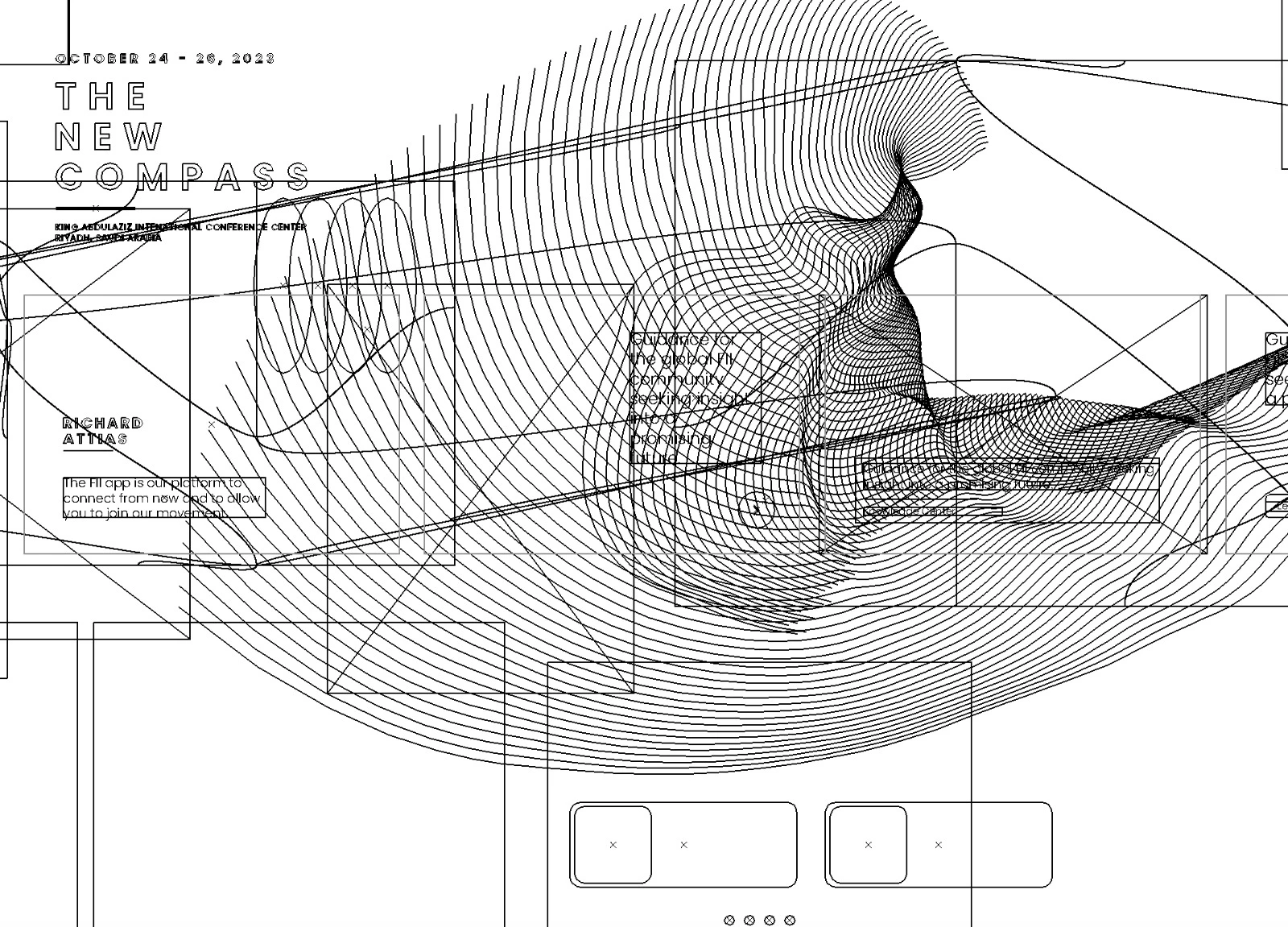
  • Can't finish previewing error generally happens when a layer(s) or object(s) get corrupted, and your artwork can only be previewed in outline mode. Once you delete the corrupted object or layer, this error will disappear.
 
If these solutions do not work, please share your system details and confirm the location where your files were saved & where you are currently trying to save the files (Network Drive/ System HDD/ Shared Folder on System/ External HDD).
Also, please share the files which are not opening at your end. We will try our best to recover them.
We are here to help!
 
Best,
Anshul Saini
Monika Gause
Community Expert
Community Expert
July 27, 2023

Not enough memory means that there is not enough RAM installed in your machine. How much is it?