Participating Frequently
June 25, 2020
Answered

Illustrator crashes upon launch

  • June 25, 2020
  • 1 reply
  • 999 views

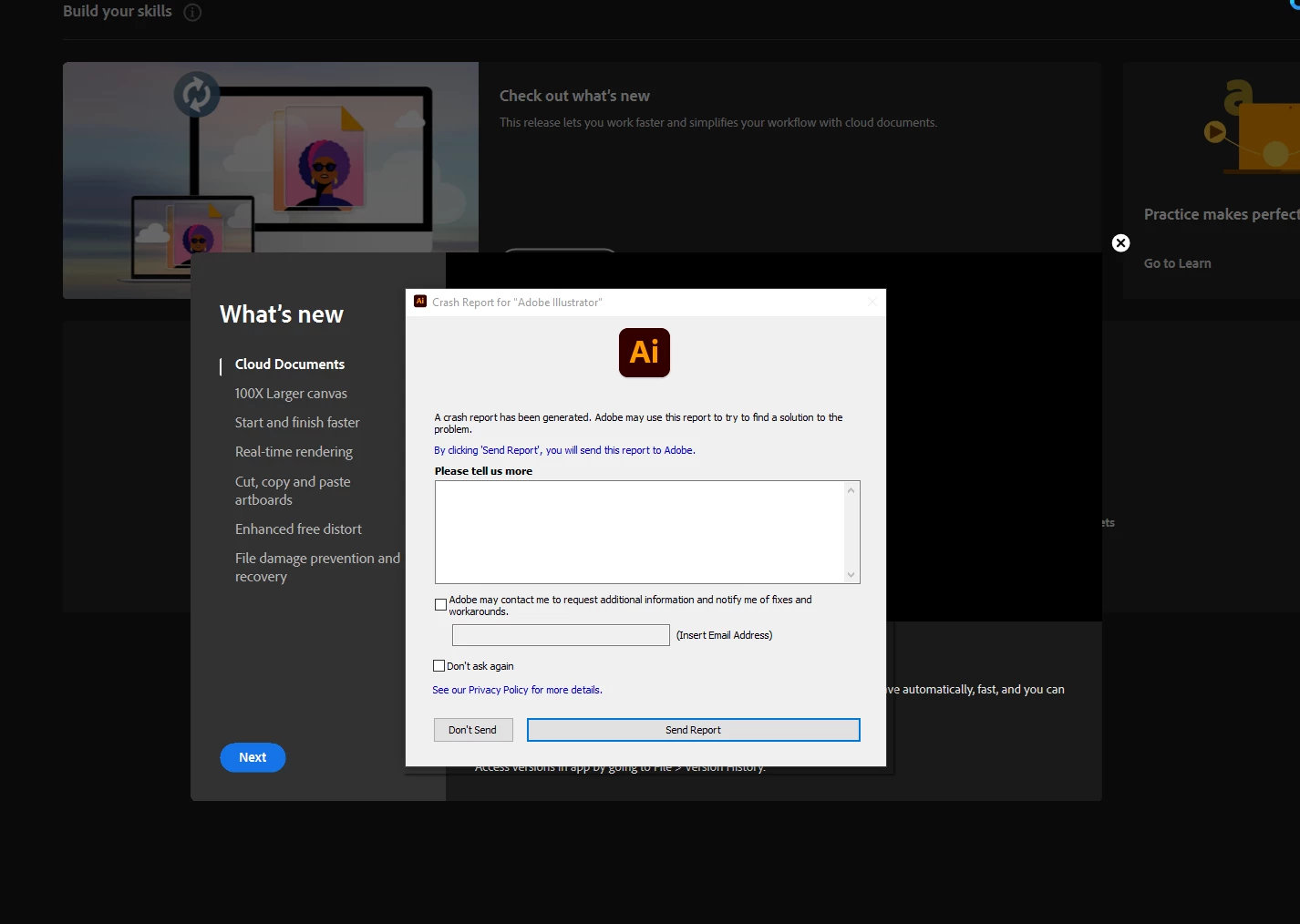
With a fresh re-innstall from creative cloud desktop, Illustrator crashes upon startup.

All I see is the welcome screen, then it crashes.


I've tried it with my subscription on two different machines, and with a friend of mine with his subscription oh his machine. 

AE and Photoshop works fine.


Any ideas?
 

This topic has been closed for replies.
Correct answer Monika Gause

I have updated illustartor again, and my graphics drivers, and it is still not working.

Illustrator crash upon opening the software as it did before.


When I innstall older versions of illustrator, it crashes upon creating new documents instead of at the opening of the software.


Do you have any third party plugins?

Is a printer connected, set up as the default printer and turned on? If not, install a PDF printer. If you have previously done that, please check that PDF printer.

1 reply

Charu Rajput
Community Expert
Community Expert
June 26, 2020

Hi,

Sorry for the inconvenience. Could you please try the solution from the below link and let us know whether it works for you or not.

https://community.adobe.com/t5/illustrator/illustrator-crashing-on-launch/td-p/11178059?page=1


Best regards
EvengiAuthor
Participating Frequently
June 26, 2020

Hi Charu, thank you for the link.

I have followed the steps.

I renamed my prefs to old, and then started the software from the creative cloud app.

The pattern is the same. With Illustrator version 24 it crashes upon start. With Illustrator version 23 it allows me to choose a new blanck document, but crashes before it is generated.


I don't get a read only error dialog, so I have not tried that step.


Roger

Charu Rajput
Community Expert
Community Expert
June 26, 2020

Hi,

Could you please share your machine configuration? (your OS deatils)

Best regards