
Participant
December 11, 2023
Question

Illustrator crashing and Plugin error message shows

  • December 11, 2023
  • 2 replies
  • 510 views

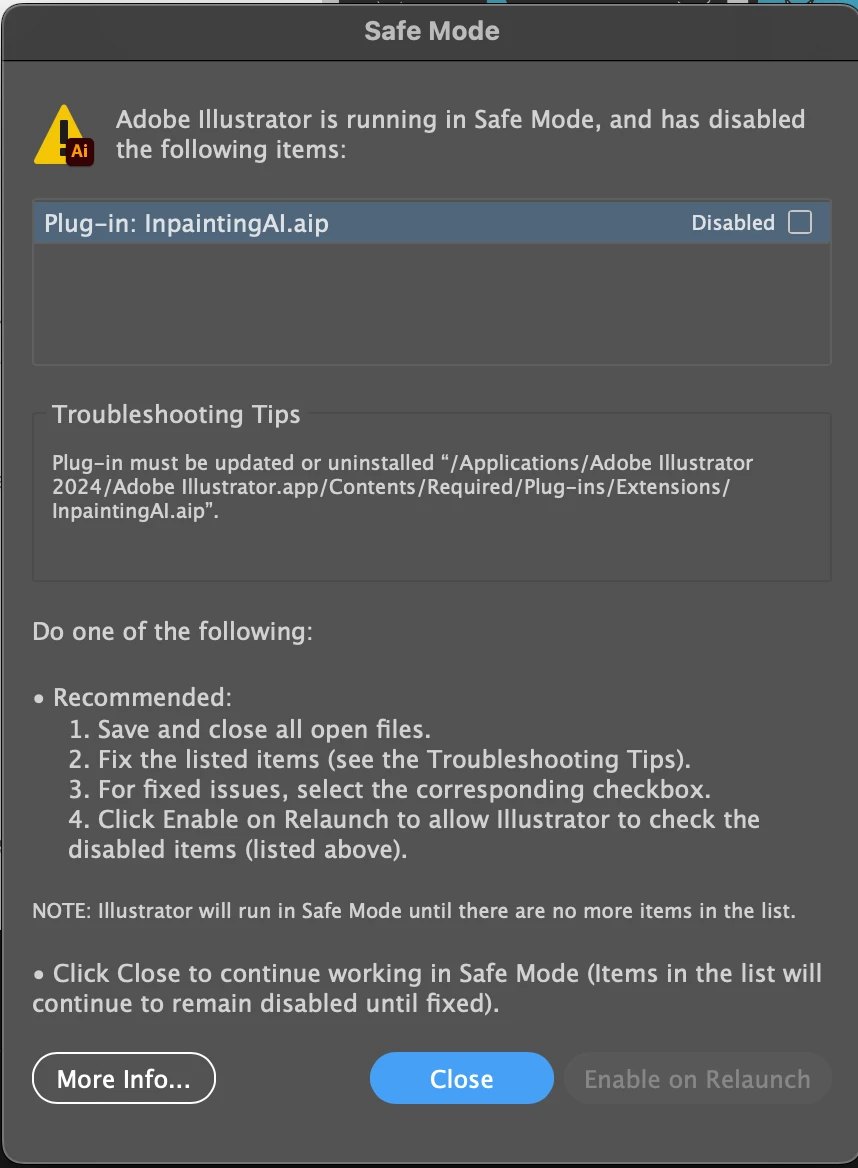
Help me please! Illustrator won't open on my laptop (Mac), it keeps quitting before even loading and now it is showing an error message that illustrator is in safe mode and I need to update/uninstall my painter plug in. I'm fairly new to illustrator so I don't know what this means or how to fix it. I tried uninstalling and reinstalling it, I updated my computer, I followed the troubleshooting directions to reset the app preferences but nothing is working. How can I fix this?  this is the message that keeps showing:
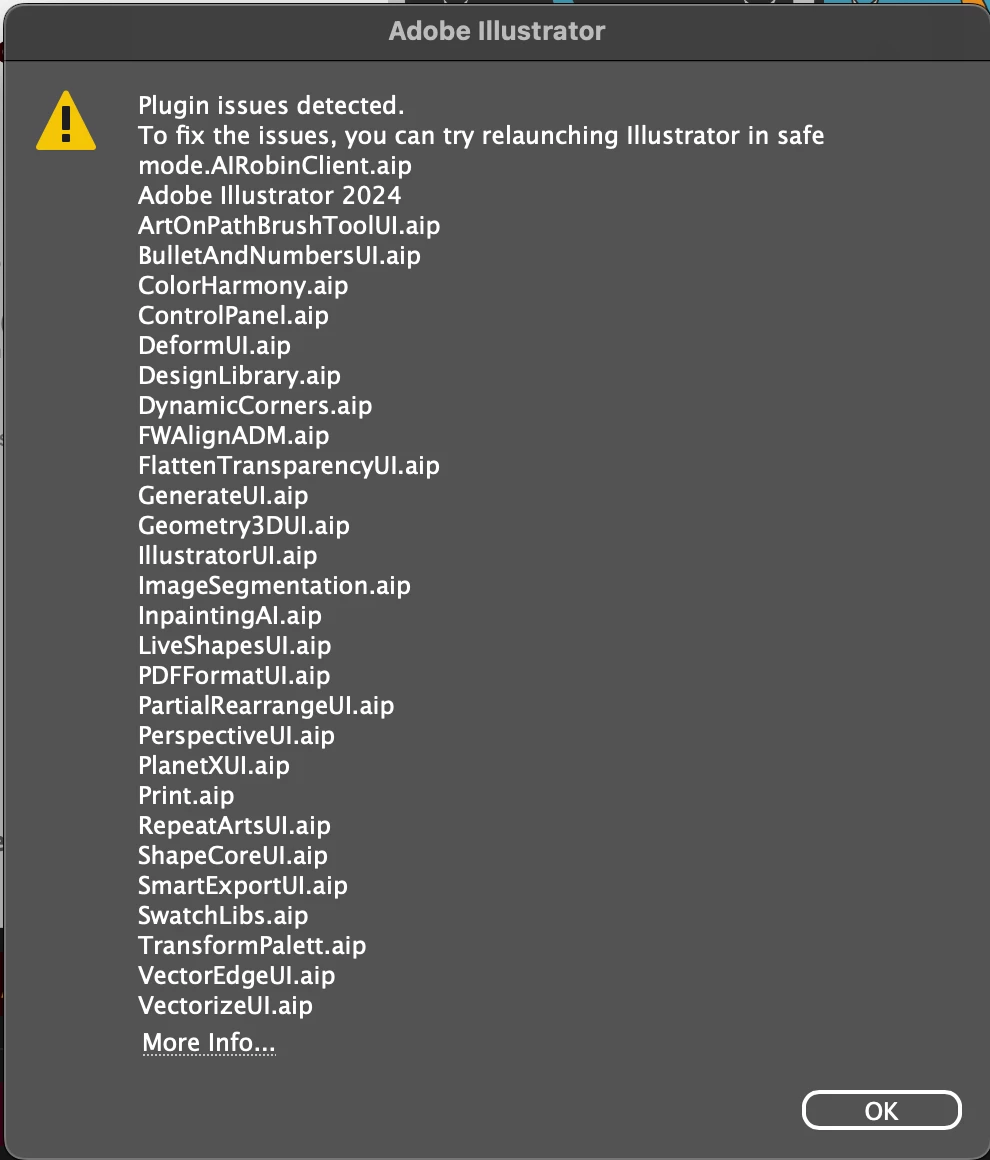
and when i tied to reset the preferences by holding command+option+shift while oepning the app, I got this message:
 

This topic has been closed for replies.

2 replies

Ton Frederiks
Community Expert
Community Expert
December 11, 2023

Since you already tried reinstalling, you could try the Cleaner tool.

https://helpx.adobe.com/creative-cloud/kb/cc-cleaner-tool-installation-problems.html

Community Expert
December 11, 2023

It looks like the plugin needs to be updated in order to work with the current version of Illustrator. You'll either need to update the plugin or if you want the current plugin to work properly you'll have to uninstall the version of Illustrator you have loaded and roll back to an earlier version.

Participant
December 11, 2023

How can I update the plugin? I'm unfamiliar with that process and haven't been able to find a clear answer online.