Question
Illustrator CS5 moving multiple points at once to alter shapes
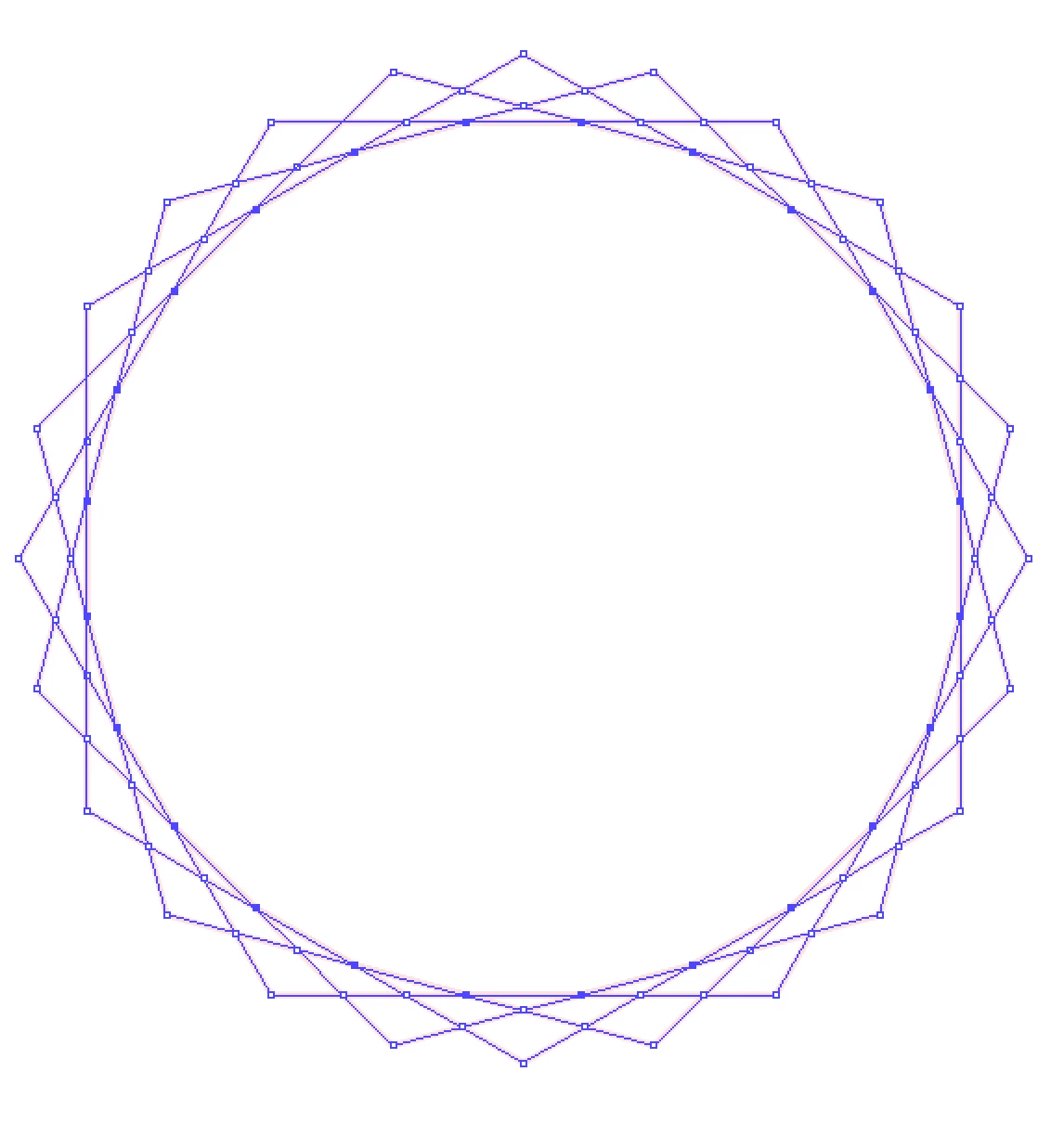
So what I want to do is collapse all the selected points in this polygon toward the center (not all the way into the center just part way) thus proportionally reducing the area of the interior shape (an image of it is below) and adjusting the lines does anyone know a way to do that? Holding CMD (I am on a Mac) and scaling just scales the whole thing even when I have only the points I want to move selected with the direct selection tool. Thanks for your time!
 AdChoices