[Illustrator CS6] Can't automate batch with dataset because of equal filenames at export
Hello,
I want to automate the PNG export for this dataset:
dataset city
1 Chicago
2 Houston
3 Phoenix
I made an xml file of the dataset, then loaded it with Window -> Variables -> Load Variable Library ... and linked my text field to the variable uscity.
And I made an Action for File -> Export (Use Artboards is checked):
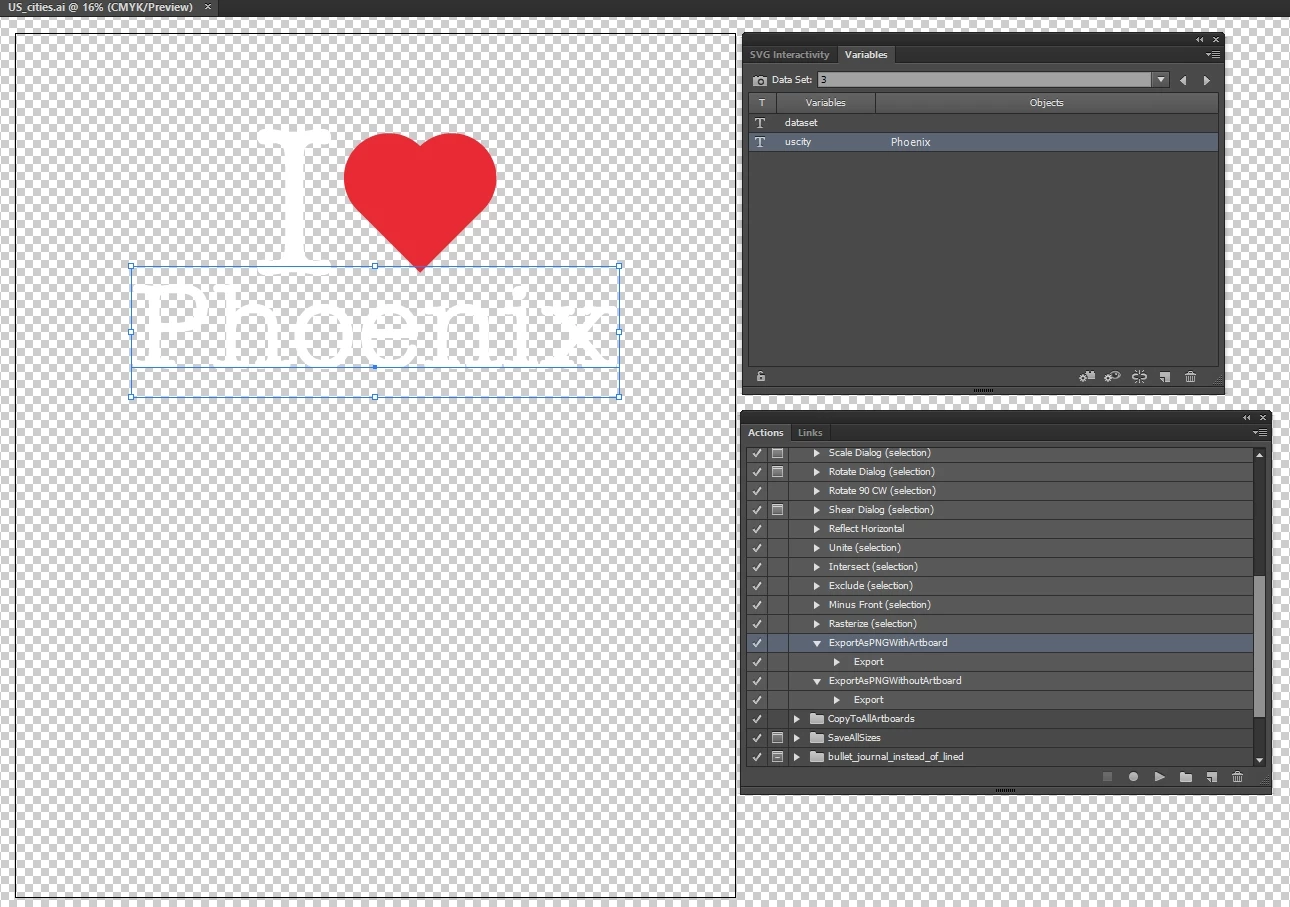
Then from the Actions window I opened Batch... with this settings:
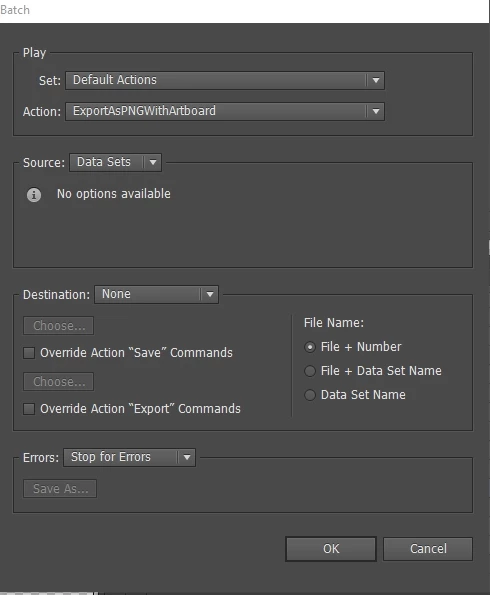
But the problem is that all PNGs are exported with the same file name (US_cities_Number1.png) and so after each export I get the question
if I want to replace my PNG.
The name is always US_cities_Number1.png for all exported PNGs.
My Ai file has the name US_cities.ai and my artboard name is Number1.
So how can I export a dataset with a batch with automated different file names
for each PNG so I haven't to copy the exported PNG to a different folder
to rescue it before each replacement question?
The best would be if I could integrate the object variable name of the dataset automatically
in the exported PNG file so I would get these file names automatically if I start the batch:
US_cities_Chicago.png
US_cities_Houston.png
US_cities_Phoenix.png
But if that isn't possible that the files get an automated counter:
US_cities_1.png
US_cities_2.png
US_cities_3.png
Can this be done?
And if yes how can it be done?
 AdChoices