
changg32802969
Participating Frequently
February 6, 2017
Question

illustrator cursor
  • February 6, 2017
  • 5 replies
  • 1564 views

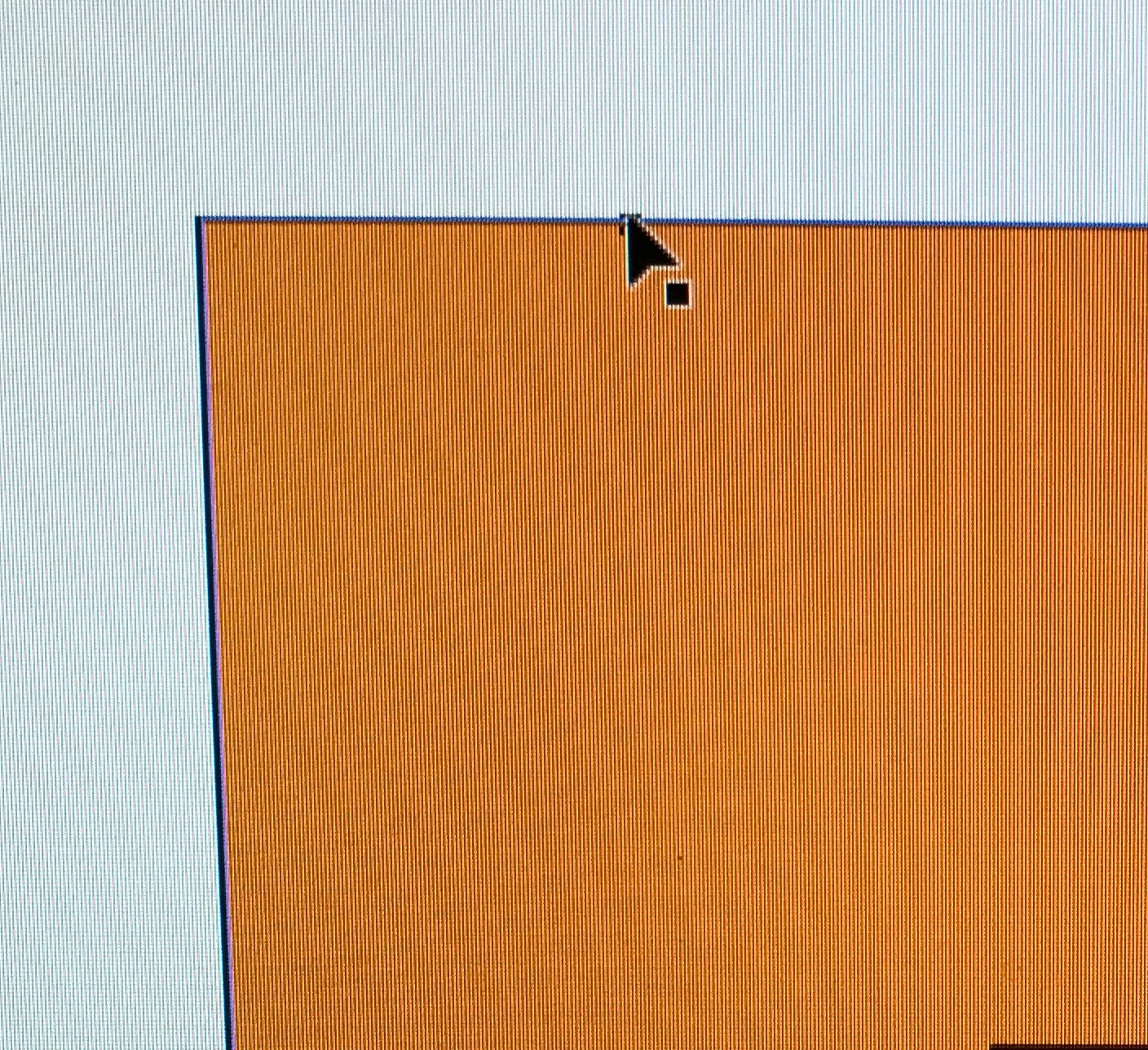
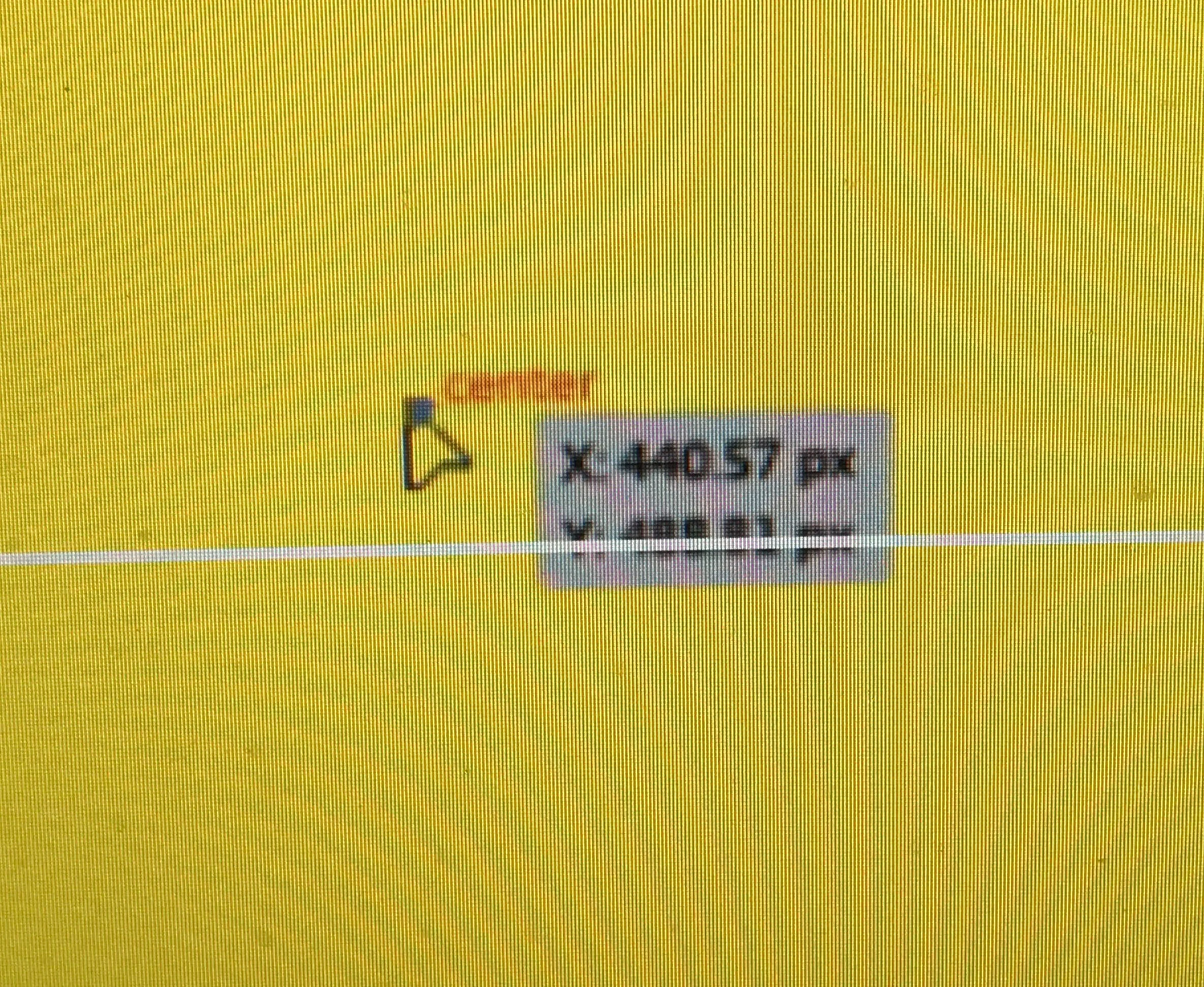
    the orange one is what in my illustrator ,as you can see there is no any sign around cursor ,but it should be just like it does in lower yellow image.for expample center. path ,atc .so how can i show them up ? thank u guys !
    This topic has been closed for replies.

    5 replies

    MichaelStephens
    Legend
    February 10, 2017

    In the top image you're using the Selection Tool and in the lower image you're using the Direct Selection Tool. Only the Direct Selection Tool gives you the on-screen information when you select or hover over elements in your artwork. The Selection Tool gives you position information when you're moving an object or changing the radius of a corner, as well as a few other things, but it's generally when you're actively changing something.

    Ton Frederiks
    Community Expert
    Community Expert
    February 10, 2017

    Works fine for me with the Selection tool.

    It stops working when you select View > Snap to Gid.

    MichaelStephens
    Legend
    February 13, 2017

    I had my shapes selected when I was going over this. Oops.

    changg32802969
    Participating Frequently
    February 9, 2017

    thanks again you all ! but nothing changed, i think it  might be my graphic card problems.

    jane-e
    Community Expert
    Community Expert
    February 9, 2017

    Did you reset preferences as per Jacob's post?

    If it was successful, all of your recent files would have disappeared from the Start Workpace. If they are still there, we need to re-visit the instructions.

    Monika Gause
    Community Expert
    Community Expert
    February 6, 2017

    Is align to grid turned on?

    Ton Frederiks
    Community Expert
    Community Expert
    February 6, 2017

    Snap to grid?

    Monika Gause
    Community Expert
    Community Expert
    February 6, 2017

    Snap to grid interferes with Smart guides.

    changg32802969
    Participating Frequently
    February 6, 2017

    with anchor / path labels option check ,there is still nothing happen!

    Doug A Roberts
    Community Expert
    Community Expert
    February 6, 2017

    view > smart guides (ctrl + U)

    changg32802969
    Participating Frequently
    February 6, 2017

    i try it ,but it

    doesn't work!

    Simmer1
    Community Expert
    Community Expert
    February 6, 2017

    If you now have View > Smart Guides checked. The next thing to do is review your Preferences.

    Try going Illustrator CC > Preferences > Smart Guides and make sure your desired Smart Guide options are active.

    Thanks,

    Sim