Answered
Illustrator Define/export Assets with Compound Clipping path
Hi guys,
First time posting here and really struggling with my export file in Illustrator 21.0.0 v2017 using a Clipping Mask made out of Compound Clipping Path ans Assets defined.
It looks like the Asset Export are not taking the clipping Mask into account.
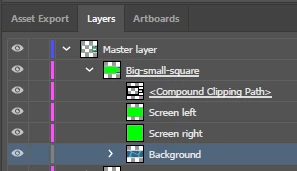
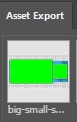
When adding the asset the clipping mask and the 3 layer underneath are selected but it look like the Compoundpath isn't applied. What should be cutted out is visible in the Assets Export pane, so does the result when exporting.
My layers
My preview in the Assets pane (will be liek this when exported in PNG format too)
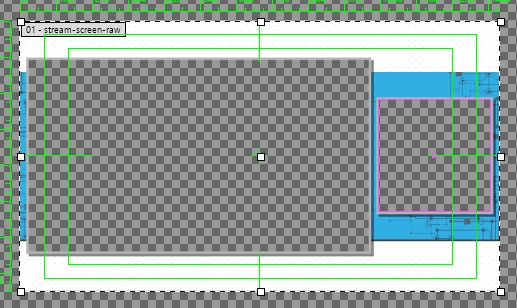
The behavior in Illustrator ( we can see that the Green Square are not supposed to be visibile)
 AdChoices