
Participant
May 7, 2022
Answered

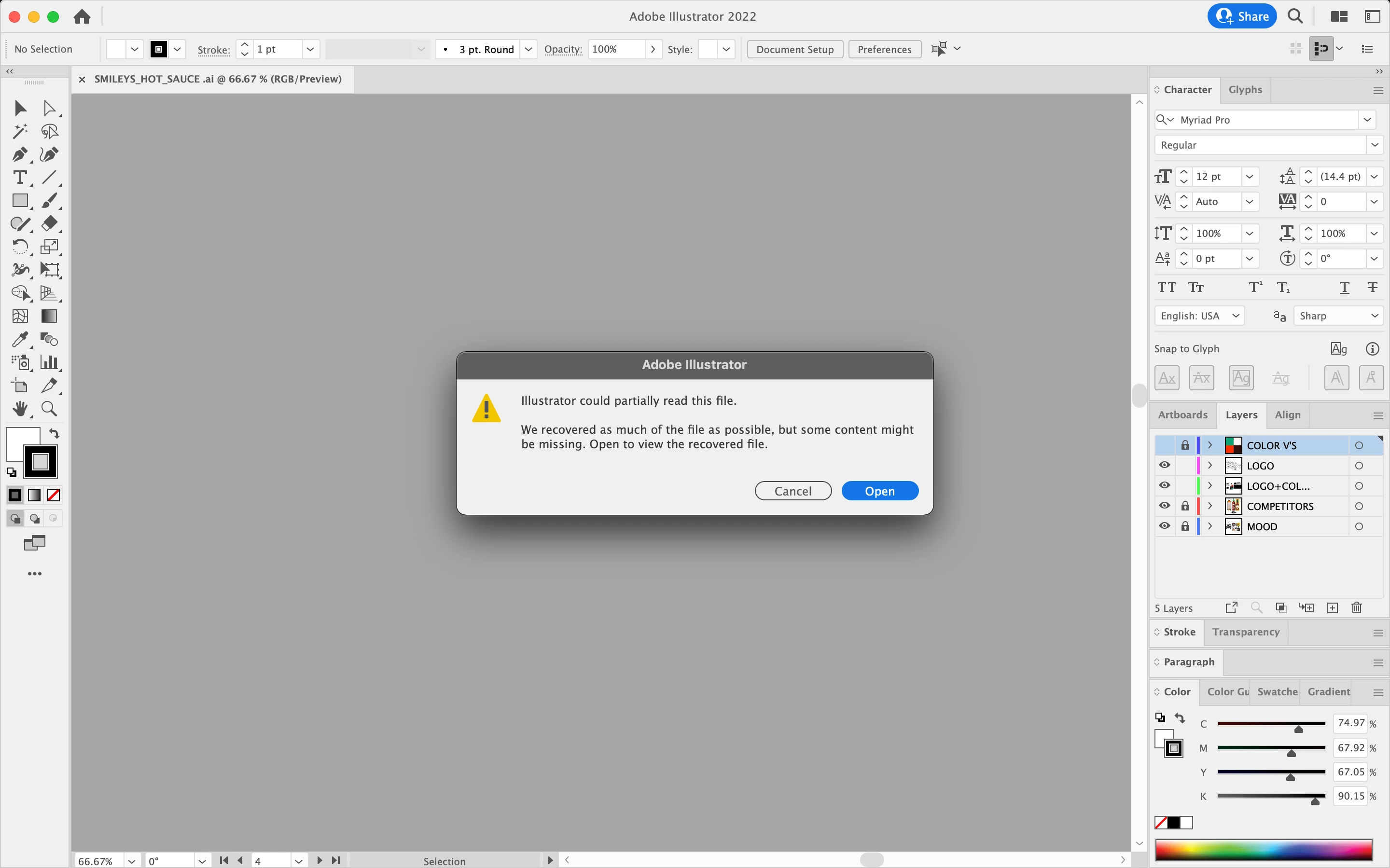
ILLUSTRATOR DELETES CONTENT

  • May 7, 2022
  • 1 reply
  • 466 views

My Adobe Illustrator keeps deleting my file or not opening it at all. I have tried saving it as a copy but i need to know if i can ever get my file back or if its a way to save it differently to keep my file safe and all my contents so its won't crash or delete anything ever again. thank you! 
This topic has been closed for replies.
Correct answer Monika Gause

Where did you save the file? If on a network, try saving to the local harddisk.

Which options?


Can you try and uncheck "Save in background" in the preferences?

1 reply

Monika Gause
Community Expert
Monika GauseCommunity ExpertCorrect answer
Community Expert
May 7, 2022

Where did you save the file? If on a network, try saving to the local harddisk.

Which options?


Can you try and uncheck "Save in background" in the preferences?

Participant
May 9, 2022

I'll save it on my hard disk or on my desktop 


I can uncheck "save in background", but what exacly would that do? 

Larry G. Schneider
Community Expert
Community Expert
May 9, 2022

It would make sure that AI would not attempt to start another process until the save in progress is completed.