Participant
August 13, 2021
Answered

Illustrator edge fringing when drawing inside shape or using shape builder tool

  • August 13, 2021
  • 2 replies
  • 249 views

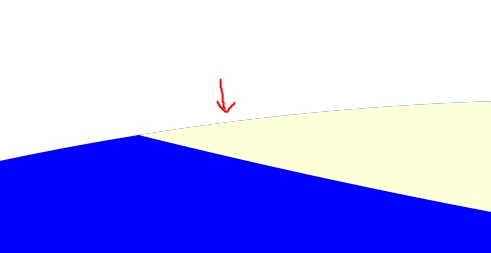
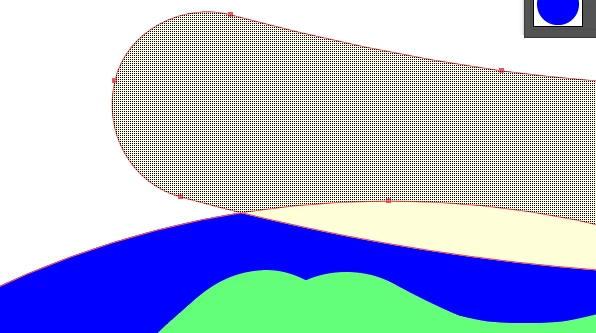
Is there a way to avoid the frining or is it inevitable? What i wanted to do was to draw inside a circle using the blob brush tool. So i made the circle, selected it, then  selected draw inside. I ended up with the fringing. So i tried to use the shape builder tool to trim away excess, but I still got it. Any ideas, please? Thank you for reading!
 

This topic has been closed for replies.
Correct answer Jad5FFB

Actually, pathfinding divide then delete unwanted segments seemed to do the trick! Although I reckon its easier to use clipping mask/shape builder if it were to work.

2 replies

Monika Gause
Community Expert
Community Expert
August 13, 2021

When drawing inside you create a clipping mask. It's filles with blue and what you see are antialiasing artifacts, because the blue still goes to the edge of the circle.

Jad5FFBAuthor
Participant
August 13, 2021

Ahhh makes sense. Thank you!

Jad5FFBAuthorCorrect answer
Participant
August 13, 2021

Actually, pathfinding divide then delete unwanted segments seemed to do the trick! Although I reckon its easier to use clipping mask/shape builder if it were to work.