

Participant
July 15, 2022
Answered
Illustrator effects overlapping
- July 15, 2022
- 3 replies
- 1072 views
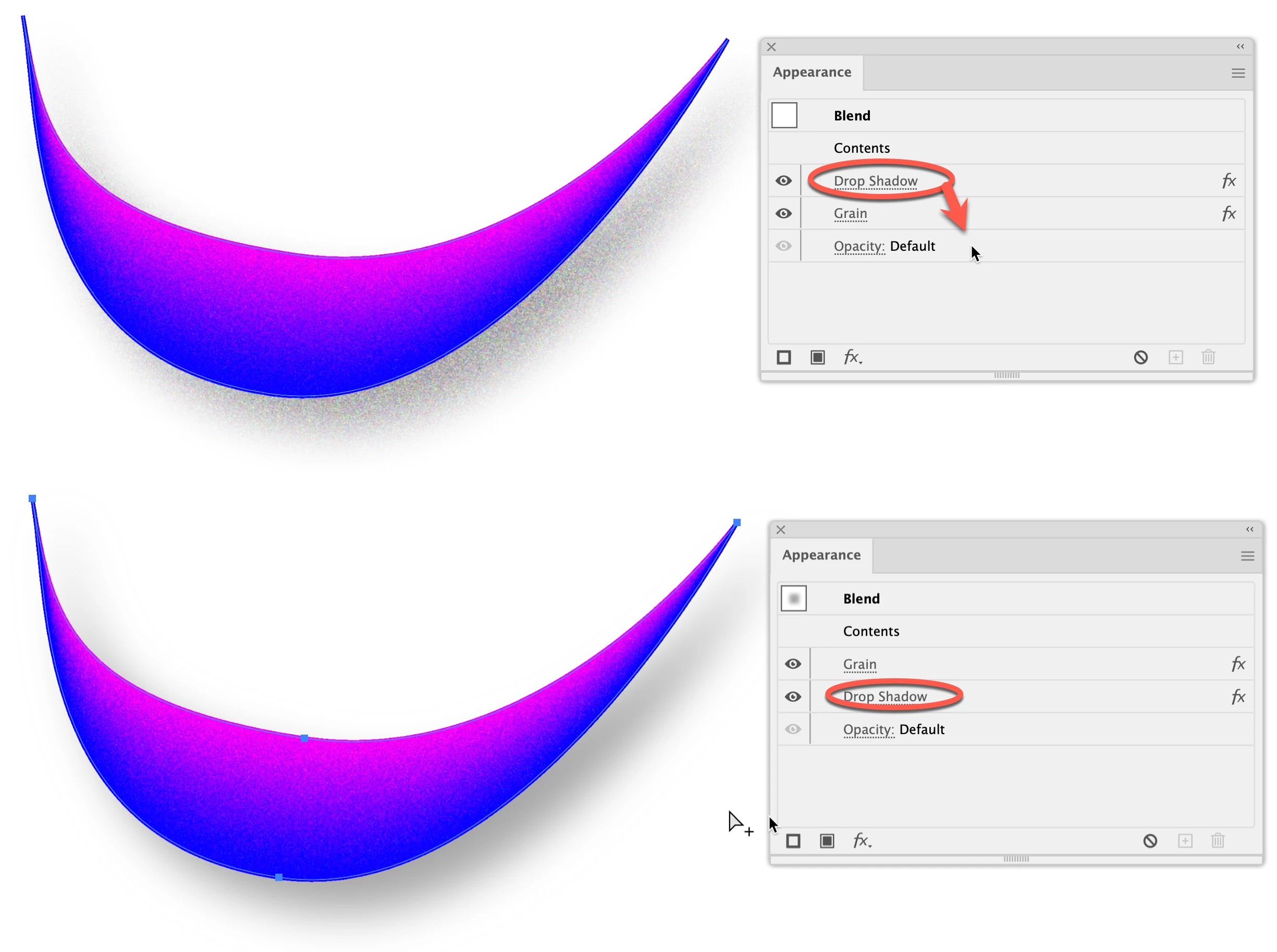
Hello, and thank you for reading! I am trying to learn how to make icons look isometric in Illustrator. I wanted this object to have grain texture, but when I add the grain, it affects/overlaps with the drop shadow effect already in place. How can I make it so that the grain is independent of the drop shadow? In other words, the drop shadow does what it is supposed to do and the grain only occurs within the shape?
 AdChoices