Participant
March 20, 2024
Answered

Illustrator Export Photoshop Color Change Problem

  • March 20, 2024
  • 1 reply
  • 420 views

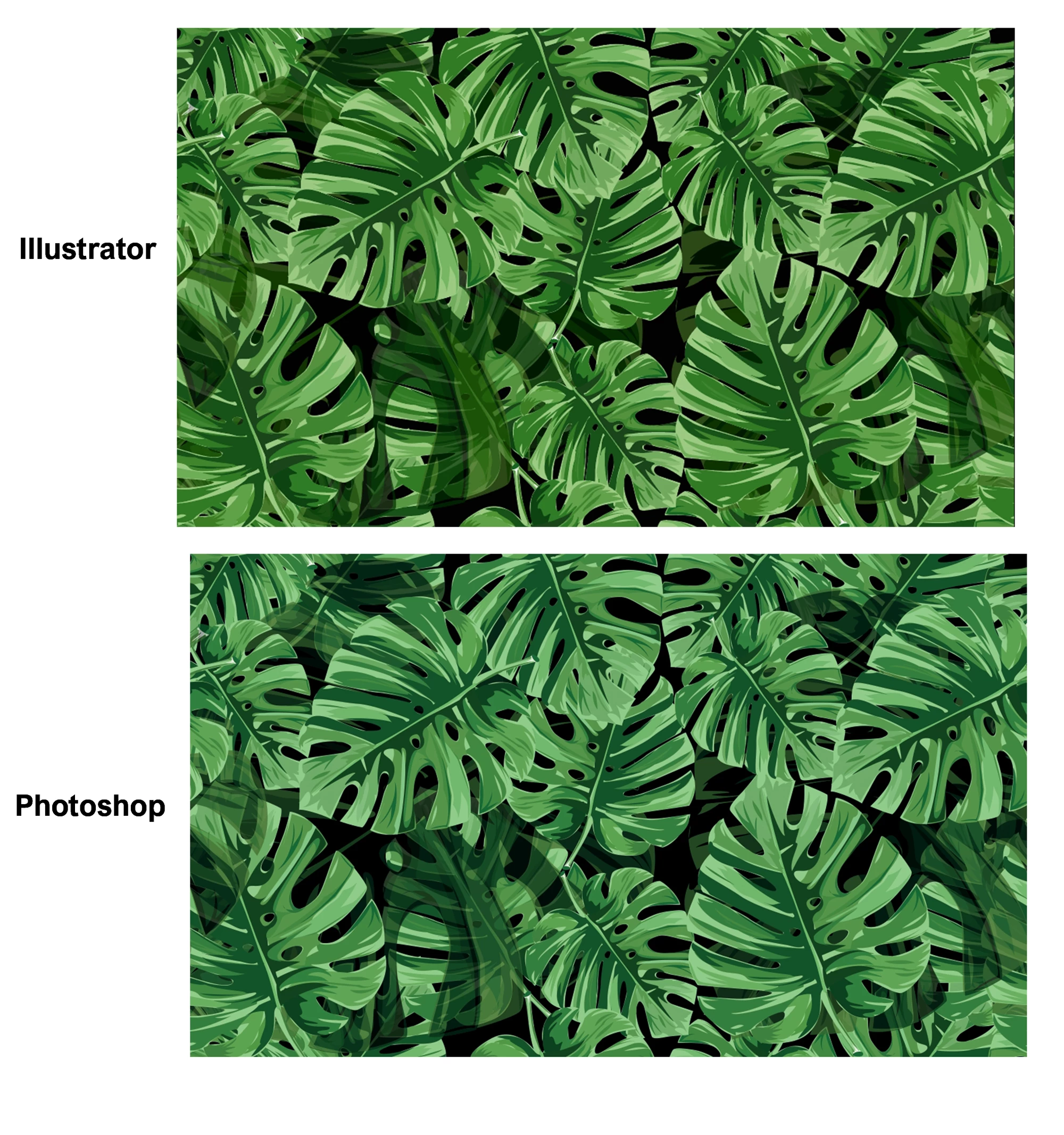
The color changes when transferring my Illustrator work to Photoshop.
I worked with Illustrator Color Profile sRGB 2.1. The file I'm trying to export is in the same profile. I couldn't figure out the source of the problem. I would be happy if you help.
This topic has been closed for replies.
Correct answer Ton Frederiks

Why use an outdated format like .eps, which does not support color management and transparency?

But one thing you could try: turn of the option "Include CMYK PostScript in RGB Files"

1 reply

Ton Frederiks
Community Expert
Community Expert
March 20, 2024

What file format do you export?

What is the document color profile of your Illustrator document?

You can check that in Assign Profile or show it at the bottom of your window:

Participant
March 20, 2024

Illustrator Color Profile  sRGB 2.1

I'm trying to export eps file to photoshop.

Ton Frederiks
Community Expert
Ton FrederiksCommunity ExpertCorrect answer
Community Expert
March 20, 2024

Why use an outdated format like .eps, which does not support color management and transparency?

But one thing you could try: turn of the option "Include CMYK PostScript in RGB Files"