Participant
September 14, 2021
Answered

illustrator exported eps pdf tiff file not showing correctly when imported or opened in Photshop

  • September 14, 2021
  • 2 replies
  • 1161 views

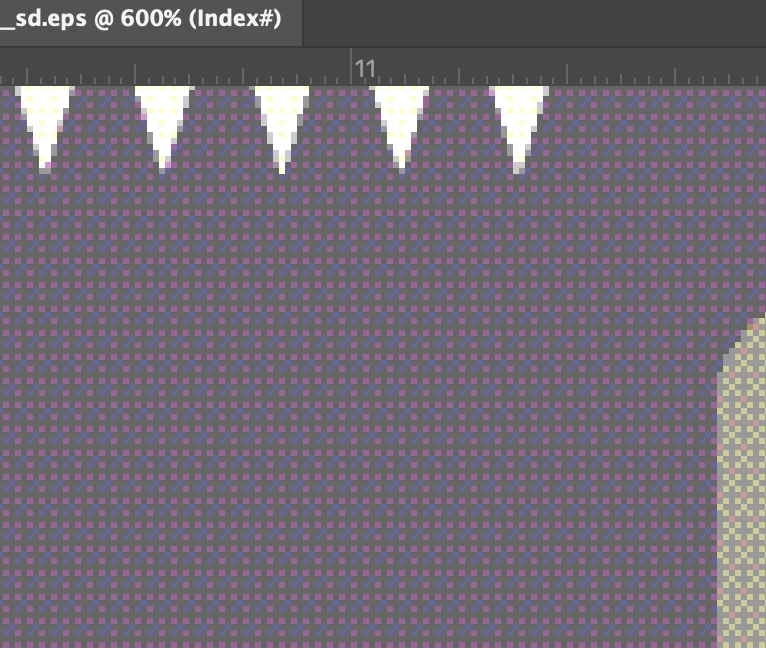
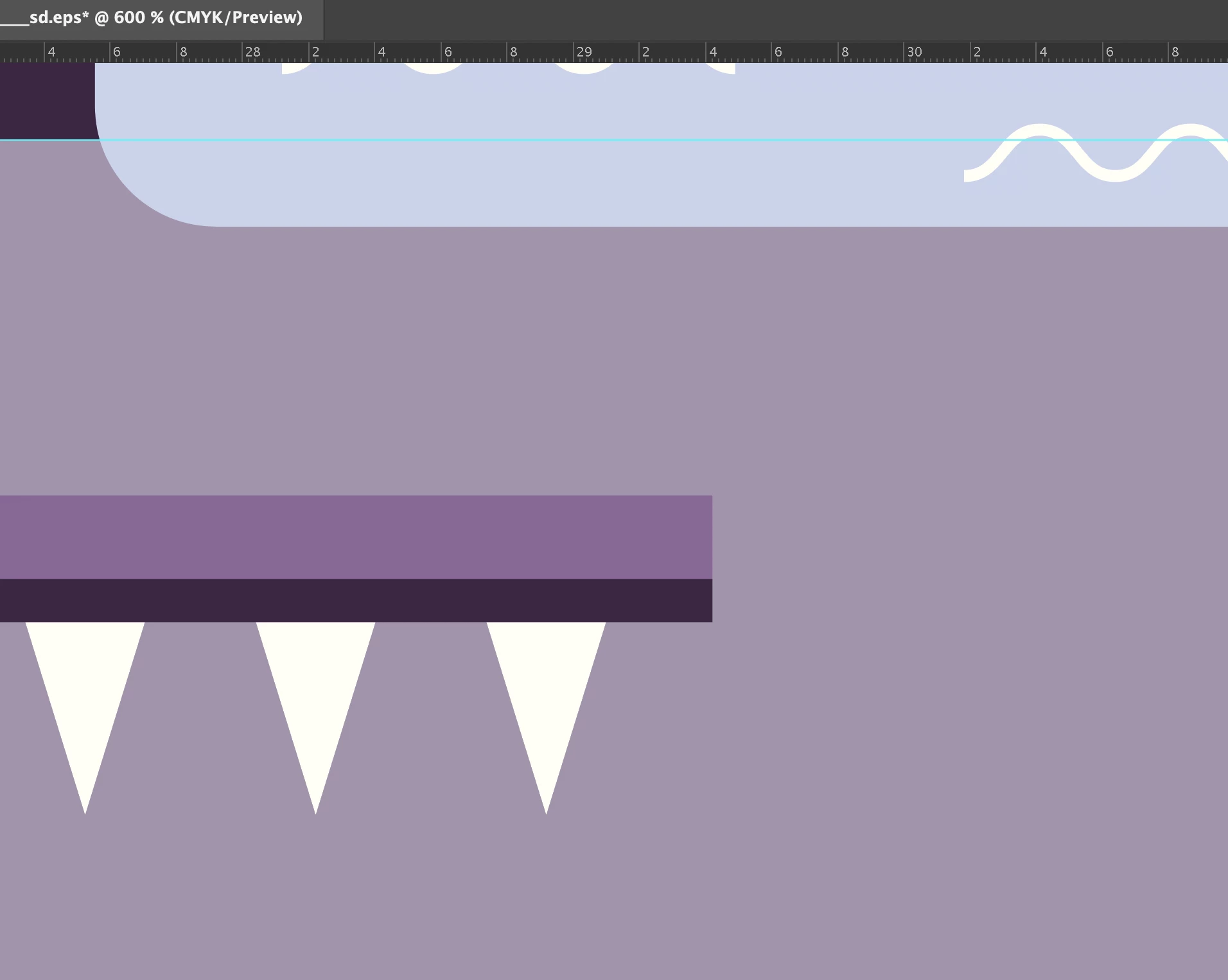
I am trying to open a file from illustrator in photoshop like .eps .pdf .tiff and nothing works correctly. All details in the file are transparent in photoshop. I just updated everything but still does not work. How to fix it?
 

{Renamed by MOD}

This topic has been closed for replies.
Correct answer Lenagrafica

Because my client needs it as a .tiff, so he asked me to check what is wrong with a file. The .tiff created by illustrator looked horrible. Normally all my vectors I can easily import to photoshop and they look the same but with this one something was wrong. Anyway I solved this problem. I created a new file and layer by layer imported everything there. It helped

2 replies

Anshul_Saini
Community Manager
Community Manager
September 14, 2021

Hi there,


Sorry about the trouble. In addition to @sishamIAGD suggestion, you may also try exporting the file as PSD from Illustrator. You will get options such as to preserve text editability, resolution,  Art or type Optimized.
Note: Ungroup as much layer you can in the Ai file if you are exporting as PSD. Otherwise, layers will get exported as a flat image.

Let us know if this helps resolve the issue.


Thanks & Regards,

Anshul Saini

Participant
September 14, 2021

I created a new file and layer by layer imported everything there. It helped. Thank you 

sishamIAGD
Community Expert
Community Expert
September 14, 2021

And why are you doing this? If you create something in Illustrator and want to have it in Photoshop, firstly create your PS document then import the vector, either by copy and paste or file>place..?


LenagraficaAuthorCorrect answer
Participant
September 14, 2021

Because my client needs it as a .tiff, so he asked me to check what is wrong with a file. The .tiff created by illustrator looked horrible. Normally all my vectors I can easily import to photoshop and they look the same but with this one something was wrong. Anyway I solved this problem. I created a new file and layer by layer imported everything there. It helped