Participant
August 18, 2021
Question

Illustrator exported PDF file taking time to load the content in third-party PDF reader

  • August 18, 2021
  • 2 replies
  • 833 views

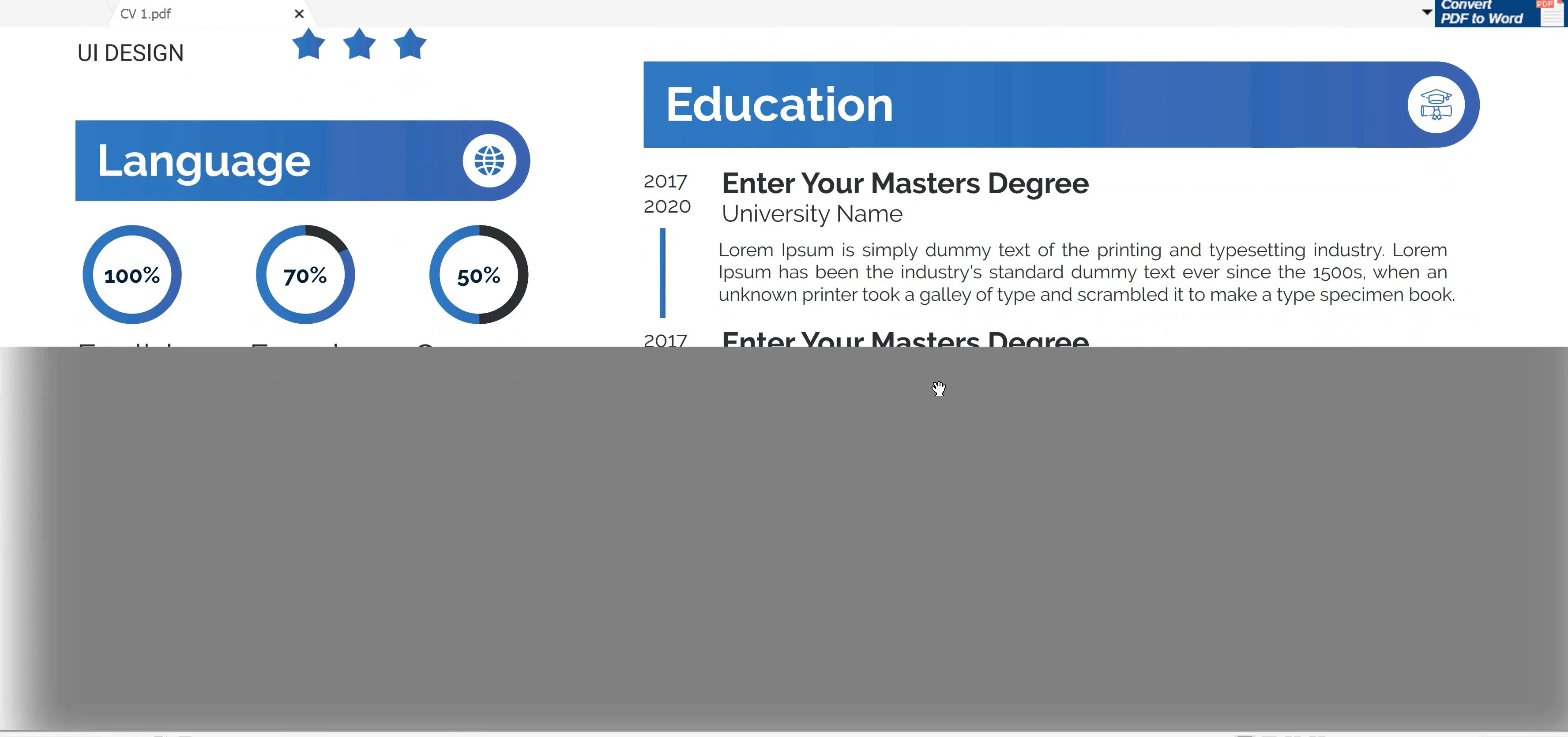
When i export pdf file from illustrator and try to scroll up & down, content takes sometime to load. The attached video for one page only, if there are more pages it takes longer. How to fix this ?


{Renamed by MOD}

This topic has been closed for replies.

2 replies

Dan Rodney
Community Expert
Community Expert
August 23, 2021

PDFs that contain vector graphics must be rendered when viewed. Depending on the speed of the app and the computer, this can result in delayed display. Does the same thing happen in Acrobat, or just the third-party app?

— Adobe Certified Expert & Instructor at Noble Desktop | Web Developer, Designer, InDesign Scriptor
Anshul_Saini
Community Manager
Community Manager
August 22, 2021

Hi there,


Sorry to hear about the trouble you are facing. I recommend you try opening this file with Adobe Acrobat to view this file and let us know how it goes. Also, I would request you to share a few more details like:

  • OS and version of Illustrator
  • Is the issue related to a specific document? If yes, could you please share the document with us? You can upload it to the Creative Cloud (https://helpx.adobe.com/in/creative-cloud/help/share.html) and share the download link.
  • From where are you opening the files (Network Drive/ System HDD/ Shared Folder on System/ External HDD)?
  • Did this start happening recently? If yes, are there any recent changes made to your system? For example, any antivirus, system updates, or web extensions installed recently.
  • System specification


Looking forward to hearing from you.


Thanks & regards,

Anshul Saini