Inspiring
December 15, 2025
Answered

illustrator exporting png's as thumbnails at 300 dpi

  • December 15, 2025
  • 5 replies
  • 214 views

hi all,

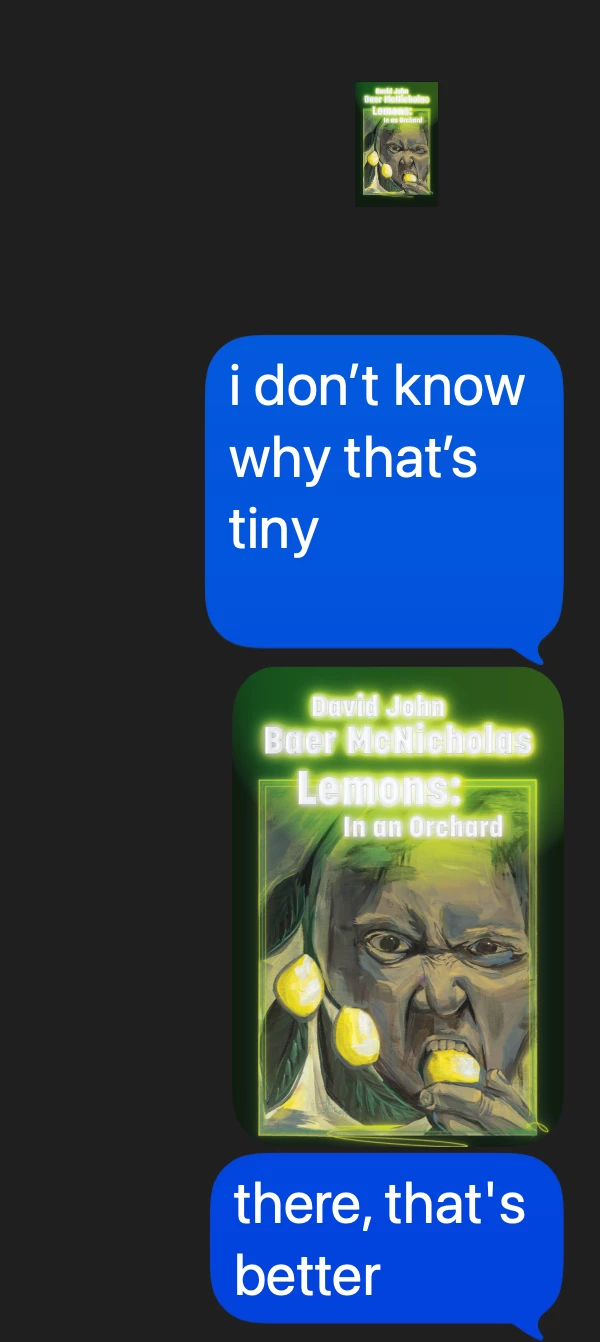
this was not a problem yesterday. today, when i export my ai to png, the images are tiny. i can zoom in and they look fine, but they are not acting normal. normally, if i share one via imessage, it appears full size in the message bubble. these appear as tiny thumbnails. when i click to preview, they are still tiny, and i have to zoom in. My work around is to screenshot the zoomed in png. i hate that. it's stupid.


i am exporting at 300 dpi, have my doc raster settings set to 300 dpi, and like i said, this wasn't a problem yesterday.


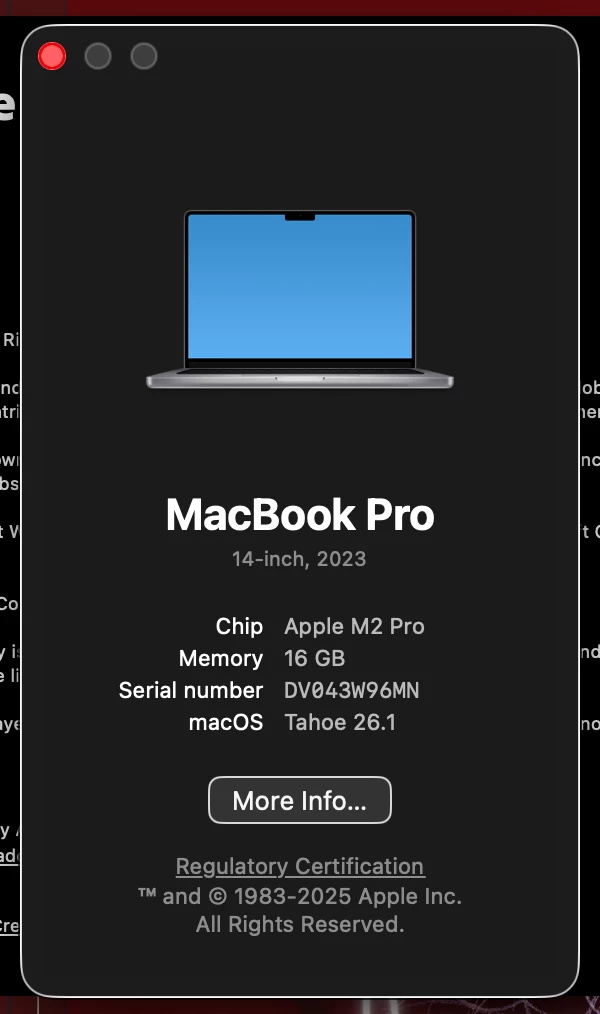
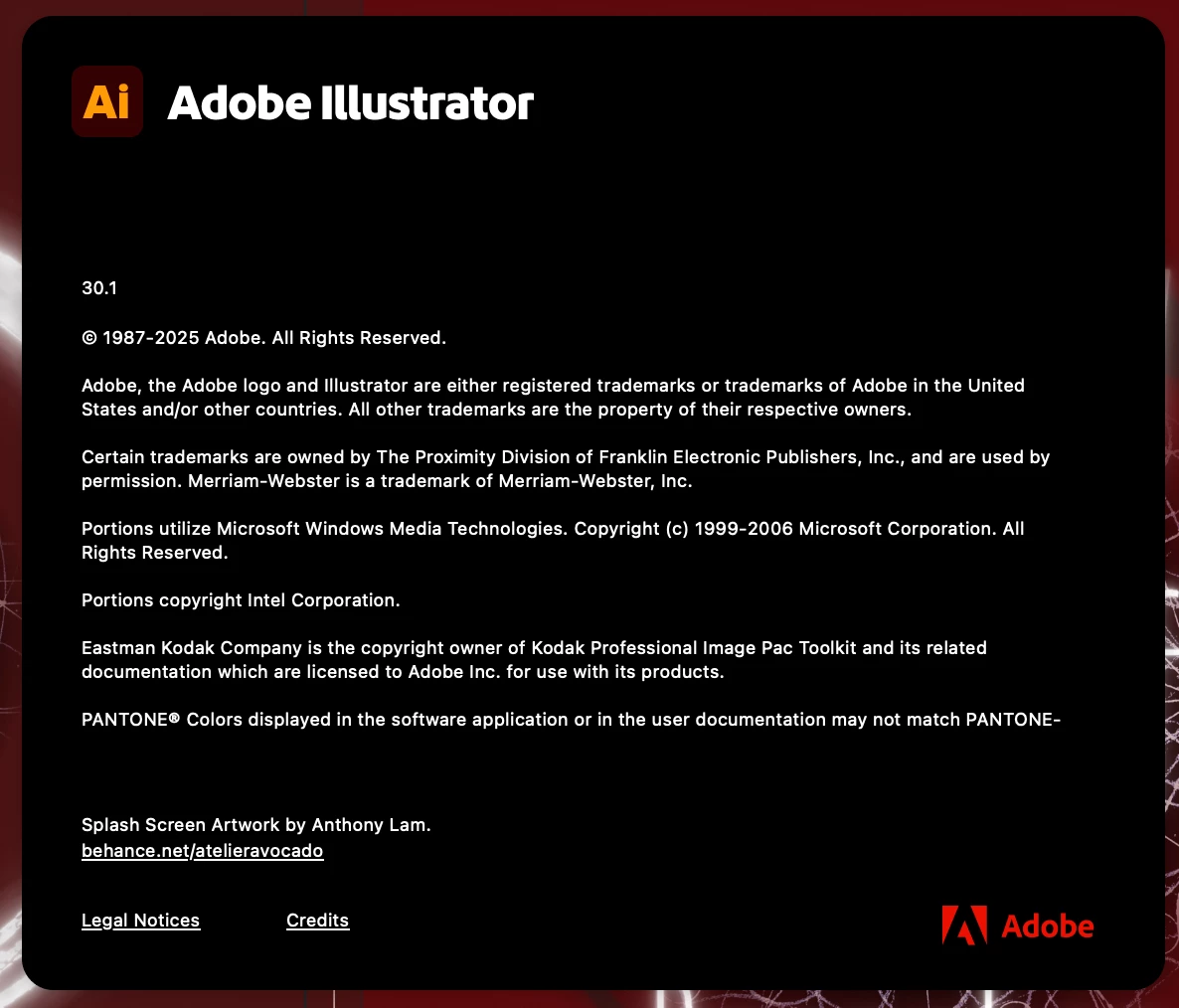
Attached pics, vers, system


thanks,

david
 

869874iADF06FC72593E7CA.png869873i81FE8F7AA541F155.png869875iC0AA4FEC5767E5C9.png


Correct answer david mcnicholas

This forum is always so on point, helpful, and possibly the most polite on the internet. 

thank you. I thought it might be something simple, a beginner's mistake. Apparently, checking "use artboards" is important. This has been the solution. 

Thank you,

David

5 replies

david mcnicholasAuthorCorrect answer
Inspiring
December 16, 2025

This forum is always so on point, helpful, and possibly the most polite on the internet. 

thank you. I thought it might be something simple, a beginner's mistake. Apparently, checking "use artboards" is important. This has been the solution. 

Thank you,

David

thanks
Mike_Gondek10189183
Community Expert
Community Expert
December 16, 2025

Which exact menu item are you using to export to .png, there are many option in ilustrator.


File >> Export >> Export is one of the easiest.

You would get an option like this. So if your artboard size is 1' x 1', you would get a 300x300px file.

870055i75516B71D40347EC.png

Now if you use use FIle >. Export Sledtion it will export at 72 dpi for  72x72 px image.


Your issue might be that you are getting 1" x 1"  @ 300 dpi, but you want a 4.167 x 4.167" @ 72 dpi (using the example I gave). 


Can you open your imge in Photoshop and give us your image size details.


870060iB6369DFB0336009D.jpg


Doug A Roberts
Community Expert
Community Expert
December 16, 2025

I don't think we should advise resetting preferences without knowing anything about the file.

What's the size of your Illustrator artboard?

Is 'Use Artboards' selected when exporting?

What are the dimensions (in pixels) of the exported PNG?

Does the PNG appear normal in other software (e.g. Photoshop or Preview)?

creative explorer
Community Expert
Community Expert
December 16, 2025

@david mcnicholas have you tried resetting Iluustrator preferences as it could be corrupted preferences? 

m
barbara_a7746676
Community Expert
Community Expert
December 15, 2025

Check the size of the artwork before exporting.