Illustrator file corrupted, can't see any color when artboard color is black.
I was working on this file in illustrator and I had changed the artboard colour to Black through Document Setup.
It was working all fine, until somehow suddenly it started hanging a lot. I figured out it was because of a corrupted font file. So what I did is I Expanded the text from that font and deleted the font.
But in that whole process, I lost all colour in my artwork (see the image below). It's like all my artwork has a Multiply property applied to it, but it doesn't.
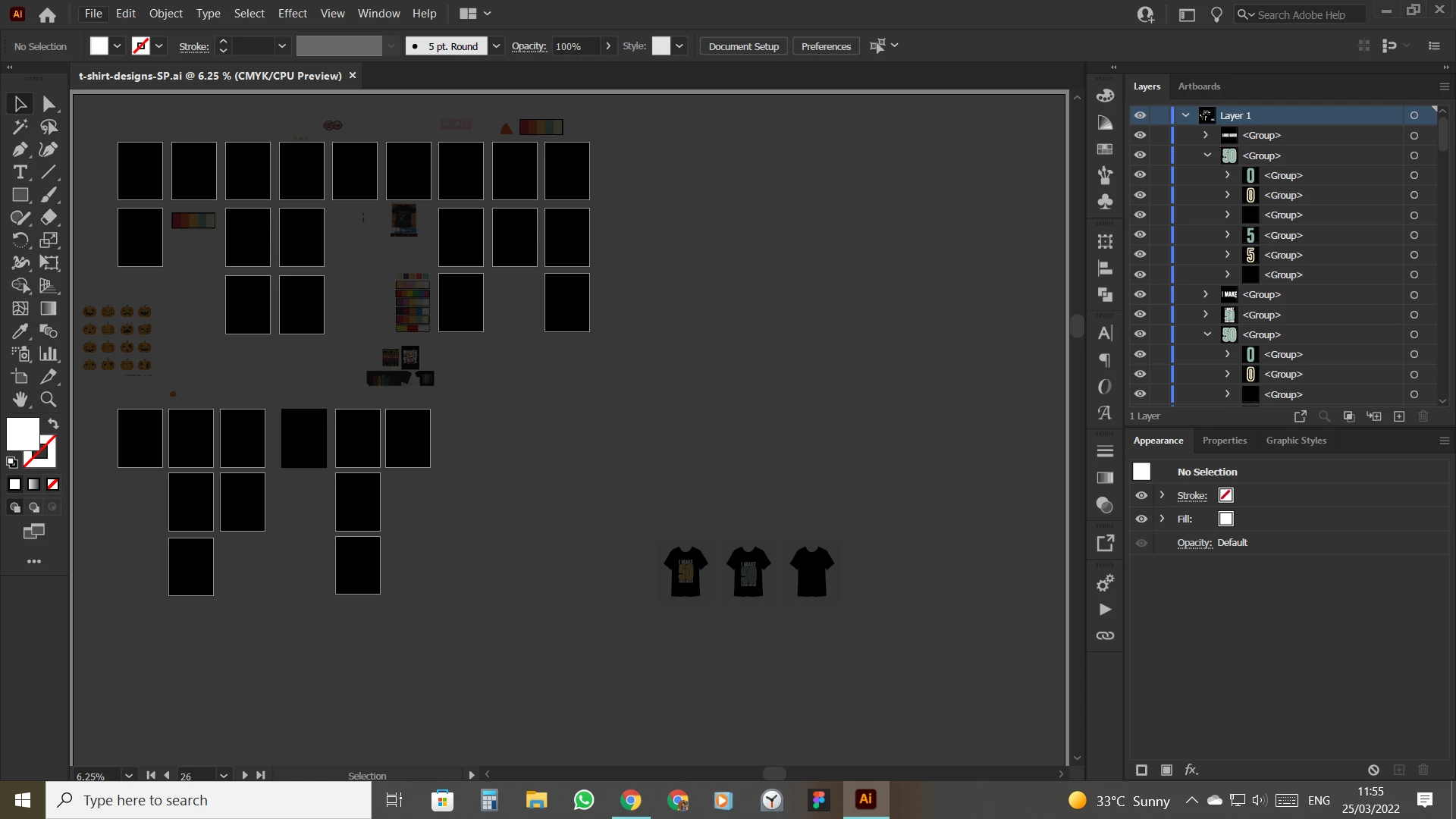
Then I created a new document and tried to copy and paste my artboard (I can still select it, I just can't see it.) And as the new document had a white artboard It worked, I could see the colours, but as soon as I changed the artboard colour to black, it went back to the same thing.
Then I checked in the original document if changing back the artboard colour did the trick and it worked. But I still can't figure out why it's not working in black. I even tried opening the file in other versions and on different devices, still the same.
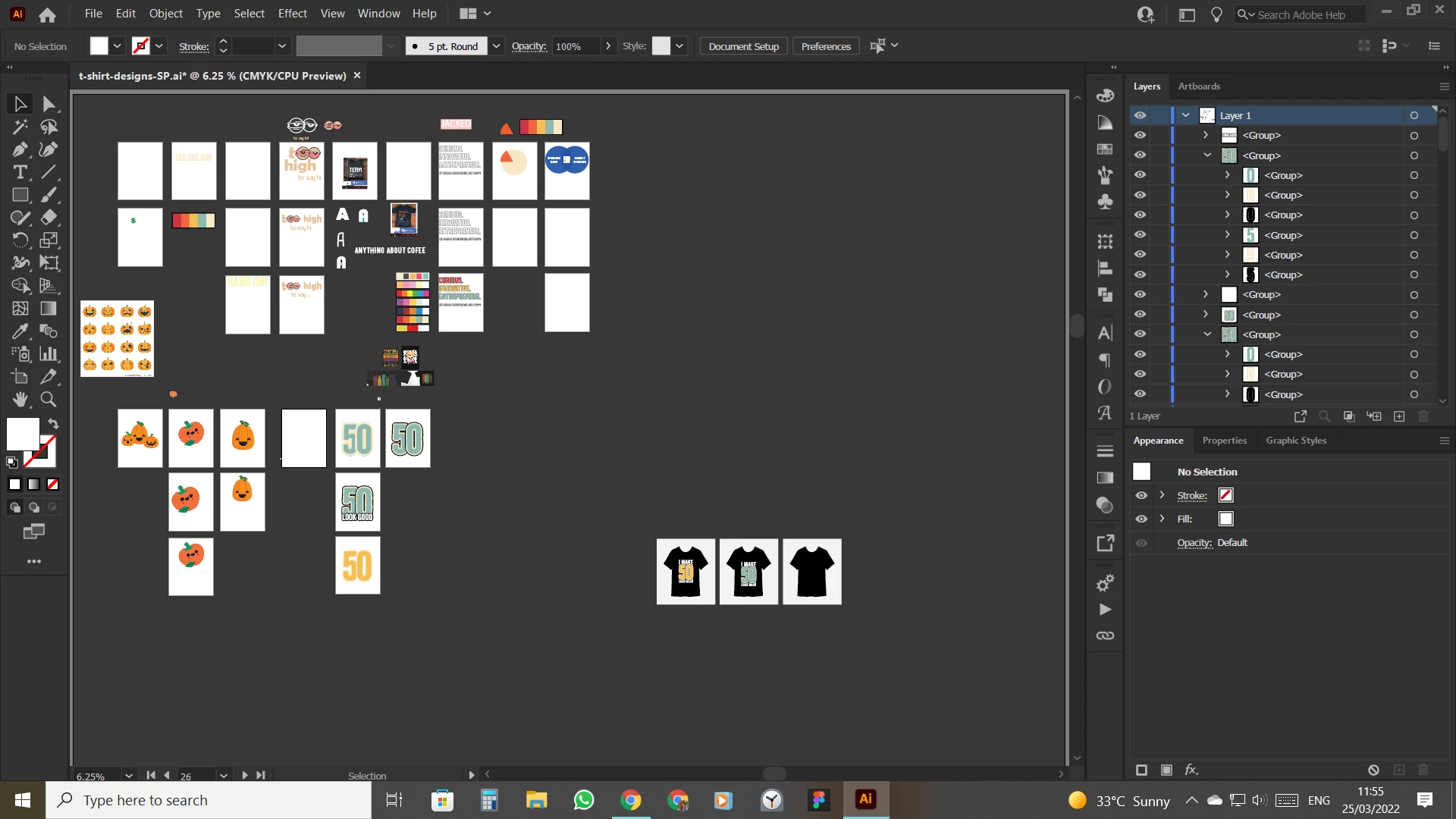
When I create a new document and change the artboard colour to black and do something on it, it works. But anything from this file messes it up.
Also, the Ilustrator still hangs while opening this file.
Do you know anything that might help?
 AdChoices