



Question
Illustrator files saved from v30.1 turning Invisible in Finder
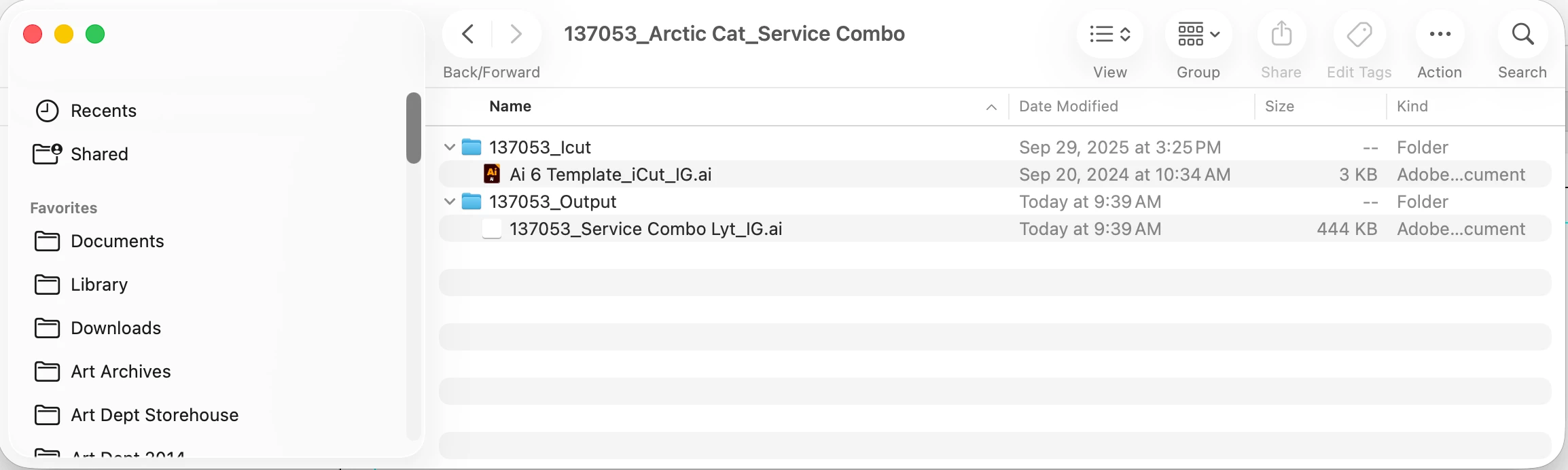
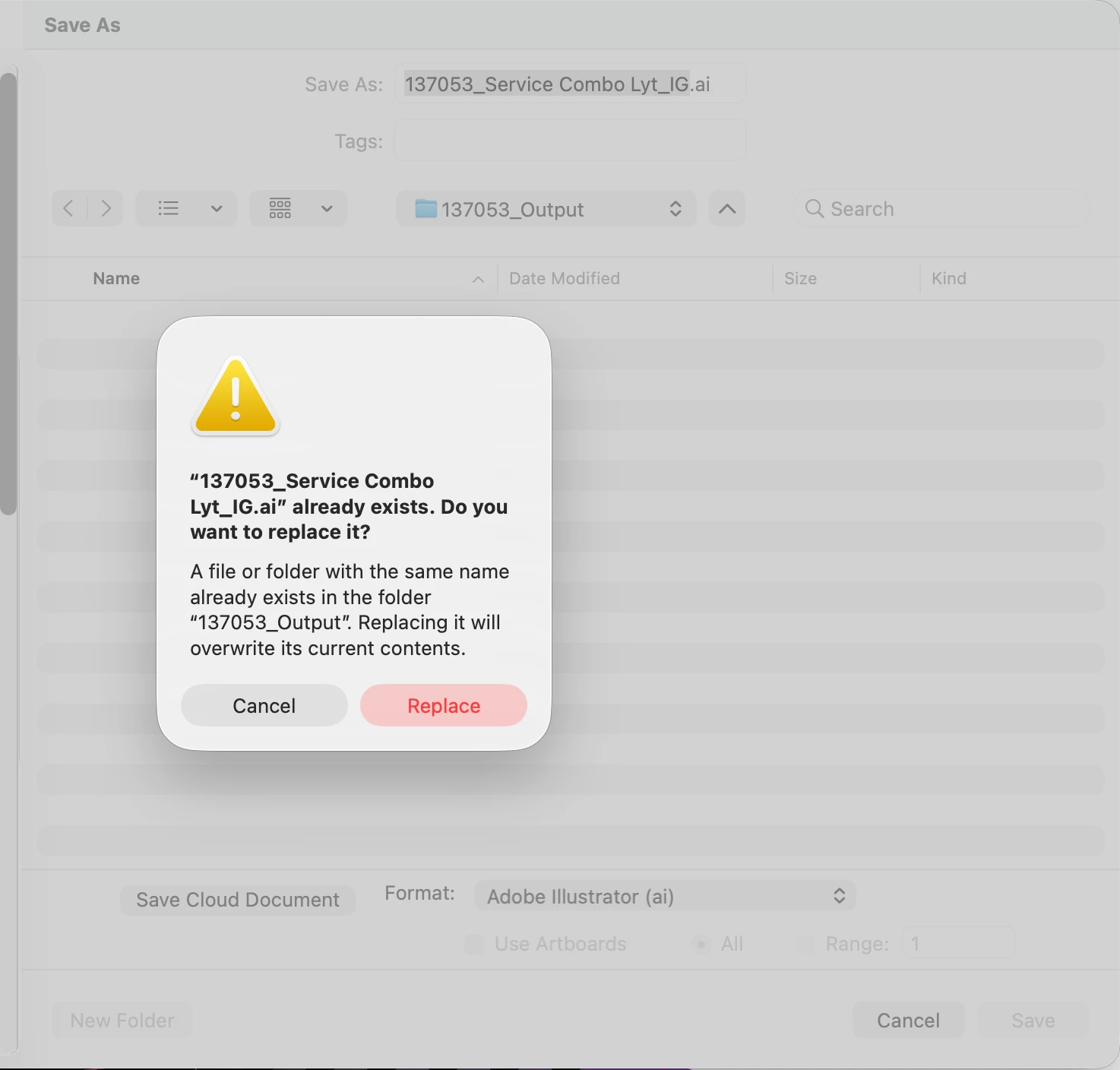
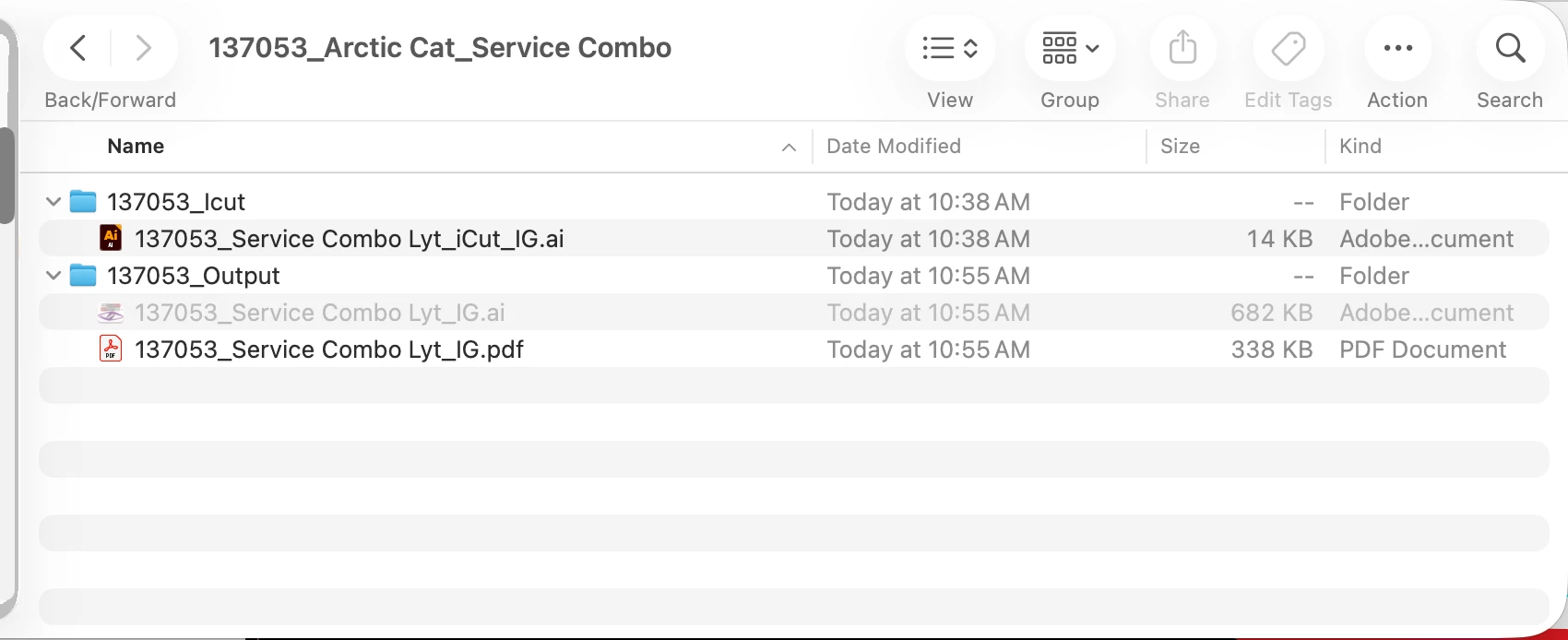
Since my Illustrator updated to v30.1, saved .ai files have been turning invisible in the Finder. The files save normally at first but will later seem to disappear. The file is still where I saved it, just invisible. I can still open the file from Illustrator's "Recent Documents", and doing a "Save As" into the same location prompts a "File already exists, do you want to overwrite?" message. The only way I can see the files is to use "Cmd+Shft+." to Show Hidden Files. I am on a Mac Studio running Tahoe 26.1
 AdChoices