


Answered
Illustrator - floating work space
Hi
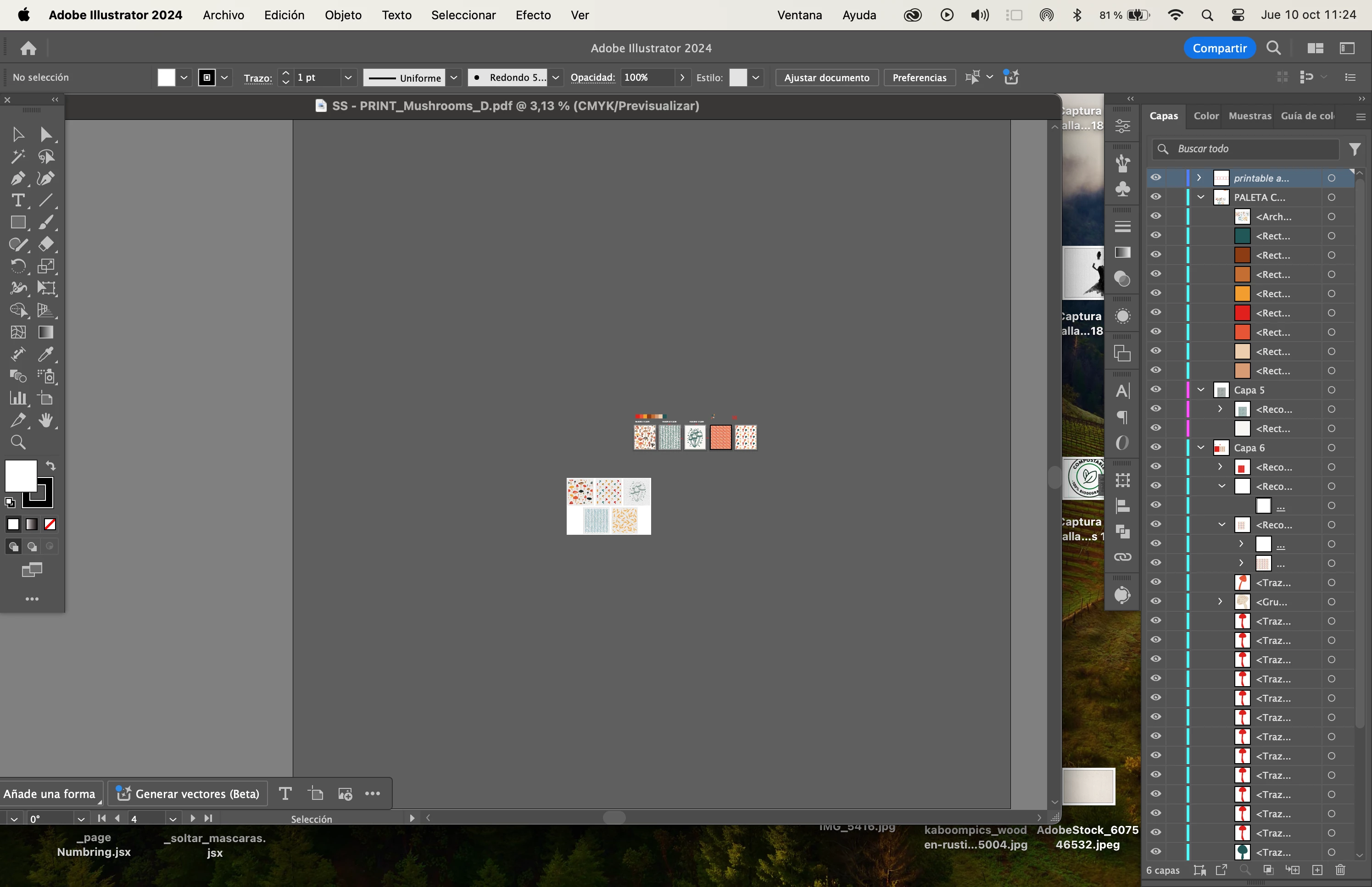
Two weeks ago for some reason I ignore, illustrator is displayed with all the features floating; which it means, every time I open or close files everything is floating with my desk at the back..
I've tried everything to go back to the previous layout - everything very organized and tidy - but it's impossible, I don't know what else to do.
Please, help.. this is driving me crazy -- I cant work like this anymore
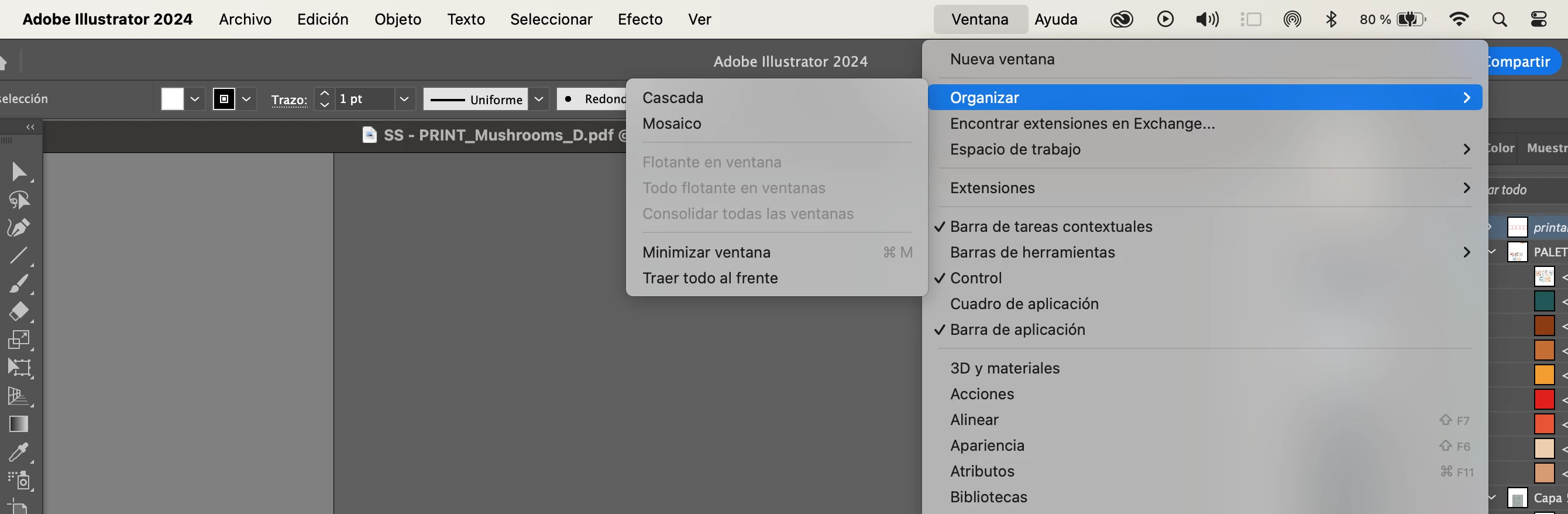
Screen cap - no option to consolidate everything in the same window - is light grey I cannot choose it
zy -- I cant work like this anymore
 AdChoices