

Participant
Jan 16, 2025 9:51 AM UTC
Answered

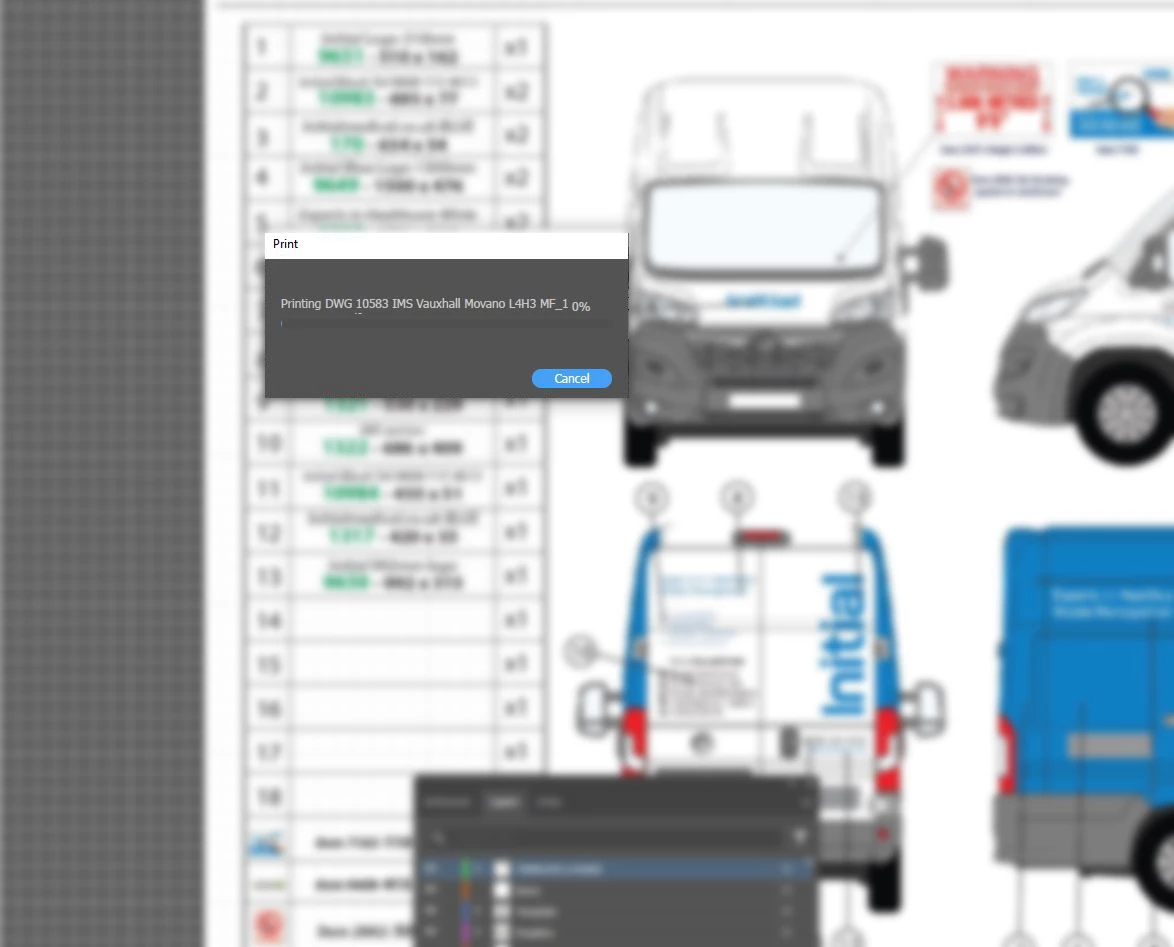
Illustrator freezes/crashes when I try to print a document after updating to Illustrator v29.2.1

Updated Illustrator 29.2.1 freezes/crashes when I try to print a document. Only works if I reset to 29.01.

Anubhav M
Anubhav MCorrect answer
Community Manager
Jan 24, 2025 10:52 AM UTC

Hello @marcusf23195413 ,

Our product team has rolled out a backend fix for this problem. Would you mind re-installing Illustrator 29.2.1 and confirming if it helps resolve the problem?

Looking forward to hearing from you.


Anubhav

5 replies

Anubhav M
Community Manager
Anubhav MCommunity ManagerCorrect answer
Community Manager
Jan 24, 2025 10:52 AM UTC

Hello @marcusf23195413 ,

Our product team has rolled out a backend fix for this problem. Would you mind re-installing Illustrator 29.2.1 and confirming if it helps resolve the problem?

Looking forward to hearing from you.


Anubhav

Translate
Participant
Jan 27, 2025 10:48 AM UTC

Thanks Anubhav & team, problem solved.

Translate
Anshul_Saini
Community Manager
Community Manager
Jan 20, 2025 8:55 PM UTC
 
Thank you for the update. Since resetting the printer hasn’t resolved the issue, could you please provide the following details to help with further troubleshooting?

1. The version of Windows (e.g., Windows 11, version 22H2).

2. The file format you are trying to print (e.g., .PNG, .JPG, .AI, .PDF, etc.).

3. Confirm whether the printer is connected locally, via a network, or Wi-Fi, and if the issue occurs with all files or specific ones.
4. Printer make & model.
5. An MSInfo file for system details. You can generate it by pressing Win + R, typing msinfo32, and hitting Enter. Once the window opens, go to File > Export, save the file, and share it with us.
 
This will assist us in narrowing down the issue and finding a solution.
 
Looking forward to hearing from you!

Best,
Anshul Saini
Translate
Monika Gause
Community Expert
Community Expert
Jan 16, 2025 9:57 AM UTC

That is Windows?

Can you try and reset the printer?

Translate
Participant
Jan 16, 2025 10:50 AM UTC

Thanks Monika, replaced PPD's but problem still persists.

Translate
