
Participant
August 8, 2022
Question

Illustrator- Gradient Blending Issues. HELP!

  • August 8, 2022
  • 4 replies
  • 295 views

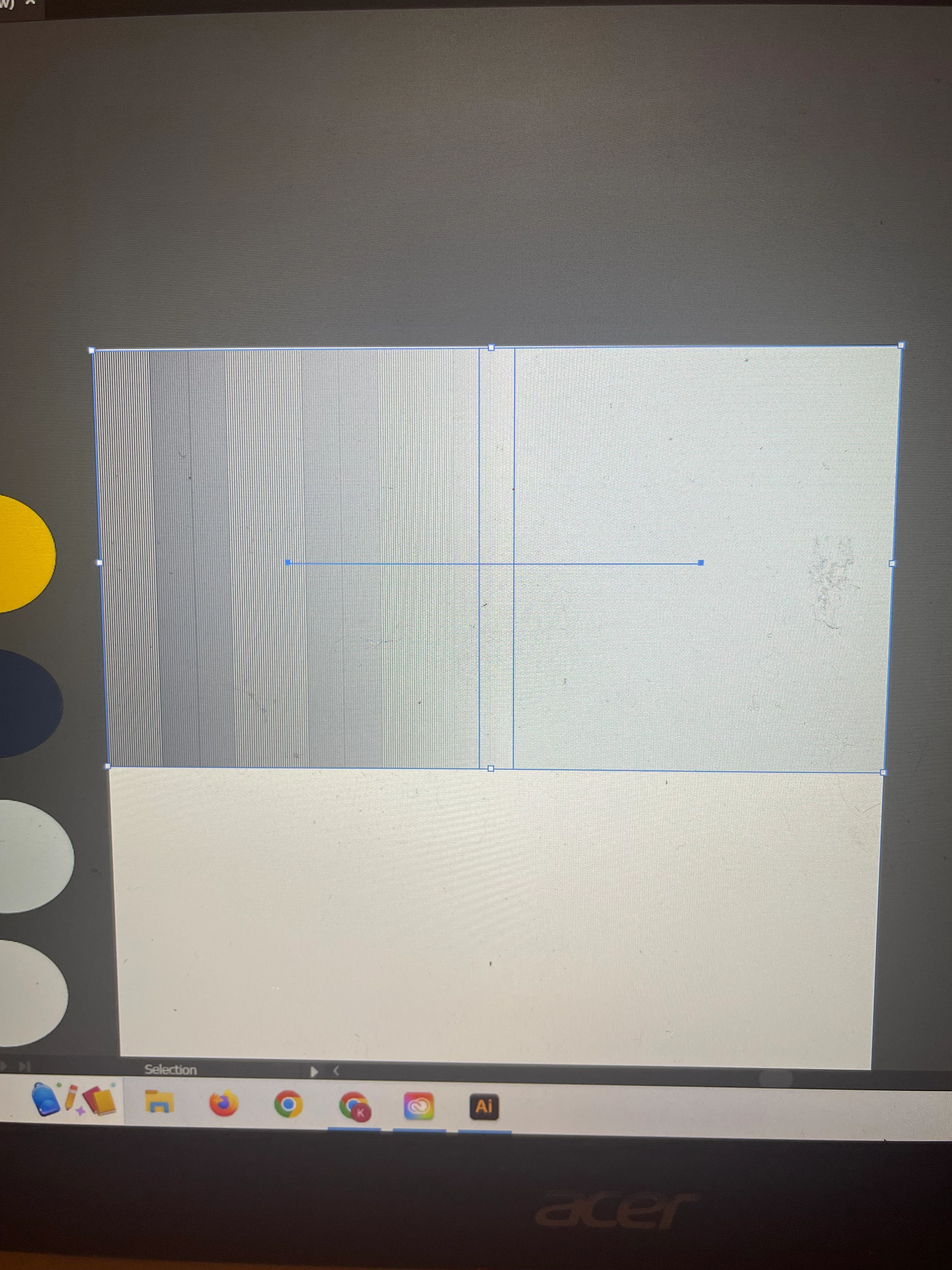
Hi! I reallly neeed help! Im oretty new to illustrator and im grating to make smooth pretty gradients with colors. I tried creating two sqaure objects with the colors blue and yellow then selecting them both and using the blend tool. When you do this, its supposed to create one object and the colors of the object are supposed to blend towgther in the middle. As soon as I did that, it blended but its not a smooth blend. There are straigght vertical lines on my object. I dont know what to do! I even went and make sure to click smooth

color when chosing blending options. Please help!! 😞


This topic has been closed for replies.

4 replies

Jacob Bugge
Community Expert
Community Expert
August 8, 2022

Kayla,


I agree with Scott about a gradient in this case.


To create it as a Smooth Blend you can (also) create the full rectangle in either colour, then copy to the front and reduce the width to an insignificant value (1pt or something) at one end, and then you can use Smooth.


Ton Frederiks
Community Expert
Community Expert
August 8, 2022

Hard to see on pictures of your screen. Please use screendumps:

https://www.take-a-screenshot.org/

Scott Falkner
Community Expert
Community Expert
August 8, 2022

Select the blend then go to Object > Blend > Blend Options. You can specify the number of steps in the blend. If your end result is a rectangular blend between two colours you will be better off applying a gradient fill to a rectangle.

Bill Silbert
Community Expert
Community Expert
August 8, 2022

Try turning off GPU Performance in the Performance section of your Illustrator preferences. It's possible that the lines you're seeing are just part of a bad screen view which turning off the GPU Performance may fix.

Participant
August 8, 2022

hi Bill! Thank you for replying back to me. I tried to see if I could turn the GPU performance off but it seems like it's already off and it actually shows that I'm not able to even toggle with it if I wanted to. Here's a photo. 😞 any other suggestions ?