Faith5C32
Known Participant
July 27, 2026
Answered

Illustrator graphics different from one document to the next

  • July 27, 2026
  • 5 replies
  • 35 views

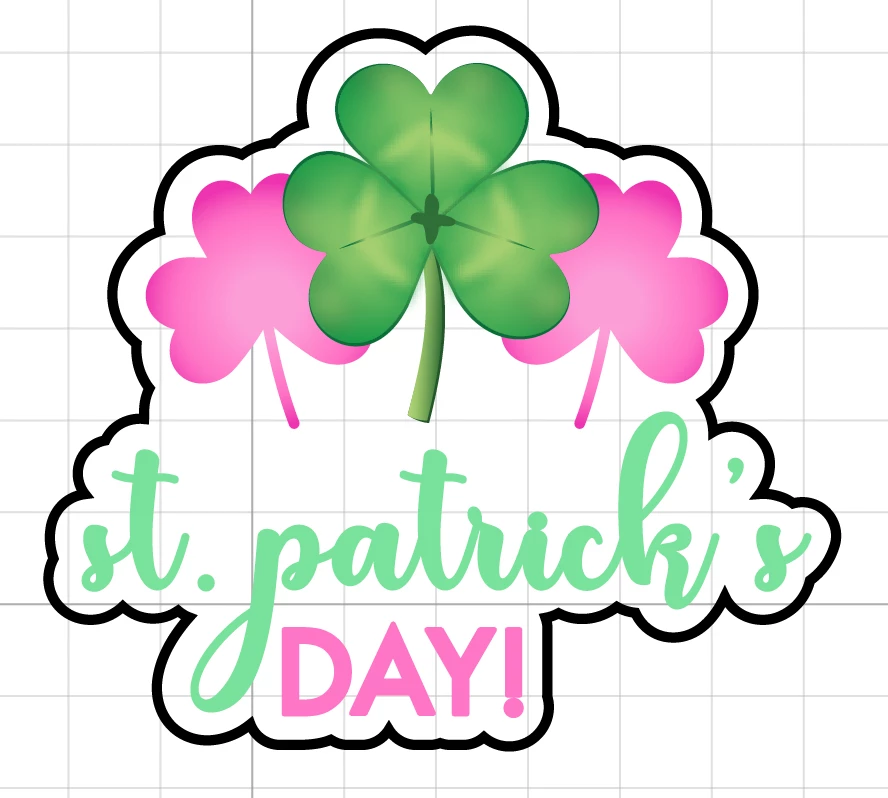
I have two .ai docs and when copy/pasting graphics from one, the appearance drastically changes. I need them to stay as they are in the first image. Both are in RGB mode

 

    Correct answer Nataliia_M

    Hi ​@Faith5C32 
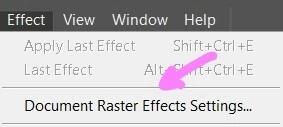
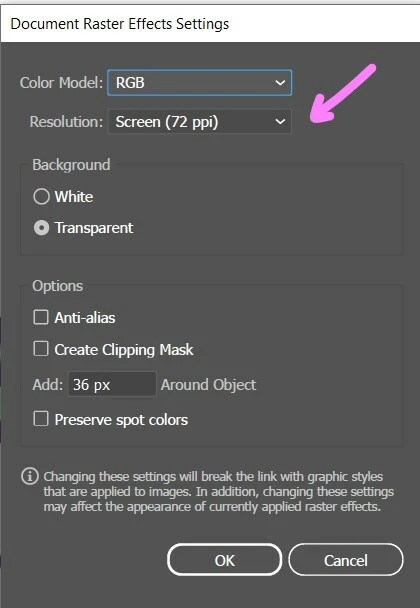
    Do you have the same Raster Effects settings in both documents? 


    5 replies

    Nataliia_M
    Nataliia_MCorrect answer
    Inspiring
    July 28, 2026

    Hi ​@Faith5C32 
    Do you have the same Raster Effects settings in both documents? 


    Warmly, Nataliia
    Faith5C32
    Faith5C32Author
    Known Participant
    July 30, 2026

    YES! Thank you, this was the problem.

    Nataliia_M
    Inspiring
    July 30, 2026

    @Faith5C32 I’m glad that it worked! 👍

    Warmly, Nataliia
    Monika Gause
    Community Expert
    Community Expert
    July 27, 2026

    Check the Layers panel. There are probably Appearances applied to layers.

    When copying what you can do:

    1. Set up a new layer and drag all the existing layers into it
    2. Turn on paste remembers layers
    3. copy
    4. paste into the new document
    Monika Gause
    Community Expert
    Community Expert
    July 27, 2026

    Here’s how the layers and appearances cooperate: 

     Here’s how the layers panel works: