
Participating Frequently
June 18, 2024
Question

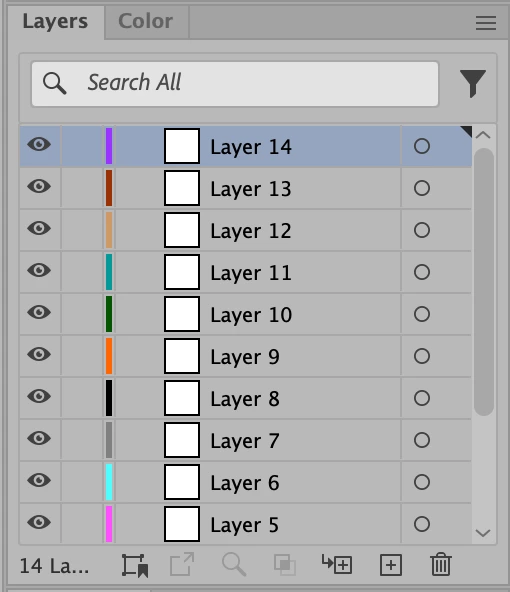
Illustrator hangs indefinitely when dragging the scrollbar thumb

  • June 18, 2024
  • 1 reply
  • 256 views

Steps to reproduce:


1. Create a new empty document.

2. Open the Layers tool window.

3. Create several new empty layers, enough for the vertical scrollbar to appear.

4. With the left mouse button, begin dragging the thumb of the scrollbar (the dark gray verticall pill).

5. Illustrator stops responding indefinitely.


This happens in Illustrator 28.5 running on macOS 14.5
 

This topic has been closed for replies.

1 reply

Srishti_Bali
Legend
June 18, 2024

Hi @Konstantin33759844r6l4 


I'm sorry to hear about the trouble you're experiencing. I tried replicating the issue on my machine but wasn't able to. Would you mind sharing a few more details?

  • When did this issue start occurring? Was it after installing the latest release?
  • Is the problem specific to this particular file?
  • Is it a cloud document?
  • Did you try resetting Illustrator Preferneces? If not, please try the steps shared here


We're here to help, just need a bit more info!


Regards,

Srishti

Participating Frequently
June 18, 2024

Hello,


I have just tried, and the version 27.9.4 is the latest version which works fine. Starting with the 28.0, the problem is present even after resetting the preferences.


As the problem occurs for a newly created file, I suppose its cloud status is irrelevant.


Thanks.

Srishti_Bali
Legend
June 18, 2024

Thanks for sharing this information. I have sent you a DM, please check.