
Illustrator: How to check the whole file for CMYK colors?
Hello! I have a problem I can't find a solution to.
I have a file I need to send to press. The file has many layers because it has illustrations but I will try to demonstrate the issue in a simpler example. Except for dielines every layer has to use spot colors. So before I send the file I need to check the whole document and ensure no CMYK colours are left in it.
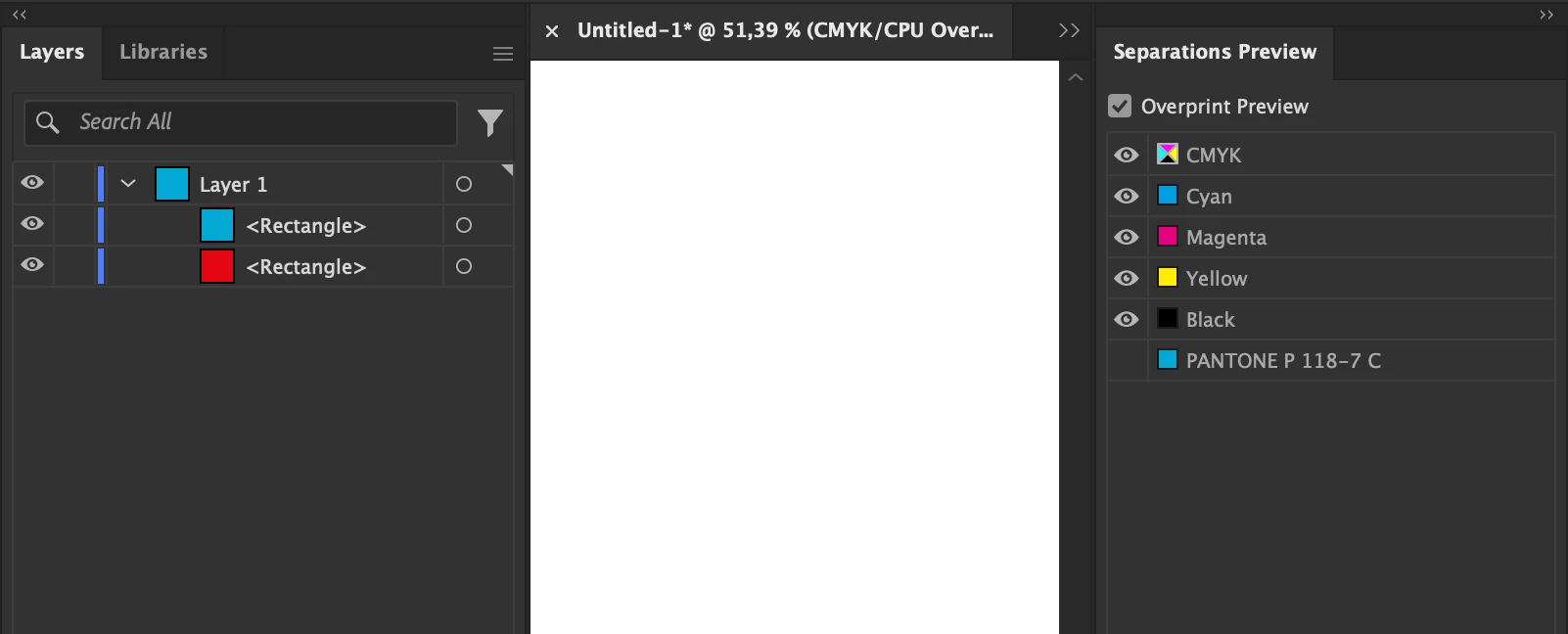
I used the Color Separations menu for this. My logic was that if I turned off all the spot colours in the separations menu CMYK colours were going to show but the option seems to work only on top layers. So if a CMYK object is covered completely by a spot object the bottom layer is not affected by color separations.
When I send the file to press they notify me I have CMYK colours in the design and that I have to fix it but it's hard for me to do that since there's no way of checking the file completely.
Is there another way to do this without checking layer by layer? Remember I mentioned that I have many layers so it would take a long time to do.
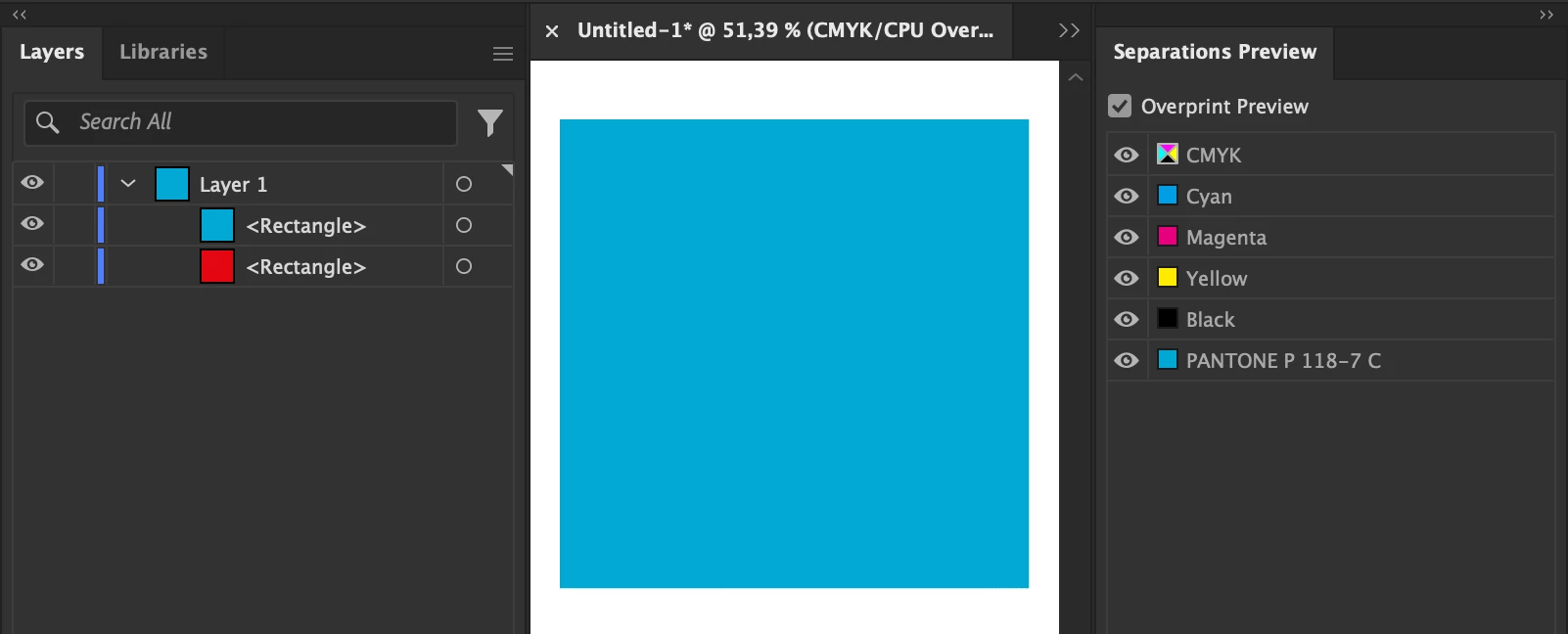
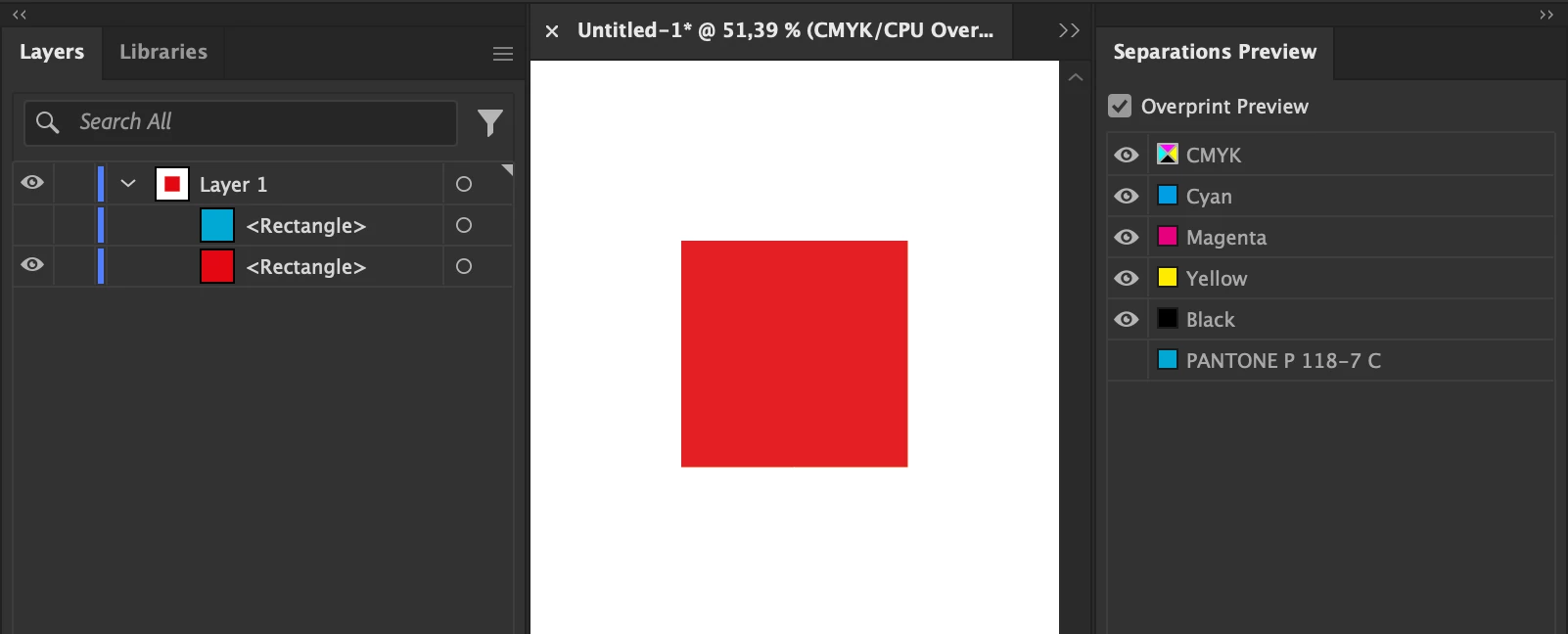
In the example I'm attaching the blue color is a spot color and the red is a process color. When I turn of spot colours in the separations menu red doesn't show but when I turn off the blue layer it does. How do I get to find the red colour without turning everything off and on?
 AdChoices