Participant
November 14, 2022
Question

ILLUSTRATOR Image trace detail

  • November 14, 2022
  • 1 reply
  • 736 views

Hey guys


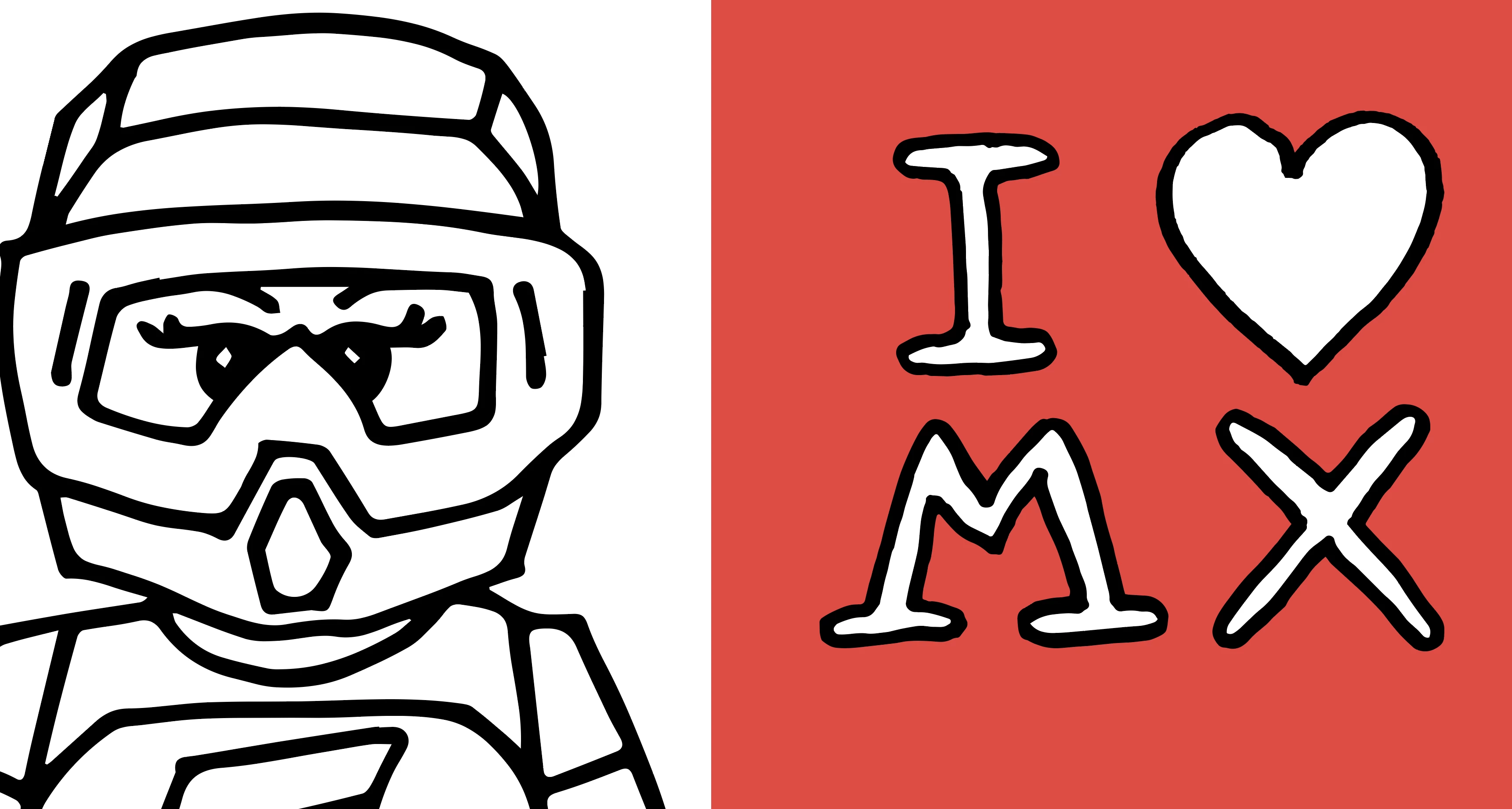
I am using the image trace function to digitalise hand drawn images (object / image trace / make and expand).


In some cases the lined are smoothed out (which is what I'd prefer on this occasion). Other times, it picks up every tiny detail on the lines. 


Any tips on how to standardise this or what I might be doing.doing wrong? 


In the attached image, the 'LEGO' type character shows hte smoother lines where the ' I <£ MX ' shows the more detailed line. Thanks for any tips 🙂
This topic has been closed for replies.

1 reply

Doug A Roberts
Community Expert
Community Expert
November 14, 2022

Are the images comparable sizes (pixel x pixel)?

Do you use the same image trace settings each time? What are they?

Participant
November 14, 2022

Thanks Doug! the images are drawn witht he same pen - the sizes on teh scvreen represent the true comparison of sizes. 

I have not used images trace settings (not sure where they are or how to currently), I've jsut followed teh object/image trace/make and expand and nothing else. 

Doug A Roberts
Community Expert
Community Expert
November 14, 2022

Image trace settings are under Window > Image Trace.

Can you show the original scans at the same relative size for comparison?