



studioversa
Participant
July 3, 2023
Answered

Illustrator Image Trace Issues

  • July 3, 2023
  • 4 replies
  • 5393 views

Hi all,

I'm creating some custom sketch designs for a branding project, and all of a sudden I'm having image tracing issues. I've been sketching using Procreate, using the same brush and exporting as PNGs with the same settings to stay consistent.

For reference, I've attached two photos:
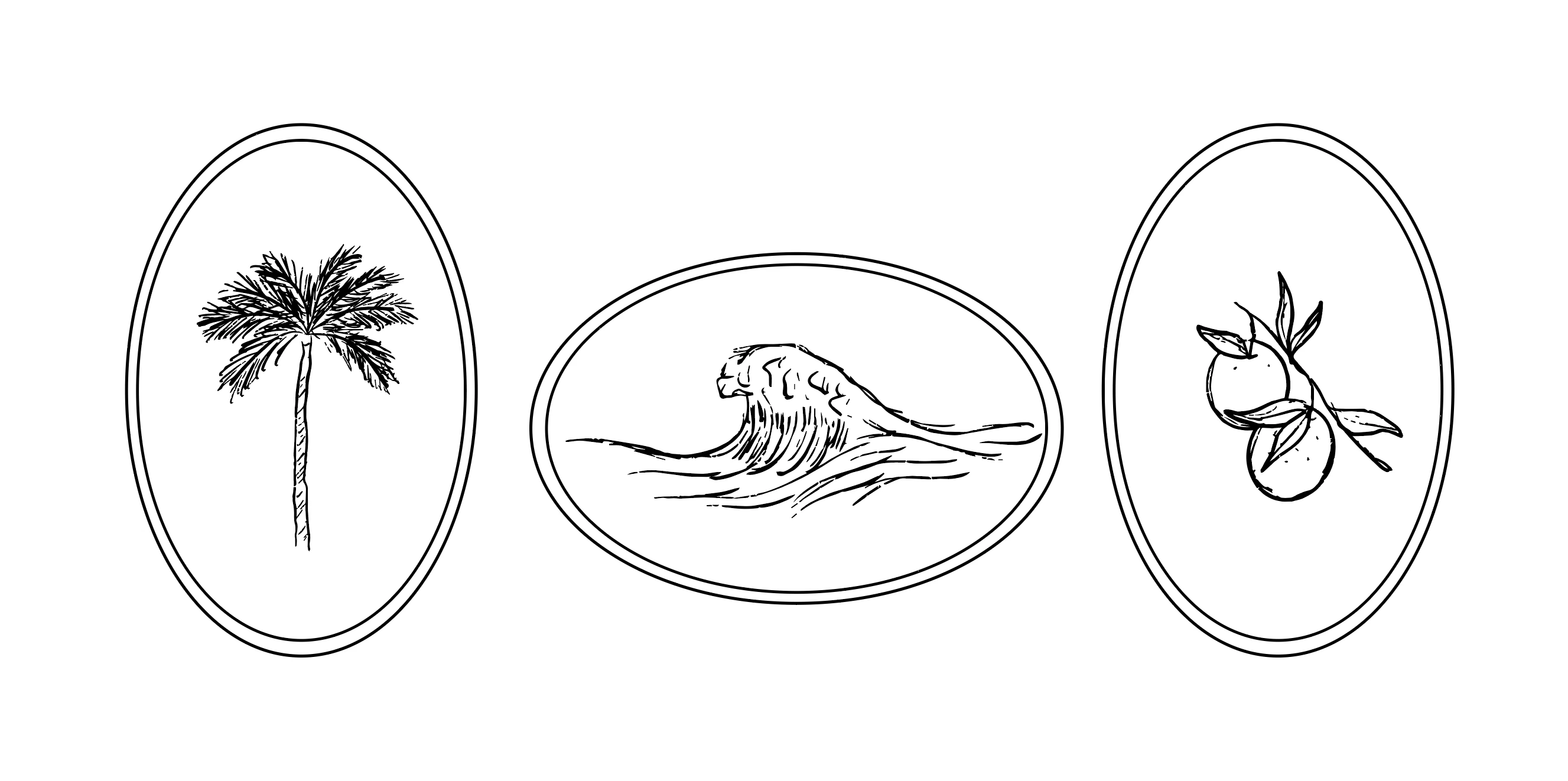
1) My first illustrations that I've made vector using image trace. They came out great!
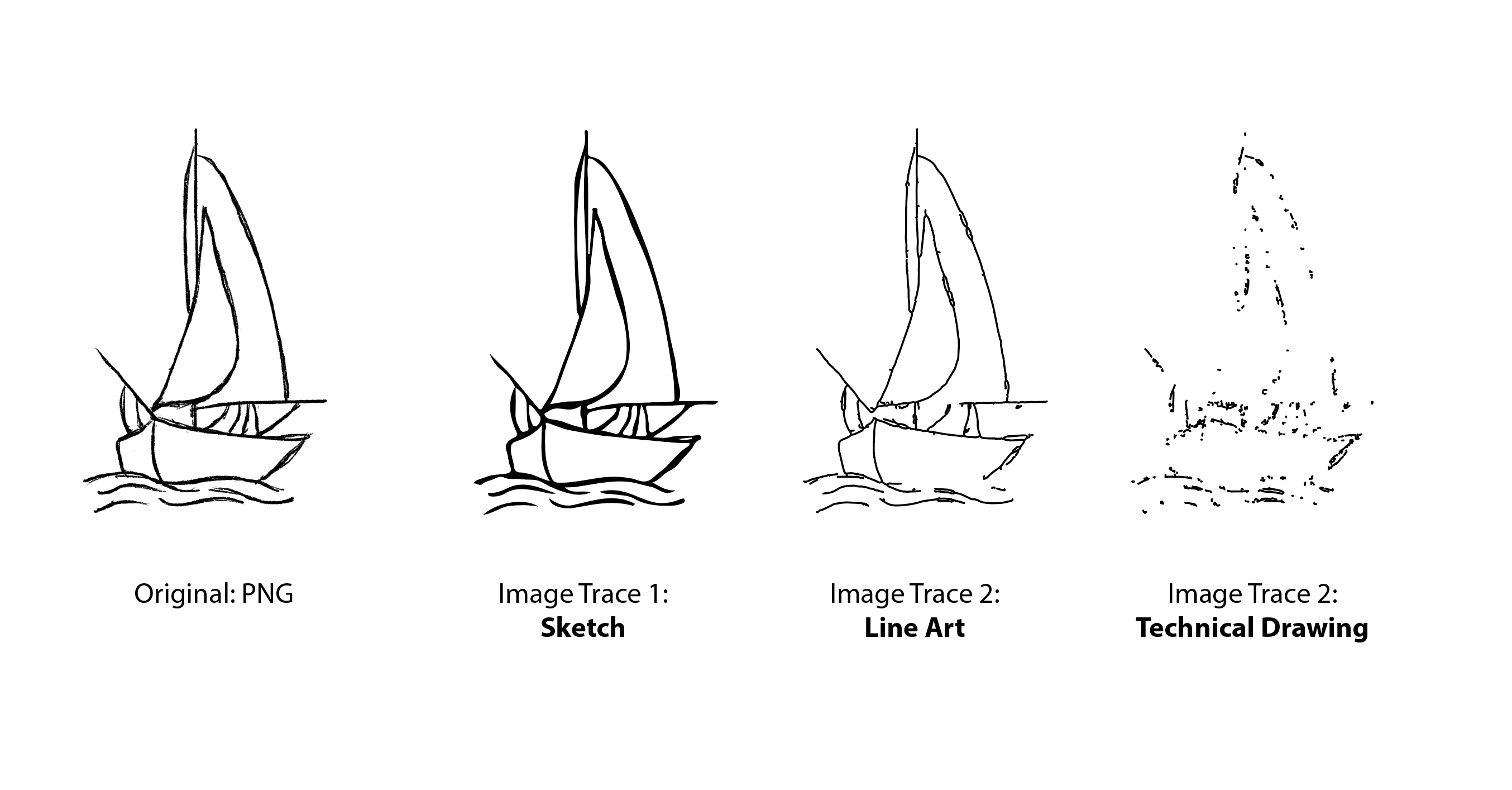
2) New illustrations using Image Trace. All of a sudden they look like absolute garbage. They come out flimsy and totally innacurate.

What seems to be the problem!? I cannot get the image trace to look like my previous sketches and it's really frustrating.

Any and all help please, thanks!

~Mike
Correct answer Ton Frederiks

Hi Mike, 

Image Trace has some problems in this version. You can go back to a previous version like 27.5 or earlier

In the CC app go to Apps > All Apps

Next to Illustrator you will see 3 dots

Click and select Other Versions

You can Uninstall Illustrator and install the previous version or leave the current Illustrator installed and install an additional previous version.

4 replies

Known Participant
January 18, 2025

Mike, Now to retest your boat image. Autotrace does what I would expect. Used both 144 and 300 dpi. see uploaded files with layered name after settings. It appears for normal range of images, autotrace works. My problems were due to pushing autotrace to compare to older traces I saved.

Known Participant
January 18, 2025

so what is correct way up load ai files? the two files are .ai filetype. Help please.

Monika Gause
Community Expert
Community Expert
January 18, 2025

CHange the file extension to .pdf. 

Then use the forum's web interface to upload.

Known Participant
January 18, 2025

where is my posting about your files?

Known Participant
January 18, 2025
Known Participant
January 16, 2025

I am the lead tester of Autotrace in Fontographer and FreeHand decades ago. All your examples could have been found by QA before shipping. I resent Adobe still has problems on a iMac M4 fully speced out. And resent the time lost trying to figure out what is wrong since on my older iMac 2019 did really well tracing (I have proof). I can't go back unless I accept a much slower preformace under Rosetta. I recently paid for my subscription and feel cheated. For 35 yrs + I struggle with Adobe. Adobe owns autotrace code I tested hard so you could get work done. Whoever is head of QA owes us a public apology. 

Known Participant
January 16, 2025

sorry for the spellig errors at 2:30 am fingers hurt due to disablities.

Ton Frederiks
Community Expert
Ton FrederiksCommunity ExpertCorrect answer
Community Expert
July 3, 2023

Hi Mike, 

Image Trace has some problems in this version. You can go back to a previous version like 27.5 or earlier

In the CC app go to Apps > All Apps

Next to Illustrator you will see 3 dots

Click and select Other Versions

You can Uninstall Illustrator and install the previous version or leave the current Illustrator installed and install an additional previous version.

studioversa
Participant
July 3, 2023

Life saver, thank you! Really unforunate Image Trace has issues with the newest version. Have you heard of Adobe hopping on this issue as of recent? Thanks again.

Ton Frederiks
Community Expert
Community Expert
July 3, 2023

Good to hear that helped as workaround. I am sure Adobe is aware of issues.
