
Participant
September 20, 2024
Question

Illustrator Ipad color mismatch?
  • September 20, 2024
  • 3 replies
  • 403 views

Hello

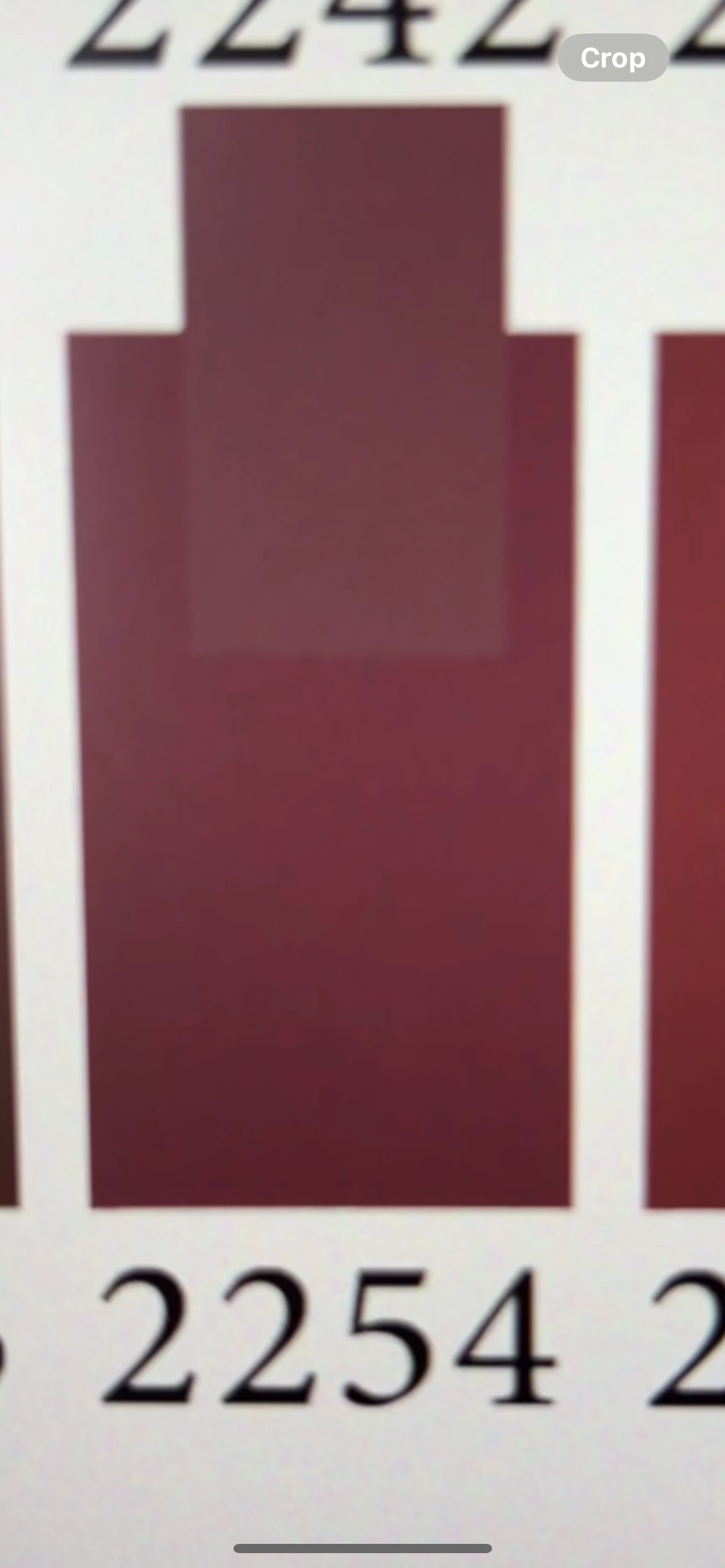
So I've been given this color swatch PDF by a printing house so I use the eyedropper and select the colors for print.

What I found extremely weird was that using the eyedropper did not give the exact color as shown in attached pic, I just couldn't get the exact shade in anyway!

However this was not a problem with the desktop version on Windows.

(yes I made sure I'm on CMKY mode).

Any idea what's going on?

This topic has been closed for replies.

3 replies

Monika Gause
Community Expert
Community Expert
September 20, 2024

So what are you doing? Placed the PDF in Illustrator on the iPad and then use the exedropper? That will not work.

Use Acrobat or open the PDF in Illustrator on the desktop to get the color numbers. Input those color numbers in Illustrator on the iPad. 

Bill Silbert
Community Expert
Community Expert
September 20, 2024

You need to check the color set up for the versions of Illustrator on both your iPad and Windows computer. Go through Edit>Color Settings and make sure that your color profiles are set up exactly the same for the program on both machines. Since you say that the Windows computer is currently matching the swatch it seems likely that whatever settings are on that machine would be the right ones to use on the iPad.

Participant
September 20, 2024

Thank you Bill for your reply. I can't seem to find the edit>color option on Ipad

Anubhav M
Community Manager
Community Manager
September 20, 2024

Hello @leen36212729pcku,

Thanks for reaching out. Would you mind sharing some more details, like the OS/Illustrator version, and if Illustrator behaves this way with all files, so we can investigate this further?


Looking forward to hearing from you.


Thanks,

Anubhav

Participant
September 20, 2024