Question
Illustrator is changing my brushstrokes and messing up my image
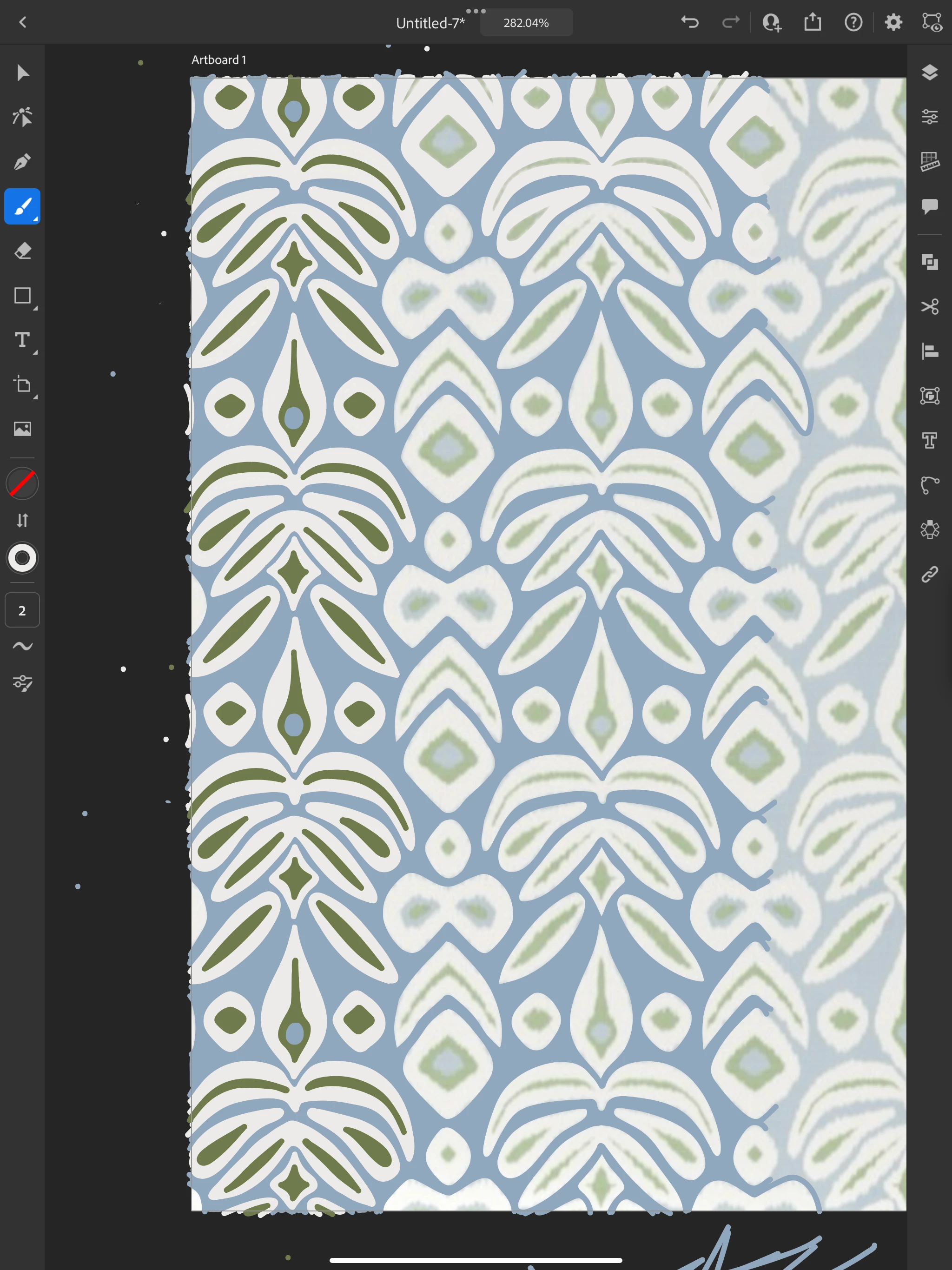
I have the latest illustrator on the latest IPad Air (2024). I have been working on tracing an image that has taken me quite some time, and am using the paint brush, round size 2, with 5 smoothness. After working on it for a while, illustrator changes my brushstroke on the entire image and messes it up. It will go back and forth randomly, and then the app will quit. Once I reopen the app, the image is messed up with the changed brushstroke. But once I choose the brushstroke I was using (saved it on my favorites), and start drawing again, it goes back to normal. It will then change it up and I have to start this whole cycle again. What do I do? I will include images. Thanks.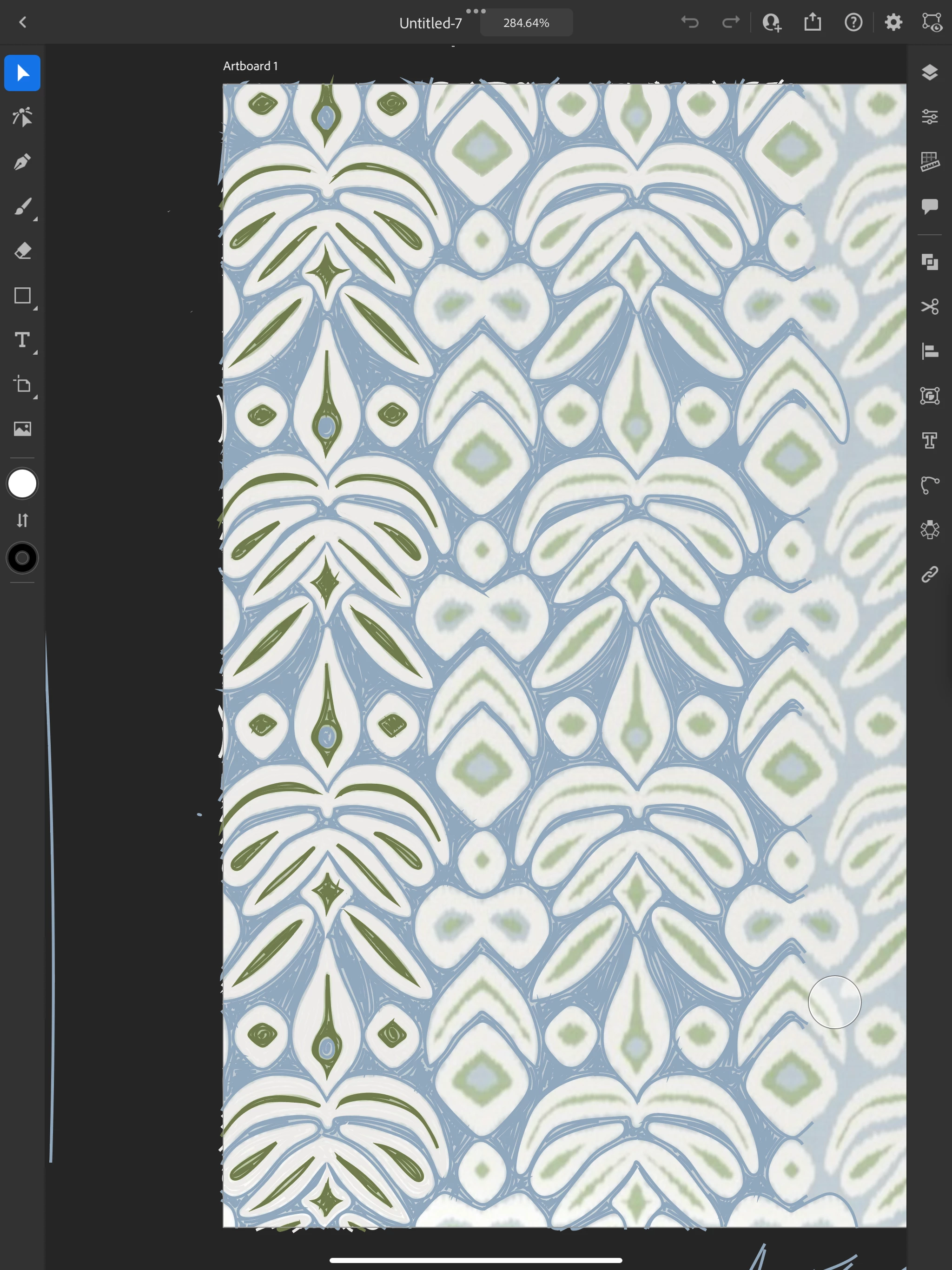
 AdChoices