
Participant
Nov 12, 2026 1:06 AM UTC
Question

illustrator keeps freezing on the same menu selection!

Once a day this keeps happening. I have a brand new M5 MacBook Pro and am at a loss. It happens when I choose this menu item. The screen stays like that. I can’t save, I can exit out of it, and I can’t wait it out because nothing happens.
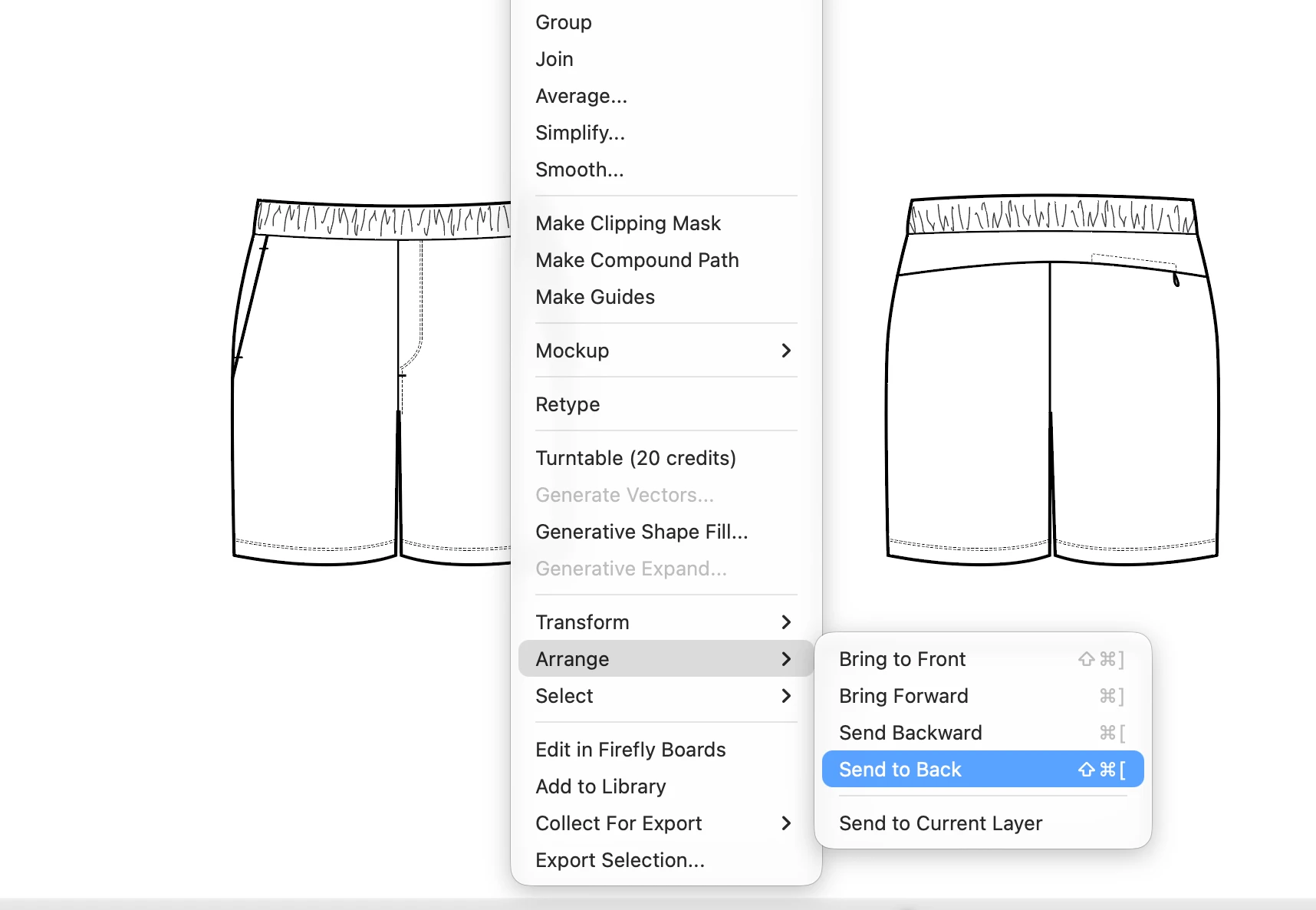
 

    2 replies

    Community Expert
    Nov 12, 2026 4:04 AM UTC

    Hi,

    Before going down the route of uninstalling and reinstalling Illustrator, I'd suggest narrowing down what's triggering the freeze.

    A few things worth checking:

    1. Does this happen with every document, including a completely new, blank document, or only with particular files?

    2. Does Illustrator freeze every time you select that menu command, or does it work normally for a while before the problem occurs?

    3. Which exact version of Illustrator and macOS are you running?

    I'd also agree with ​@Bobby Henderson suggestion to reset Illustrator's preferences. Corrupted preferences can cause freezing and unexpected behaviour.

    You can do this under Illustrator > Preferences > General > Reset Preferences, then restart Illustrator. Back up any customised settings beforehand.

    Adobe's instructions are here:
    https://helpx.adobe.com/illustrator/desktop/troubleshoot/application-crash-issues/fix-preferences-file-issues-in-illustrator.html

    If resetting preferences doesn't help, I'd also try disabling GPU Performance temporarily under Preferences > Performance to see whether that makes any difference.

    Since you're using a brand-new M5 MacBook Pro, I'd be interested in the precise Illustrator and macOS versions. If the issue is consistently reproducible with the same menu command, particularly in a blank document, it may be an Illustrator compatibility issue or application bug rather than a corrupted installation.

    One thing we haven’t ruled out is 3rd party apps, firewalls, VPNs, etc. as they can sometimes cause issues and interfer with Adobe apps. 

    You could try starting your Mac in Safe Mode - test if it works normally there - and if it does, you’ll know it’s something running under your normal account. 

    When you reboot back to normal mode - you can then try to eliminate background processes that are running and see if what’s causing it.

    Translate
    Community Expert
    Nov 12, 2026 2:48 AM UTC

    For a basic function like that to cause freezes and crashes it seems like something is corrupted in the Illustrator installation. Have you tried deleting Illustrator Preferences? If not, try that step first. Then try uninstalling and reinstalling Illustrator. The CC Cleaner tool can be useful for stubborn app corruption cases.

    Translate