Participant
December 5, 2019
Question

Illustrator knockout Text Help

  • December 5, 2019
  • 1 reply
  • 810 views

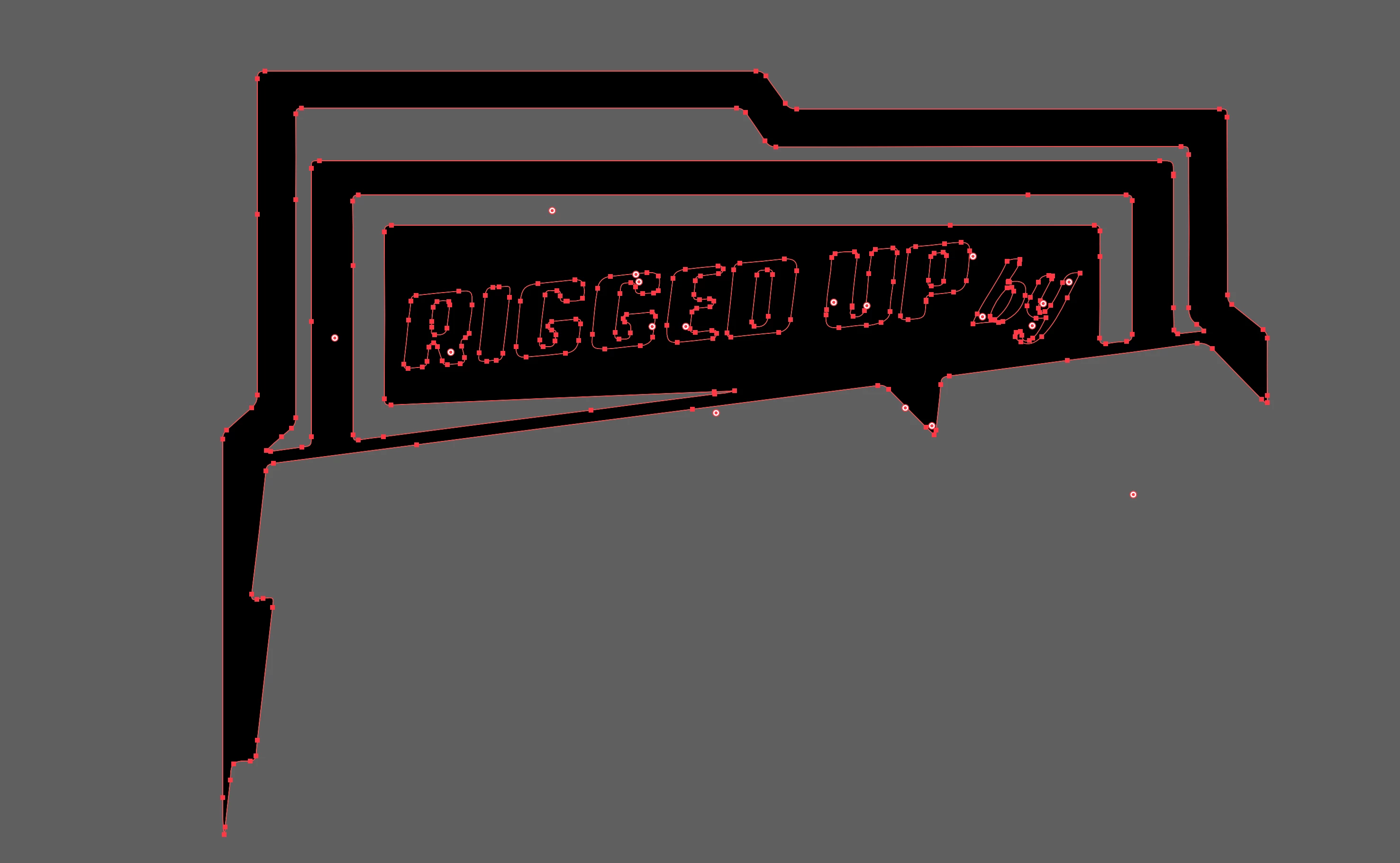
I am using AI 2020. I am trying to take the white text Rigged Up and drop it out so it is the same color as the background. I have tried compound path but the rest of the group of lines are already compoud paths to create the dropout lines above the text. I have also tried using Pathfinder Minus Back method as well.
This topic has been closed for replies.

1 reply

Participant
December 5, 2019

Here is a photo of the object without the Compound Path

Monika Gause
Community Expert
Community Expert
December 5, 2019

Just make a compound path. Doesn't matter if there is already one. Then open the attributes panel and set the fill rule to even-odd

Participant
December 5, 2019

Thank you for the suggestion. Unfortunetly it did not work and the text is still showing as black.