Participant
November 17, 2017
Question

Illustrator layer getting cut off when rotated in After Effects

  • November 17, 2017
  • 3 replies
  • 772 views

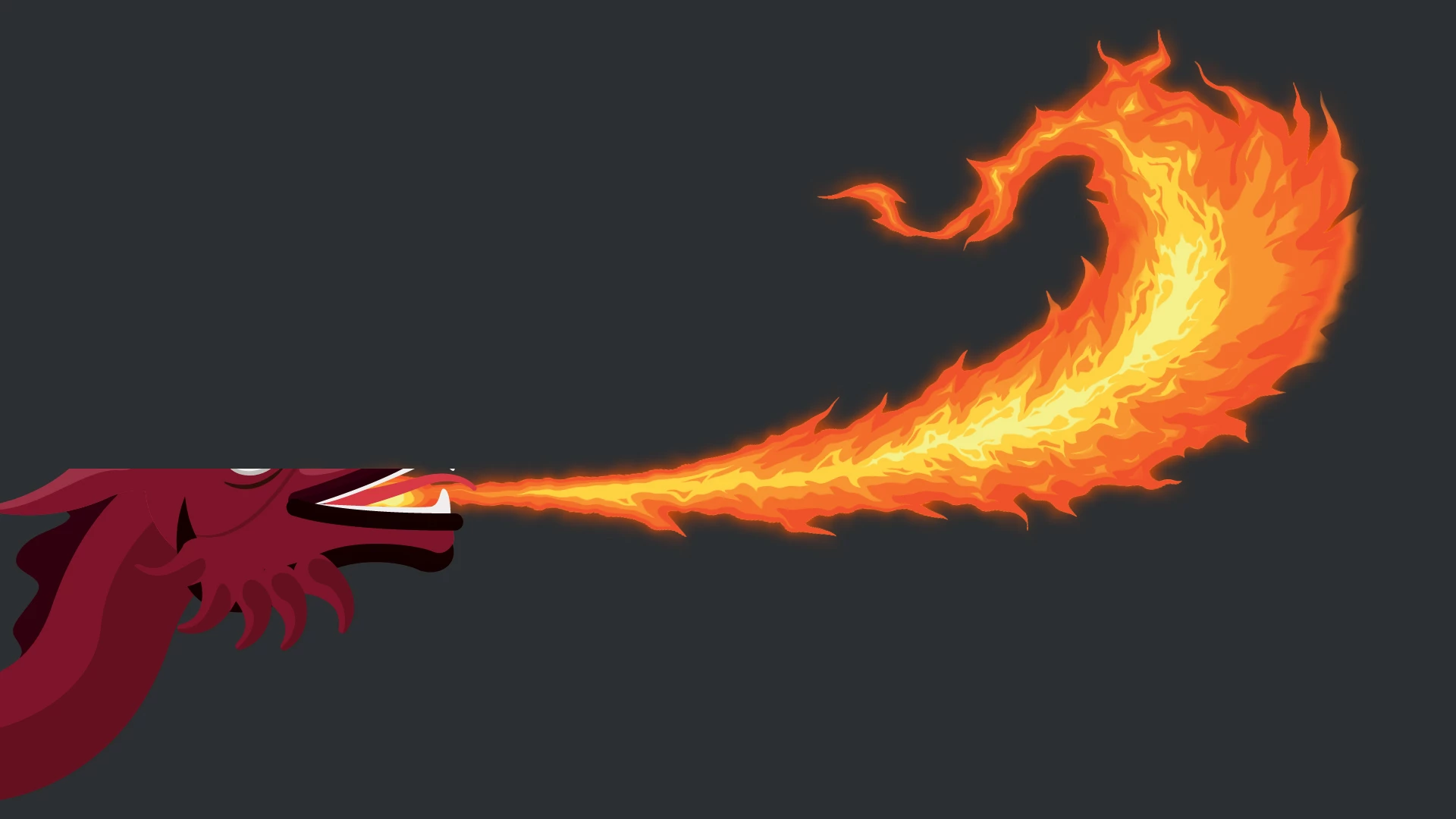
This started happening to me a couple of weeks ago, when working with an Illustrator file provided by a client inside of After Effects: some assets/layers from the AI file, when rotated in AE, get "cut off" at certain points along the rotation.  So I've got a layer, static.  I rotate it.  At some point in the rotation part--not all--of the layer "vanishes", like it's been matted/masked, then comes back.  I thought this was maybe an anomaly/glitch associated with the AI file that came from the client--but it's just happened again with another file, from a different client; and it's happening on two different computers.

A workaround I discovered was to make the "offending" layer 3D.  The vanishing stopped.  But why?  Why is this happening????  Never had it before, now suddenly happening in two separate instances...

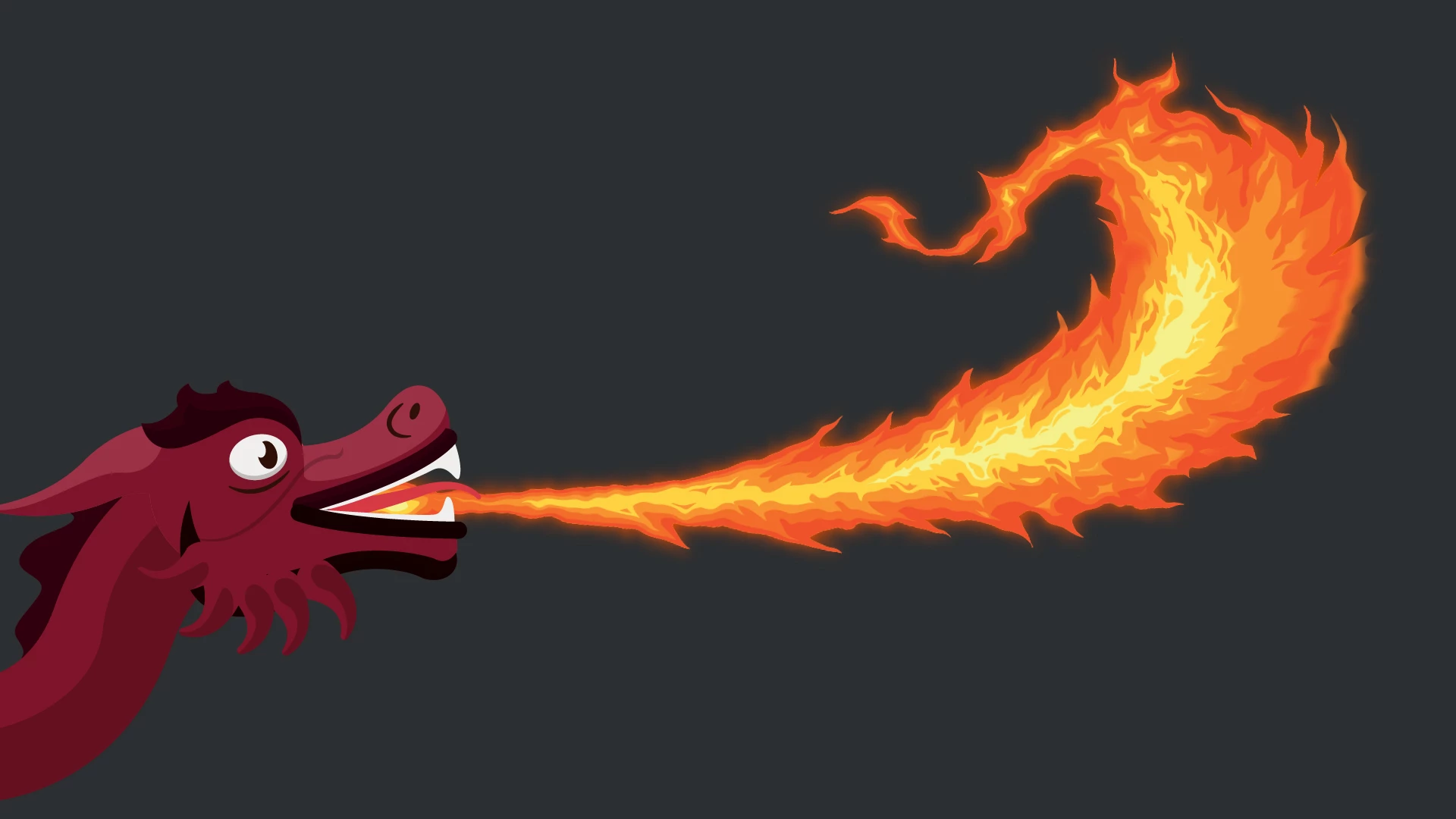
Sample images attached of most recent occurrence, showing what happens to the layer going from a rotation of -4 to -5.  The dragon is the layer that's being rotated--and part of its head is being cut off at -5 rotation, but then comes back at -6.  As far as I can tell, the -5 is completely arbitrary: it's happening at different rotation values with different layers.

Really strange and really frustrating!
    This topic has been closed for replies.

    3 replies

    Participant
    November 18, 2017

    Thanks, Ton and Mike, for your feedback.  I did think it was more of an AE issue--so posted there as well--but wondered if there was possibly anything that could be happening with the AI file, as it's now happened with two separate files, but not with any other assets (jpegs, for example).

    I'll drop this thread and pick it up on AE one.

    Cheers

    Mike_Gondek10189183
    Community Expert
    Community Expert
    November 18, 2017

    Only possibility this is with .ai is if you saved the .ai in 2017 and this worked, but not in 2018. Or if was some construction issue in .ai such as identical but stray points directly on top of each other.

    To cut to the chase just dropbox a simplified sample file(s) either here or on the AE forum, and you will get a quicker answer. I don't use AE daily, but on this issue and confident to be able to help.

    Mike_Gondek10189183
    Community Expert
    Community Expert
    November 18, 2017

    If the screenshot you show is form After Effects, I would also have to say this is where the problem can be resolved, especially since you said 3D resolved this in AE.  Do you have in After effects Continually rasterize on (the asterisk)?

    Do you have any AE effects on this layer or masks. Hit M to see if you have masks.

    Can you post a copy of you .ai & .ae file using dropbox or similar.

    Ton Frederiks
    Community Expert
    Community Expert
    November 17, 2017

    I was at the point of suggesting to ask this in the After Effects forum, but I see that you've already done that.

    Looks more like an After Effects problem.