

가희이75740510
Participant
August 23, 2021
Answered

illustrator line graph markers problem
  • August 23, 2021
  • 1 reply
  • 341 views

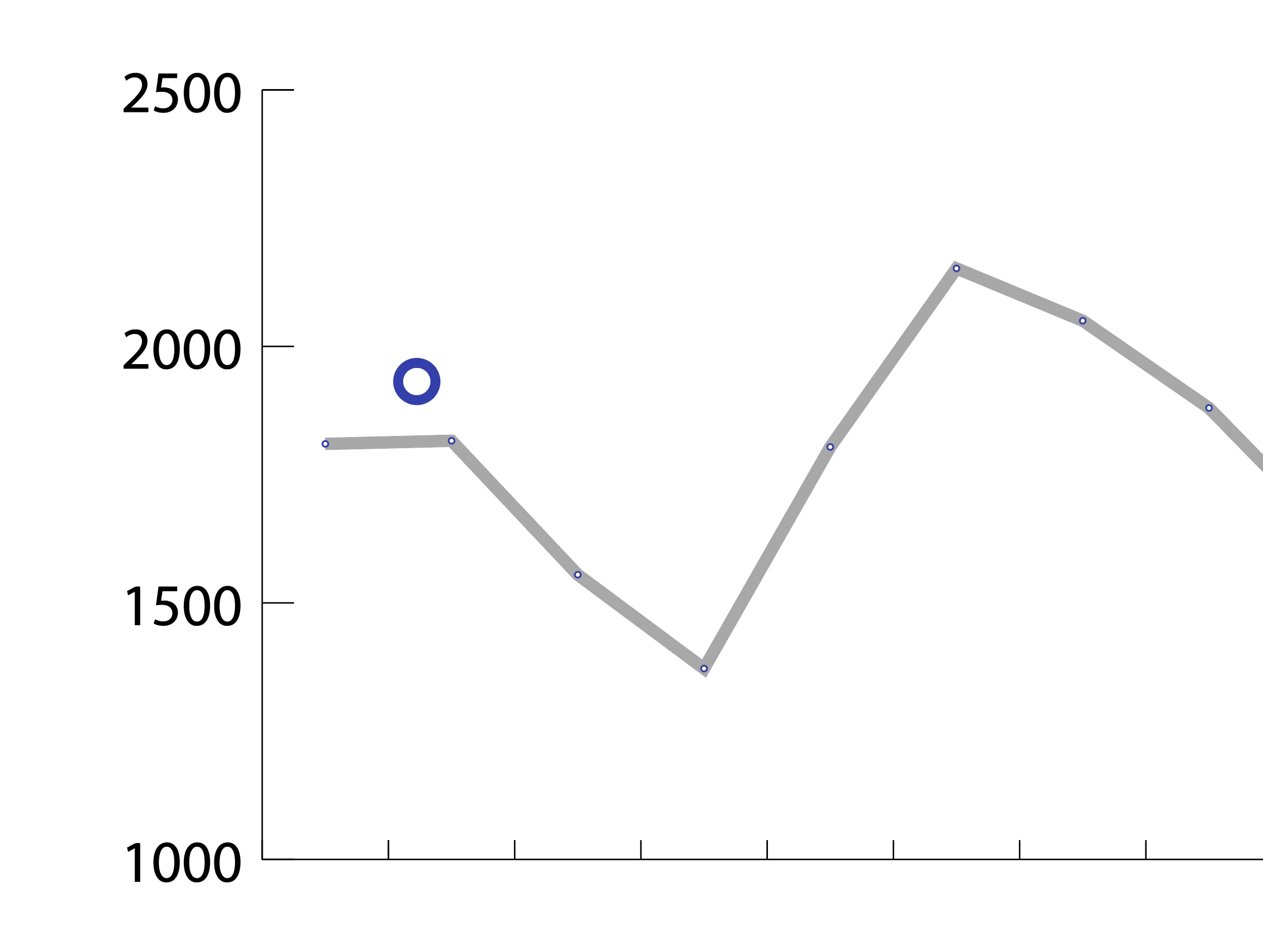
I'm making a line graph


I set the marker, and the marker is too small

Is there a way?

This topic has been closed for replies.
Correct answer Monika Gause

That graph must be huge. Really huge. Do you need it that large? If not, just make a smaller graph.


In order to get larger dots, create c custom marker design in relation to the existing one. You can select the square, copy and paste it behind your custom graph design. Apply a stroke and fill of None. Then select your marker design and the square and Object > Graph > Design


Afterwards, select the graph and apply the design with Object > Graph > Marker

1 reply

Monika Gause
Community Expert
Monika GauseCommunity ExpertCorrect answer
Community Expert
August 23, 2021

That graph must be huge. Really huge. Do you need it that large? If not, just make a smaller graph.


In order to get larger dots, create c custom marker design in relation to the existing one. You can select the square, copy and paste it behind your custom graph design. Apply a stroke and fill of None. Then select your marker design and the square and Object > Graph > Design


Afterwards, select the graph and apply the design with Object > Graph > Marker
