Participant
February 3, 2023
Question

Illustrator loosing data and layers when reopening the file

  • February 3, 2023
  • 1 reply
  • 1320 views

Dear all,

I am working on aviation charts, which have a few thousand information and drowings,

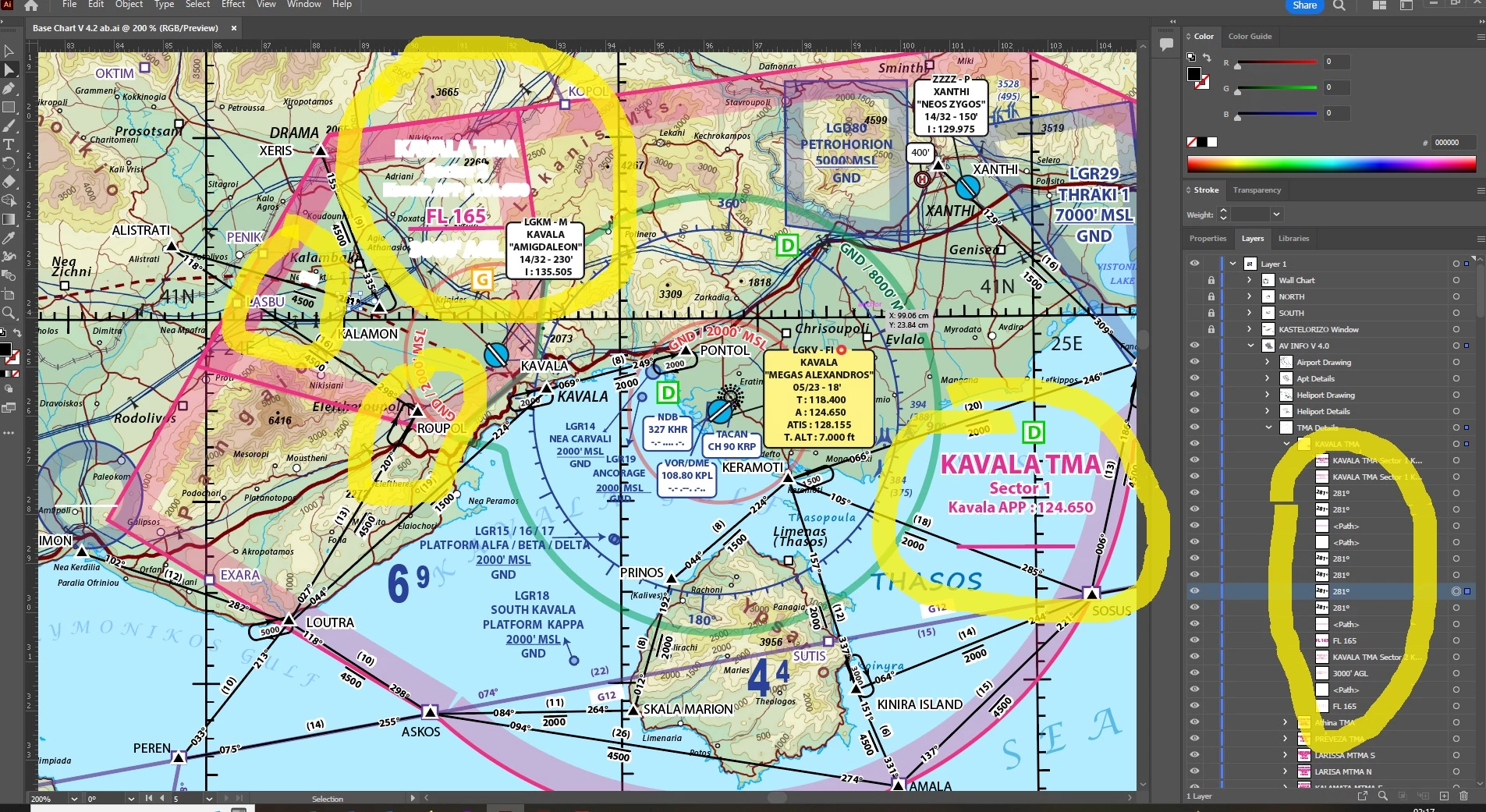
Lately, when I reopen the file with Illustrator, some of the data (layers) are lost or remplaced by random numbers. ( see attached pictures, on top of the white letters , they should have been the pink letters or black and on the list of layers on the left, the missing parts have been remplaced by the number 281 ).

Usually the corrupted or missing layers are the last information I had chaged or added, but not always .

The files are quite big ( 600 MB ) with a background image and a few thousand of added information ( text or drawings ).

I though it was the SSD drive and I just took a new one, but still the same thing happen.

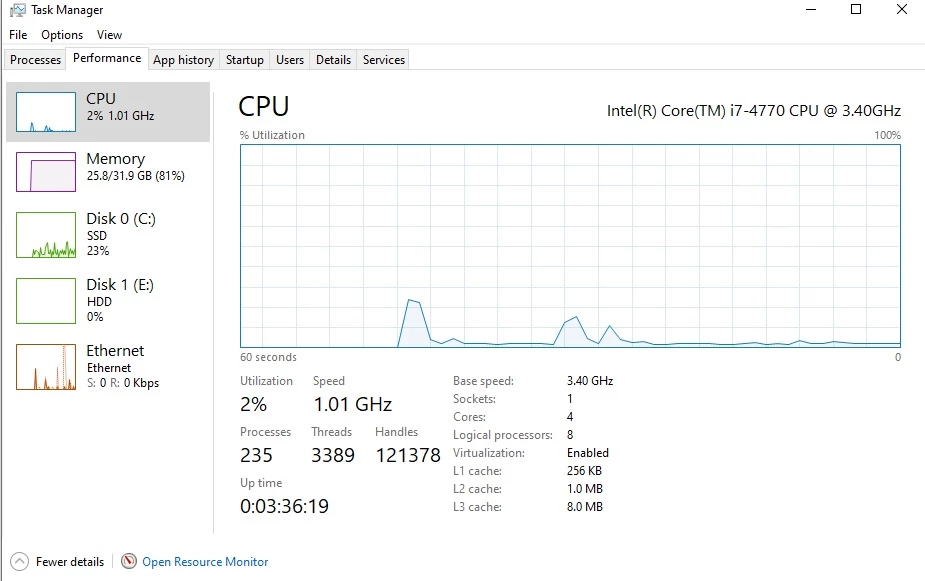
I am working on a PC Dell Optiplex, with an intel i7-4770, with 32 GB RAM with Window 10 pro and Illustrator 2023.

Anyone have an idea what could it be and what could I do to solve the problem.
This topic has been closed for replies.

1 reply

Larry G. Schneider
Community Expert
Community Expert
February 3, 2023

Do you absolutely need the image file to be at print resolution while you are working? Try replacing the image with a lower resolution for now. Also be sure to turn off Save in background in the illustrator options save dialog (second window). It may not be completing the save before you shut down or start another process.

Participant
February 3, 2023

Thank you Larry , I will try to work with a lighter background image and see what it will happen.

It is really frustrating to loose each time hours of work without knowing where is the problem .

Do you know if Illustrator has any limitation in the number of layer or size of file ?

Do you think it could be a hardware problem ( RAM, CPU, ....)?

Regarding the saving process, I always wait until Illustrator has completely finished and the file has appeared in its final form on the explorer before turning off the PC ( it takes between 4 to 7 minutes to make the saving ).

Participant
February 3, 2023

I just tried to replace the background image with a low resolution ( from 150 MB went down to 20 MB) but now Ai crashes each time I try to save it ( I need to close it through Tash Manager ).

I do not know what else to try .