


Illustrator makes the computer fans run on high speed
Lately, whenever I open up Illustrator, it immediately makes the computer fans run on high speed. Even after I attempt to quit Illustrator, the fans are still running on high. The computer will slowly start to wind down after I quit Illustrator, but I mean really slow. Even after 5 or ten minutes, the fans are still going like it's processing something.
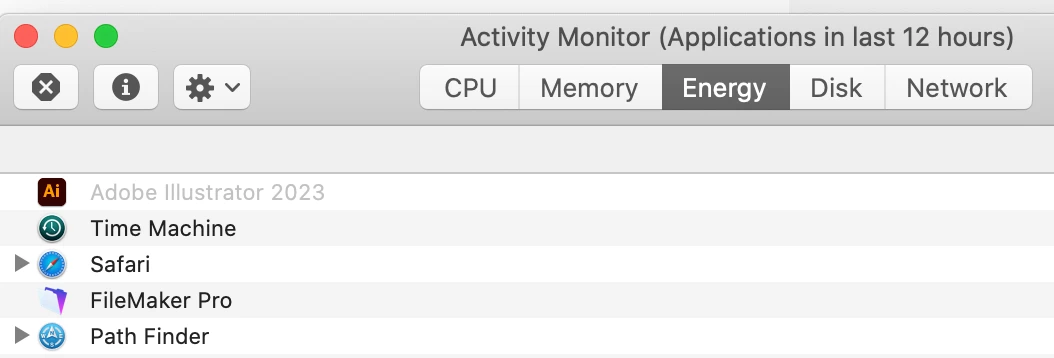
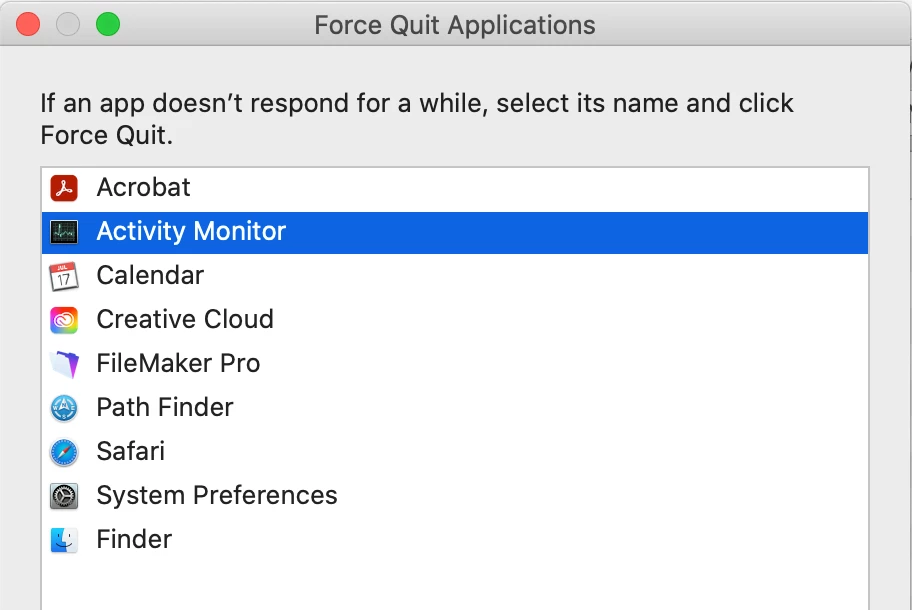
Illustrator is no longer showing in the Force Quit dialog box, but Illustrator is still showing in the Activity Monitor dialog box, but it's gray.
How can I get Illsutrator to stop making my fan speeds run on high? It happens as soon as I start up the program. The files I'm working on are around 650 KB.
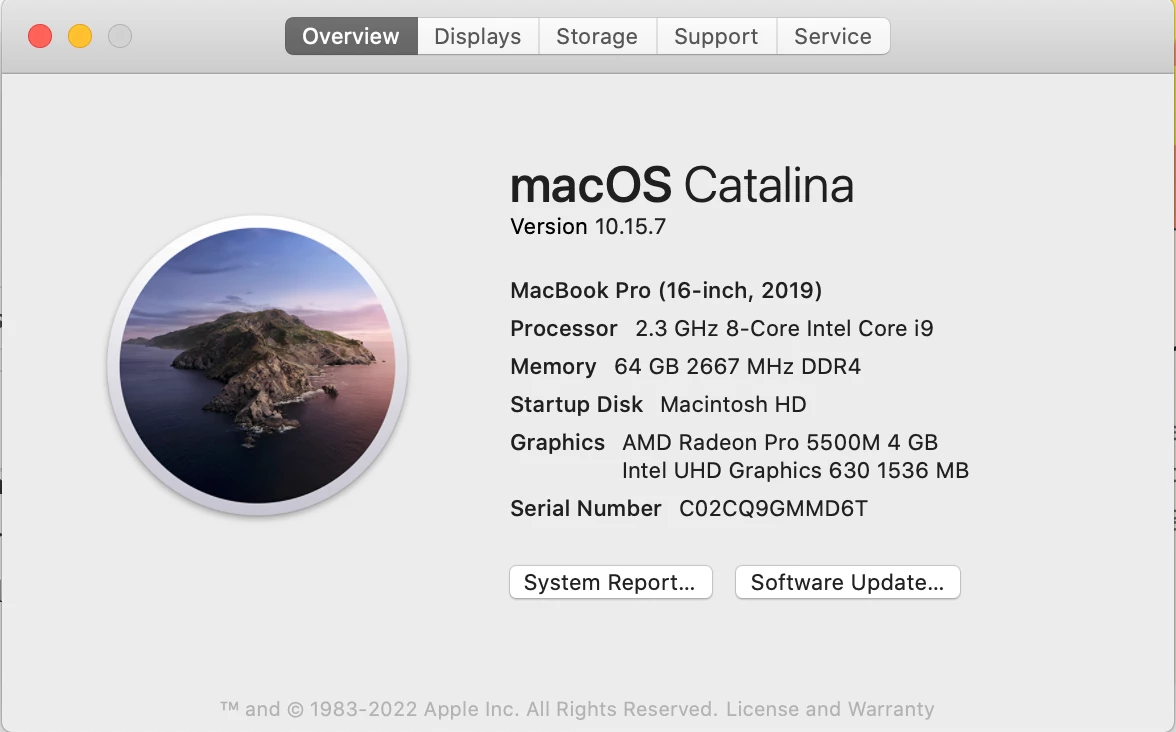
Sometimes the only way to get the fans to wind down is the restart the computer. This only happens with Illustrator 2023. I am using version 27.6.1.
 AdChoices