



ahmed404
Participant
August 23, 2021
Question

Illustrator minimize/ resize its window after opening a file

  • August 23, 2021
  • 2 replies
  • 2631 views

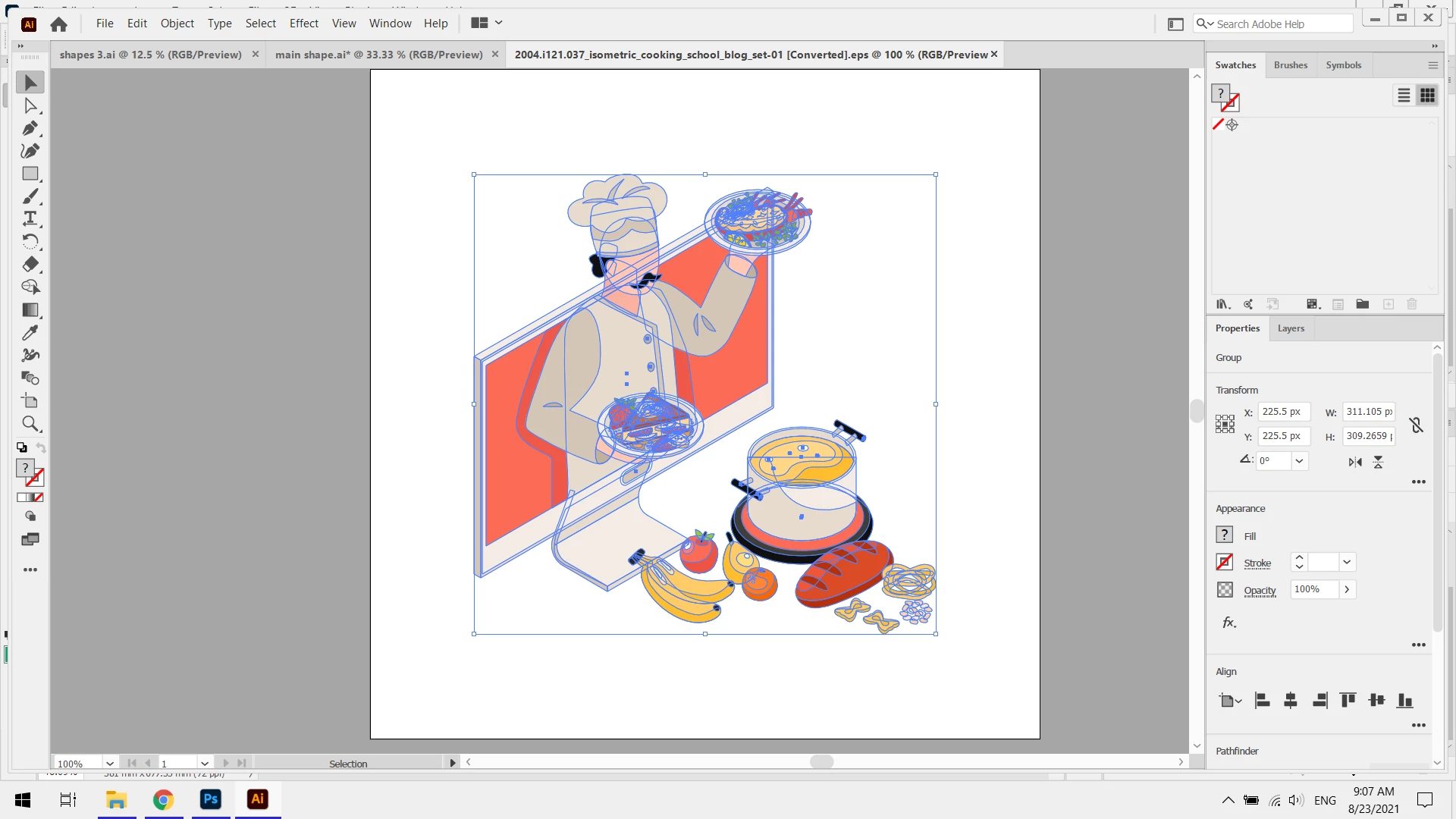
Every time I open an illustration file from my windows explorer Illustrator just minimize itself but still be visible on the screen and I have to manually maximize the window again.


{Renamed by MOD}


2 replies

Inspiring
January 19, 2024

I have the same problem, and I use Windows with AI 28.1

It happened now and then before the latest update, but now it happens almost all the time.

Resetting preferences is the last thing I want to try if at all possible, because you have no good (or foolproof) way to backup and retreive all settings - shortcuts, workspaces, and unit settings for example, always have to be restored seperately.
So what else can I do?

Anubhav M
Community Manager
Community Manager
January 19, 2024

Hello @luchau,

Sorry to hear about your experience. Would you mind trying to run Illustrator under a different administrator account (Windows / macOS) and checking if it helps?


Looking forward to hearing from you.


Thanks,

Anubhav

Inspiring
January 22, 2024

Now I have tried running Illustrator with my account set to full administrator rights, and it does not seem to change anything. Sometimes the app window randomly chooses not to resize, but 9 times out of 10 it will still resize.
However, when I chose the "Open as Administrator" option, it stopped resizing. But in that mode I could only open files through the menu ie. File/Open... or File/Open Recent Files and not by doubleclicking on files in explorer windows, choosing "Open with..." on files in explorer windows or with drag-and-drop from explorer windows.

Then I closed Illustrator and reopened it normally (not as admin) and found out that as long as I open all files from the menu, like above, it does not resize. Drag-and-drop, Open With... and double-clicking will still resize the Illustrator window (almost) every time.

One more observation: Illustrator does not remember its last position and size no matter how I close the app - when I reopen, it always places and sizes itself in some weird position (it seems to prefer to start partly outside the desktop?!).

Anshul_Saini
Community Manager
Community Manager
August 23, 2021

Hi there,


Sorry about the issue you are facing. This usually doesn't happen when you open a document. I would request you to share a few more details like:

  • The exact version of Illustrator
  • When did this start happening? Are there any recent changes made to your system? For example, any antivirus, system updates, or web extensions installed recently.
  • Does resetting Illustrator Preferences (https://helpx.adobe.com/in/illustrator/using/setting-preferences.html) help to resolve the issue?
    Disclaimer: Please note that resetting preferences will remove all the custom settings, and Illustrator will launch with default settings. You can also take a backup of the folders in case you want to. Location is mentioned in the article.


Also, I would suggest you to open Illustrator in Safe Mode and share your observation with us.


Regards,

Anshul Saini