
Participant
July 24, 2023
Question

Illustrator Mixing Up Width and Height

  • July 24, 2023
  • 3 replies
  • 294 views

Hi yall,

I was working on a project in Illustrator and I was wondering my measurements were off. I went ahead and rebuilt to see what was going on. I noticed that my dimensions were switched around (my mistake). However, illstrator had mixed up the width and height in the shape tool. (Seen here)

*Note - the blue box is the orginal and the orange was the new box
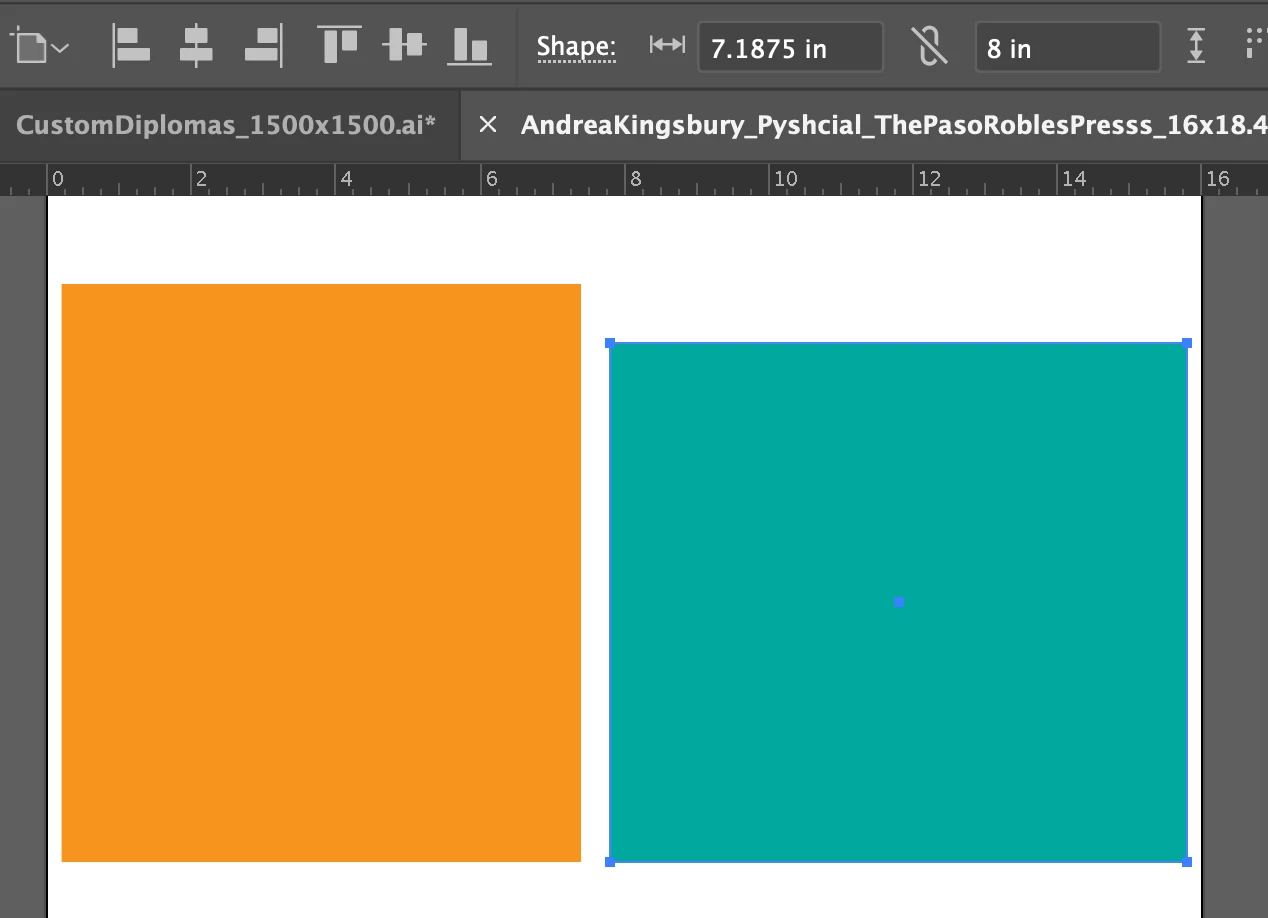
When I recreated the box using the rectangle tool with the correct dimensions. It showed the same dimensions. (Seen here)

*Note - the blue box is the orginal and the orange was the new box
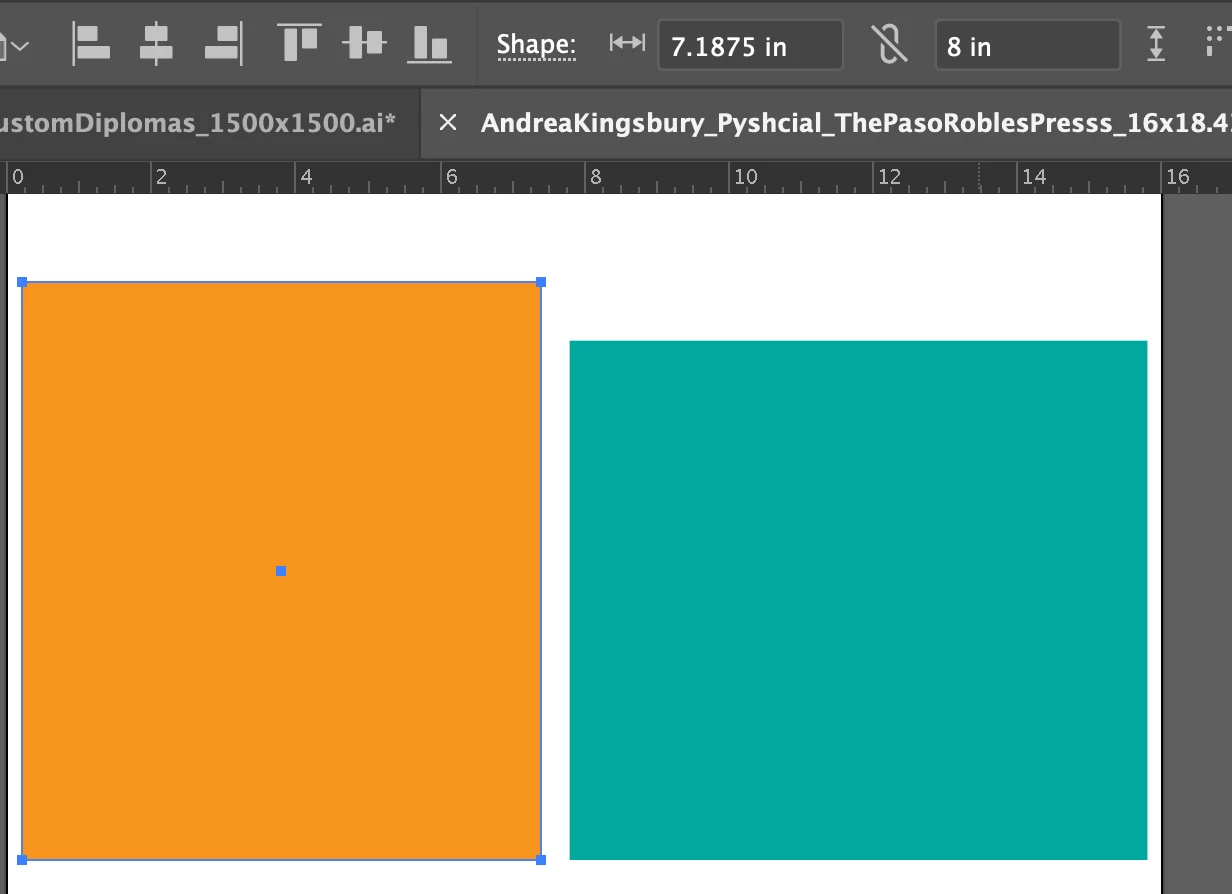
 

Any idea what would cause this?

Any known fixes?

My illsutrator is up to date and was reccently restarted.

 

This topic has been closed for replies.

3 replies

Mike_Gondek10189183
Community Expert
Community Expert
July 25, 2023

Select Your Green rectangle, and ensure the rotation is 0°.


Ton Frederiks
Community Expert
Community Expert
July 24, 2023

The rectangle is a shape that remembers its properties for width and height even when it is rotated.

See the Transform panel.


pixxxelschubser
Community Expert
Community Expert
July 24, 2023

Was your view rotaded by 90° (with Rotate View Tool [Shift] + [H]) ?

If so - double click the tool in the Tool panel. This will reset the rotated view.

Participant
July 24, 2023

Hey, thanks for your response. 

Unforuntely, this did not fix it.

My view was not rotated. I tried it just in case (never can be too sure) haha.