
Inspiring
November 13, 2020
Answered

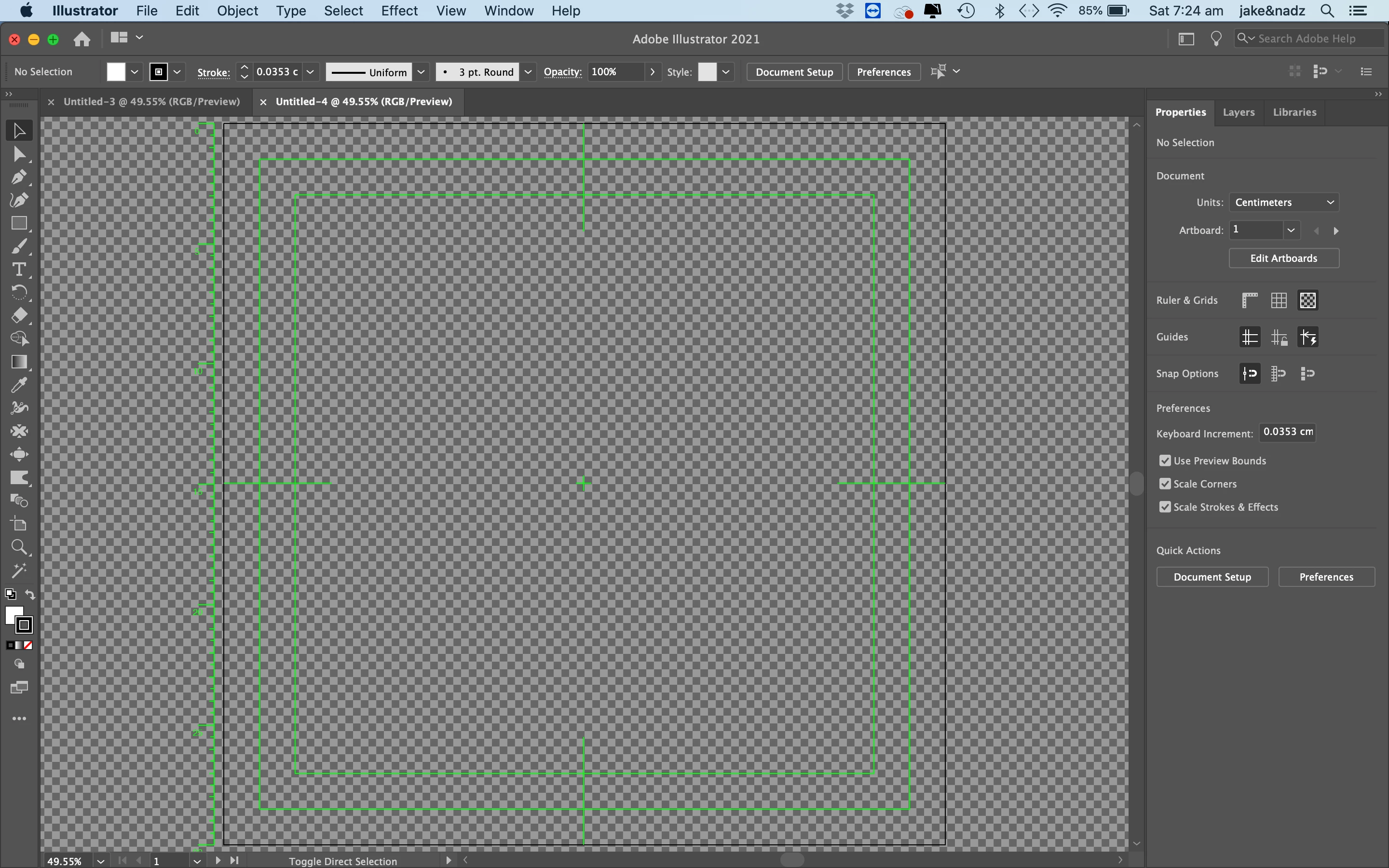
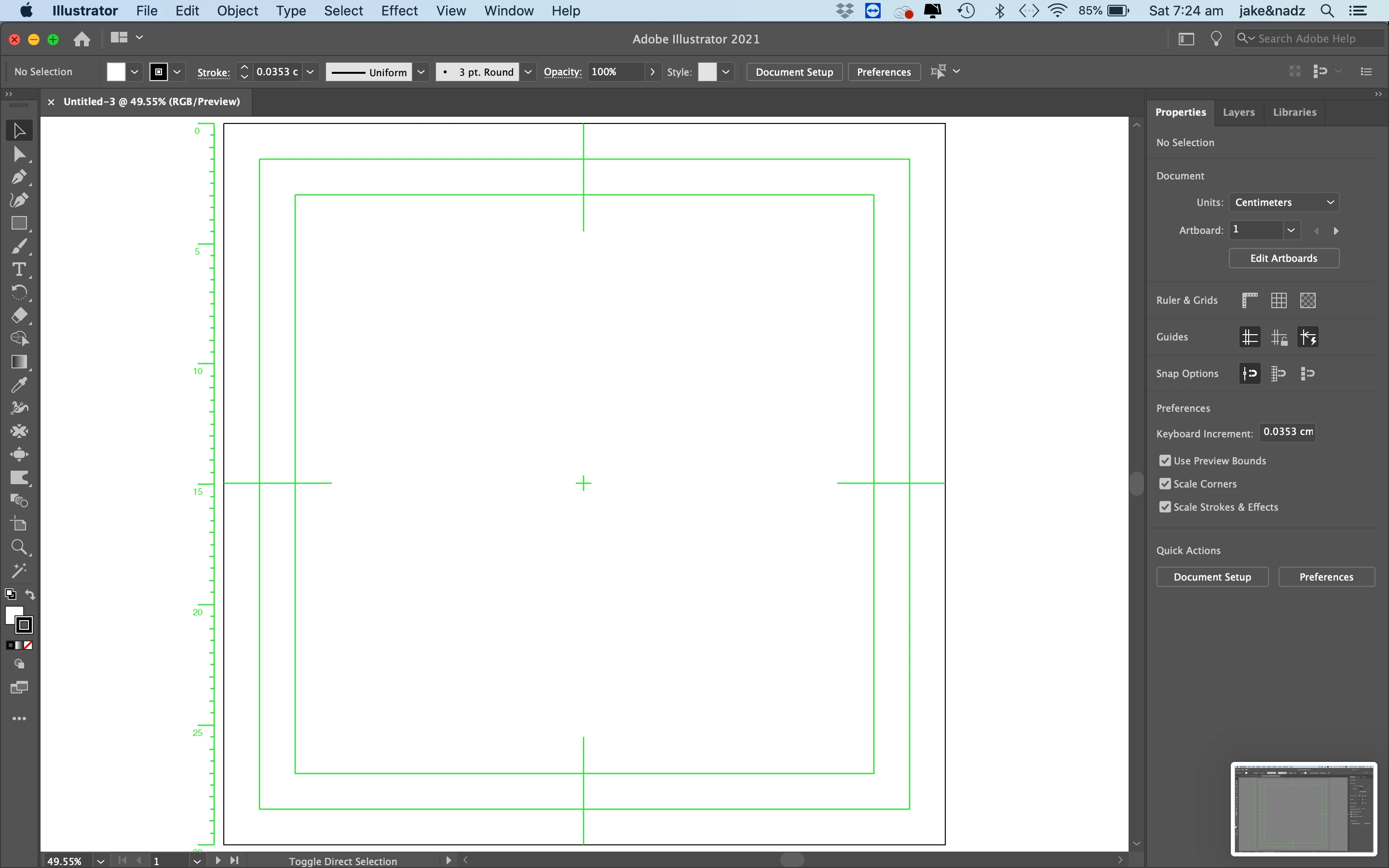
Illustrator , new document has transparency grid, green lines and white background

  • November 13, 2020
  • 2 replies
  • 8471 views

Hello, 

I pressed something and now all of my new documents are opening up with green lines and the transparency grid. In the create new document section, under advanced, it keeps defaulting to medium transparency grid. If I turn it off, then I still get the white background and green lines. I've read other posts regarding this and haven't found one that worked for me. Please help!

OS

Mac OS Catalina 10.15.7
Illustrator version 25.0
 

    Correct answer Ton Frederiks

    You used a video preset to create a new document.

    Use a print or illustration preset for new documents.

    2 replies

    Ton Frederiks
    Community Expert
    Ton FrederiksCommunity ExpertCorrect answer
    Community Expert
    November 13, 2020

    You used a video preset to create a new document.

    Use a print or illustration preset for new documents.

    JNKAJ7Author
    Inspiring
    November 14, 2020

    Thanks Ton! Such an easy fix and I've wasted too much time trying to figure out what I had done wrong. Much appreciated! 


    Ton Frederiks
    Community Expert
    Community Expert
    November 14, 2020

    Good to hear that helped.

    Nancy OShea
    Community Expert
    Community Expert
    November 13, 2020

    [Moderator moved from Using the Community (forums) to Illustrator.]


    Nancy O'Shea— Product User & Community Expert