


Participant
February 17, 2022
Question

Illustrator not creating or opening new files

  • February 17, 2022
  • 2 replies
  • 1793 views

Hi, whenever I click on one of the default file buttons under "Start a new file fast", nothing happens. The buttons just don't respond. And whenever I click on "New file" or ctrl C, no options show up in the pop up window
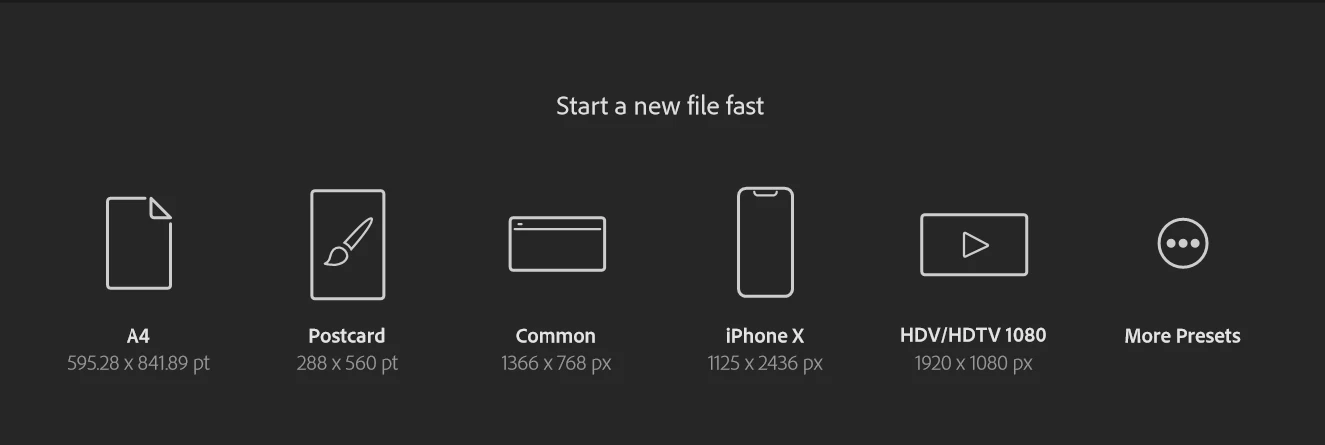

 

There doesn't seem to be a way to even make my own custom document size. Any help is appreciated.


2 replies

Participating Frequently
April 18, 2022

Hi,


Did you solve your problem ?


I have a similar problem.


When illustrator is open i can't create a new file or i can't open an existing one, even if i open one form the cloud or directly from my desktop. The colored wheels keep turning around and nothing happens, on apple menu force to quit "illustrator not responding".


Tried to uninstall reinstall, clear preferences, inherit intrerface, clear printers, etc. 


oO ?

Met1
Legend
April 18, 2022

Try using the cleaner tool to purge the install, then reinstall.

https://helpx.adobe.com/creative-cloud/kb/cc-cleaner-tool-installation-problems.html

Participating Frequently
April 18, 2022

Thanks for your advice. Unfortunatly i tried but it didn't work.


Tried to clear preferences from illustrator program didn't work.

I saw it could be a problem with the printers i deleted them from my computer, did'nt make anything.

Tried to add an "old" to some folders or files names as a saw it on some threads, didn't work.

I enabled to see all the files (even the shadowed or ghosted (sorry i'm french)), deleted the Illustrator preferences did'nt work either.


I have another session on my mac, on which illustrator work perfectly, i can open or create new file even on the cloud.


Don't know what to do next…

Participant
February 17, 2022

I've also tried selecting "Use legacy "File New" interface" and reinstalling Illustrator, but no luck.