
Participant
May 21, 2022
Answered

Illustrator not rendering linked image correctly?

  • May 21, 2022
  • 1 reply
  • 1289 views

I suddenly started having this issue where when I link some image, Illustrator renders it at full resolution instead of at a lower resolution when viewing from afar, and this causes horrendous performance issues. 
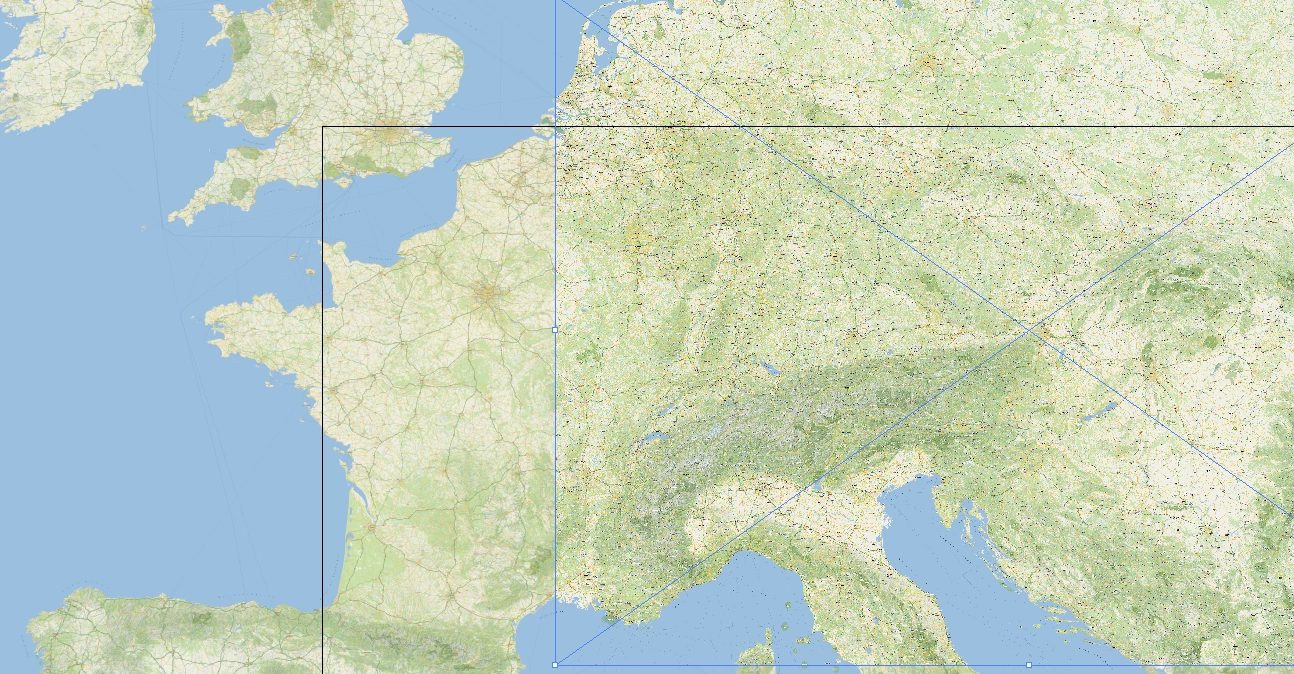
 

Embedded images work fine. You can see on the left the embedded image looks smooth, but the linked image on the right is not rendered the same way. 

This topic has been closed for replies.
Correct answer marliton

Hi. The embedded image looks good because Illustrator imports all the pixel information. The linked image doesn't have all the information because Illustrator imported a low-res preview. When you export those linked images (for example, to PDF) you should be able to preview them in high resolution on the final file.


1 reply

marliton
Community Expert
marlitonCommunity ExpertCorrect answer
Community Expert
May 21, 2022

Hi. The embedded image looks good because Illustrator imports all the pixel information. The linked image doesn't have all the information because Illustrator imported a low-res preview. When you export those linked images (for example, to PDF) you should be able to preview them in high resolution on the final file.


Marlon Ceballos