
Participant
October 27, 2020
Answered

Illustrator not saving to cloud

  • October 27, 2020
  • 2 replies
  • 361 views

I just updated to 2021 illustrator and I've had trouble syncing my photoshop and illustrator files to the cloud. For photoshop if I look at cloud on another device they show up and i can open them from there but twice I have saved documents from illustrator onto the cloud and checked that they are saved before quitting however when I go to open them the next day they do not appear anywhere. I have tried restarting my computer and logging in and out of the cloud.
This topic has been closed for replies.
Correct answer Srishti_Bali

Hi there,


Sorry to hear about this trouble. That's definitely not a typical experience with the application and there could be multiple reasons why this would have happened. I would request if you could share a few more details like:


  • Operating System (Exact version of Windows/ MAC)
  • Check for internet connection.
  • Open this link and check if you see your files there.
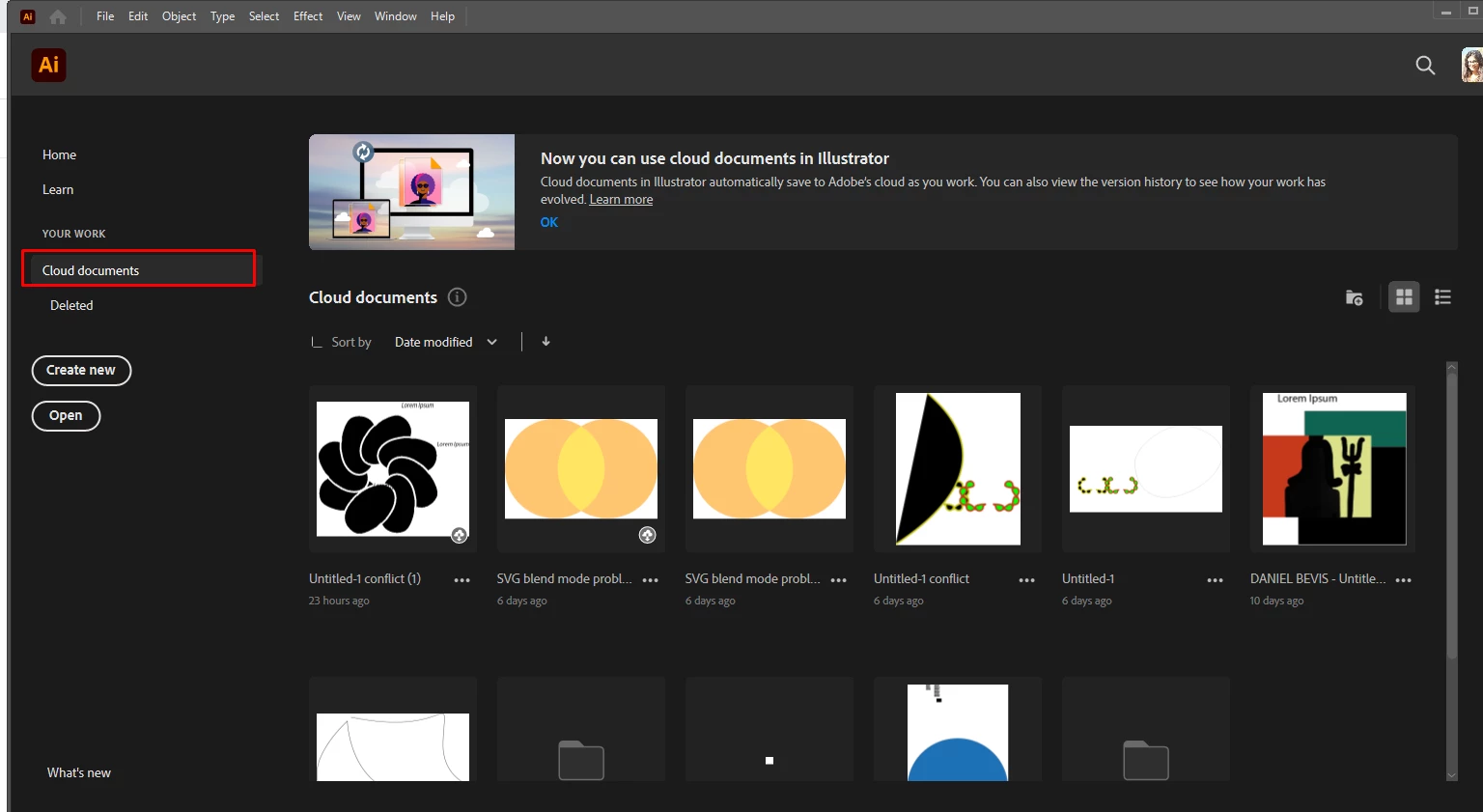
  • If not, go to Home screen and select Cloud documents, do you see your files there?


We're here to help, just need more info.


Regards,

Srishti


2 replies

Srishti_Bali
Srishti_BaliCorrect answer
Legend
October 27, 2020

Hi there,


Sorry to hear about this trouble. That's definitely not a typical experience with the application and there could be multiple reasons why this would have happened. I would request if you could share a few more details like:


  • Operating System (Exact version of Windows/ MAC)
  • Check for internet connection.
  • Open this link and check if you see your files there.
  • If not, go to Home screen and select Cloud documents, do you see your files there?


We're here to help, just need more info.


Regards,

Srishti


Monika Gause
Community Expert
Community Expert
October 27, 2020

Is your Creative Cloud the current version? Can you check if there are updates available?