Question
Illustrator not showing art boards
My illustrator isn't showing the artboards and such unless I switch views, which in the latest update is a bit hard to do.
Neither I nor my professor knows what's going on and I uninstalled then reinstalled the program for the same thing to happen.
Here is an image of what I am talking about.
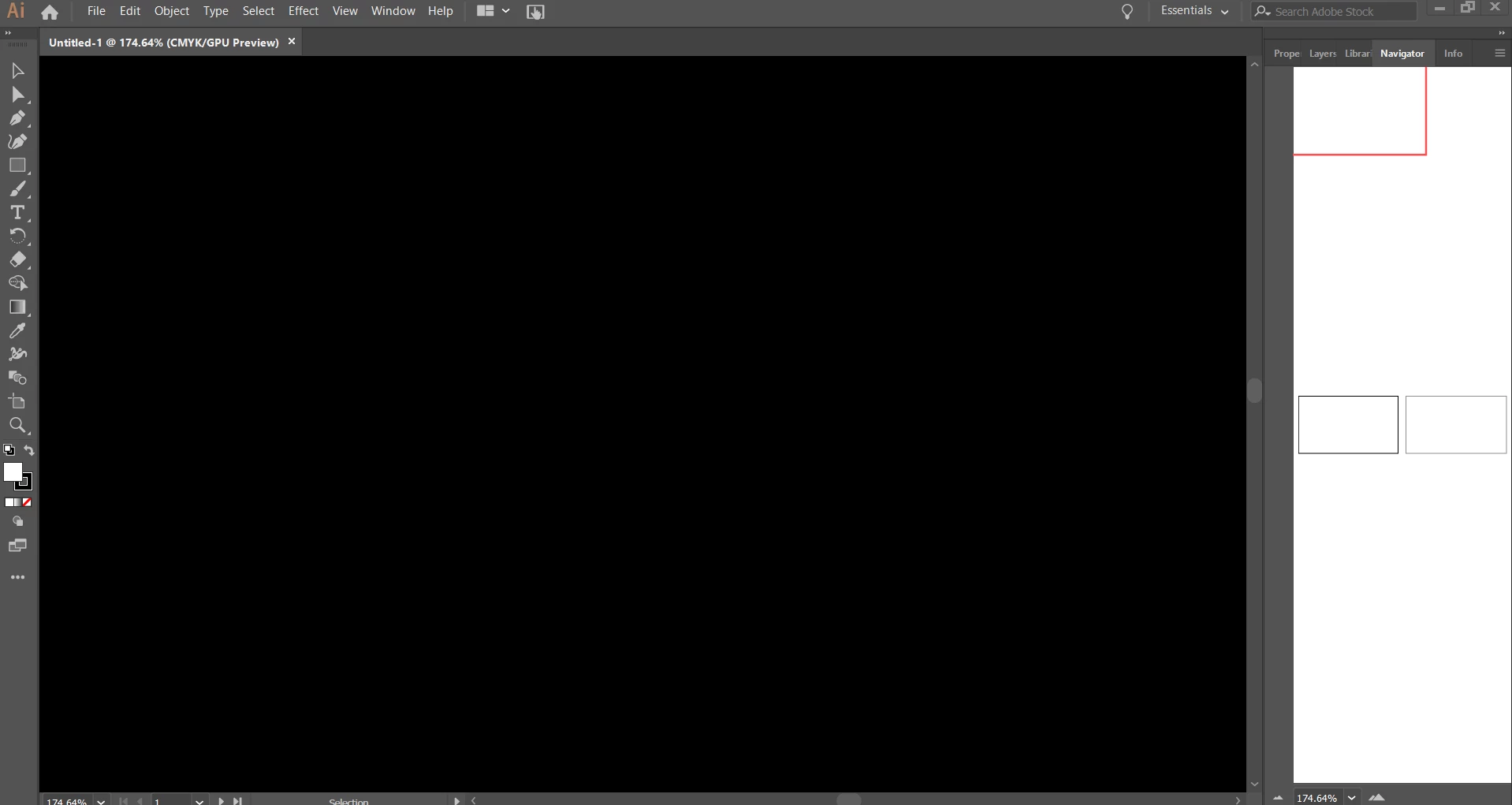
No matter how much I zoom or adjust the navigator I can't see anything. The artboards are there, the window itself just isn't working I think.
Is anyone else having this issue? Or know how to fix it?
 AdChoices