


Illustrator Not Showing Art or Artboards
I've been having this issue for months currently which has not been resolved by three calls to customer service. I've uninstalled/reinstalled, cleared the app data, and cleared the temp folder. The agents have done remote sessions to try and address the issue.
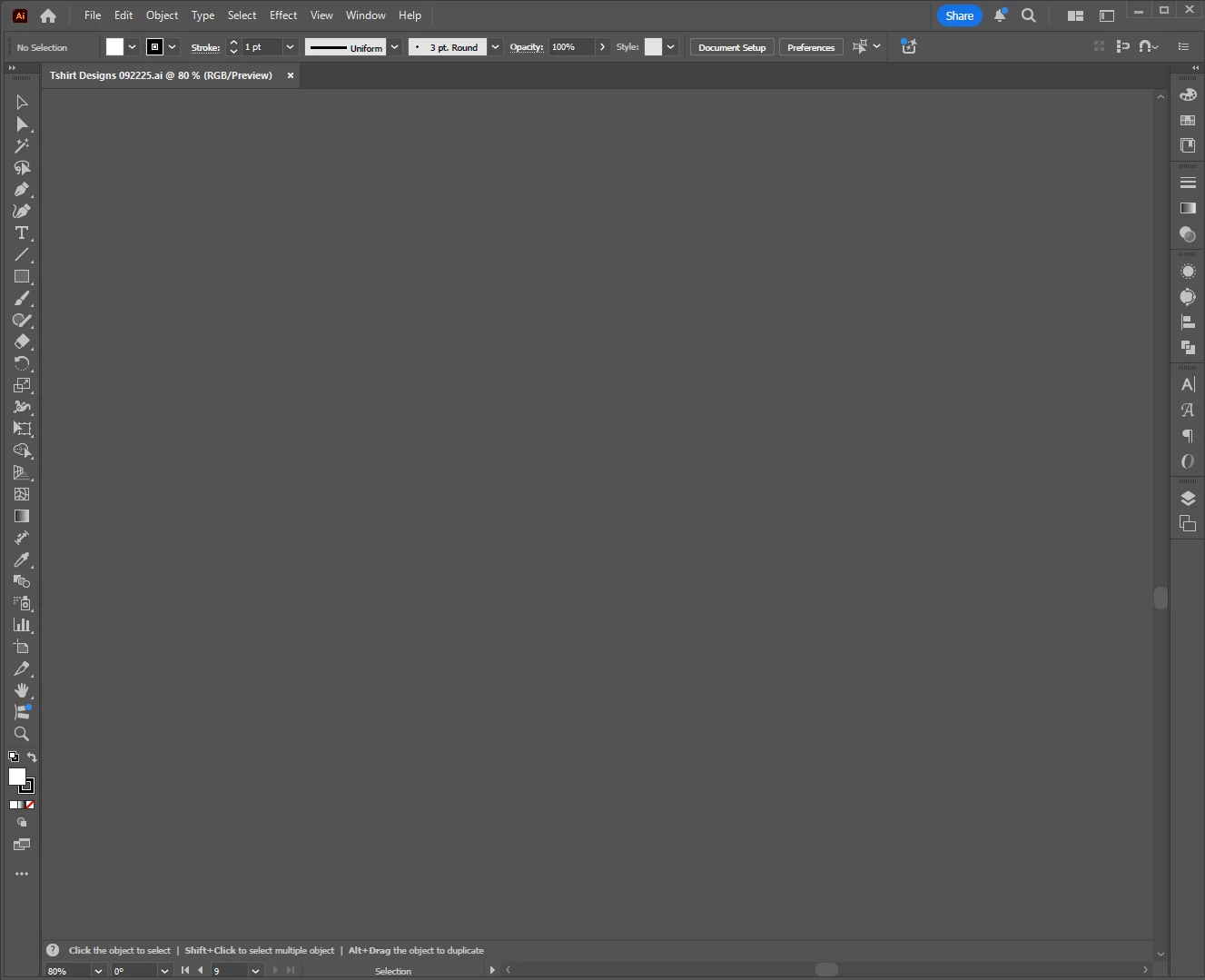
Basically, whenever I startup Illustrator for the first time, whatever the first file is that I open will show the art/artboards for a split second and then everything disappears. There is only grey. I have to close and reopen the file to get it to appear properly. This has led to compounding issues which include my font library only updating when I restart the program and my transparency masks getting distorted when I use the align tool.
When I clear the app data and restart the program, I do not encounter the disappearing artboards. However, they will return upon starting the program up for a second time and beyond. I can only assume that some file is getting corrupted in app data, but I don't know why this would be happening continously or how to get it to stop. Any help would be greatly appreciated, this has been an absolute time-suck trying to work around the issues and trying to solve them.

 AdChoices