
Participating Frequently
October 10, 2023
Answered

illustrator object using 3D and Materials looks shows an outline when placed in Photoshop

  • October 10, 2023
  • 3 replies
  • 1739 views

I'm certain there is some setting I'm getting wrong here. I have created an image using Illustrator. I've applied materials and 3D effects. It looks great in Illustrator (see image below)
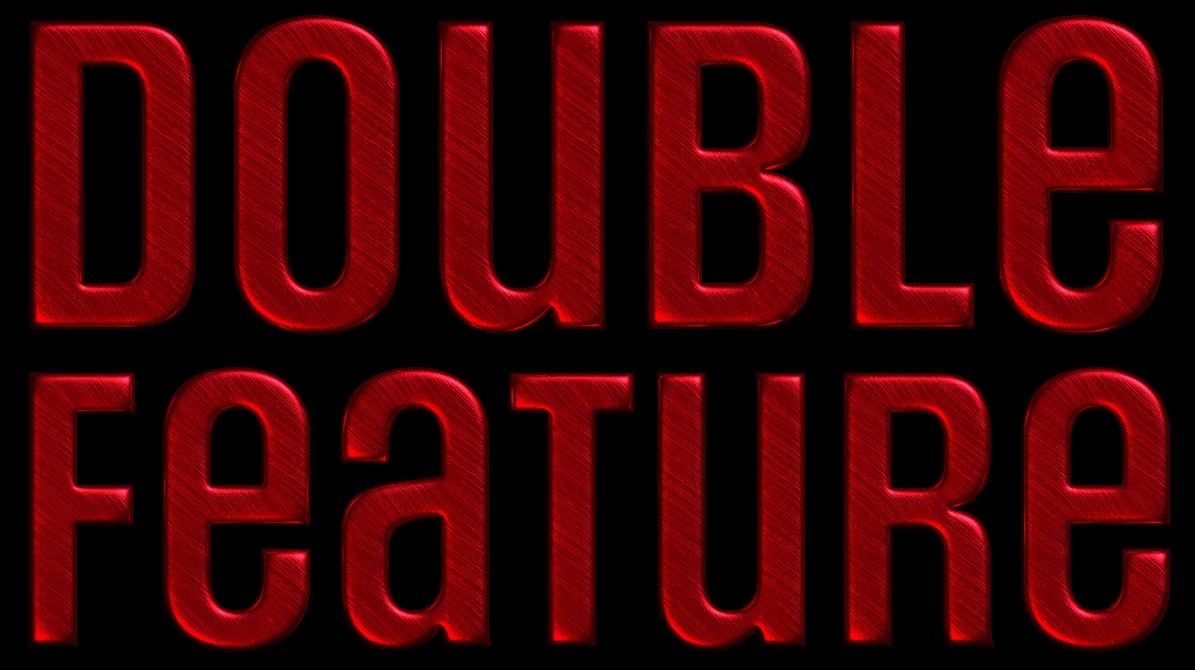
If I paste it into Photoshop as a smart object, or place it as a linked or embedded file, I see an outline around the object. 
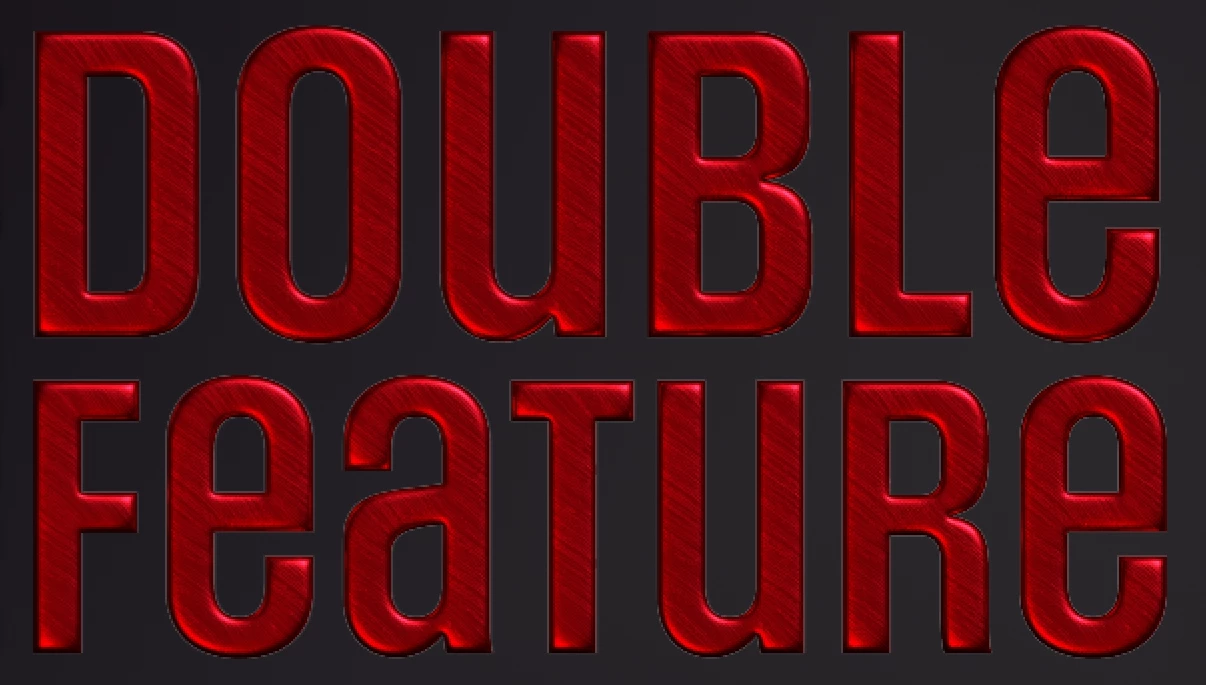
Both the illustrator file and the photoshop file are RGB, Illustrator document raster settings are 300dpi, anti-aliased. I've tried various render settings in the 3D pane, but can't really see any difference each time.

I would be grateful for any suggestions to fix this issue.
This topic has been closed for replies.
Correct answer Ton Frederiks

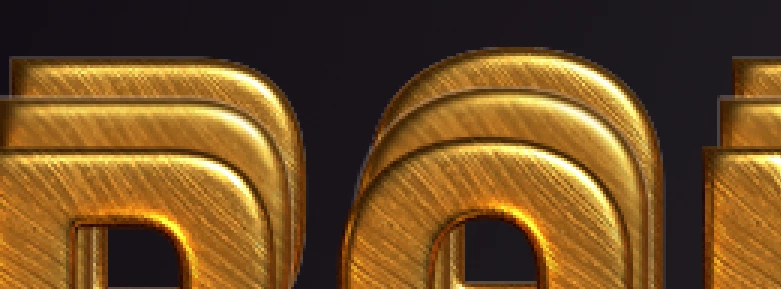
That's much improved. Not perfect— I still see some of the outline, but less so than before. I'm working on another image with the same effects, so I tried this out. The image below shows the PNG (which looks good) on top, the original, then behind that, after rasterizing the effect. Ultimately, I still may prefer the PNG, but perhaps some experimentation with the settings may get me to where I need to go. 


That said, can you elaborate a bit on what is happening when I rasterize the effect? It still seems to be editable after I do that. When you suggested it, I thought that it meant that the whole image would be rasterized. Is it just sort of snapshotting the effect and rasterizing it, while still hanging on to the information so it can be edited after the fact? 


The Rasterize Effect is like any other effect non destructive until you choose Object > Expand Appearance.

You can turn off the effect in the Appearance panel or double click it and change the settings.

3 replies

Ton Frederiks
Community Expert
Community Expert
October 11, 2023

Don't use the simulate paper color, just put a dark background behind it and see how that goes.

Participating Frequently
October 11, 2023

Thanks for the suggestion. Unfortunately, it doesn't seem to make a difference.

Participating Frequently
October 11, 2023

in fact, even if I keep the dark background layer turned on in illustrator, and place it into photoshop that way the lines show up. (regardless, I need the background to be a separate image in photoshop, but as a test, it was worth trying.)

Kurt Gold
Community Expert
Community Expert
October 10, 2023

Can you share the Illustrator file for inspection?


Participating Frequently
October 11, 2023
Participating Frequently
October 10, 2023

I'm not certain if this is relevant, but after more work on this, I attempted to export a PNG to see if i could do that as a workaround, and the PNG also shows the outlines.