Answered
Illustrator on Windows - Launch Error: dxcore.dll
After use the cleaner tool and re-install the software, still fail to enter illustrator. Error message: dxcore.dll
Note: Renamed by Mod

After use the cleaner tool and re-install the software, still fail to enter illustrator. Error message: dxcore.dll
Note: Renamed by Mod
I can confirm that once I installed the latest Beta Version of Adobe Illustrator that I was able to launch the program without the "dxcore.dll" error. I was also able to open multiple documents simultanously w/o issue.
----
In case anyone else doesn't know how to install beta apps:
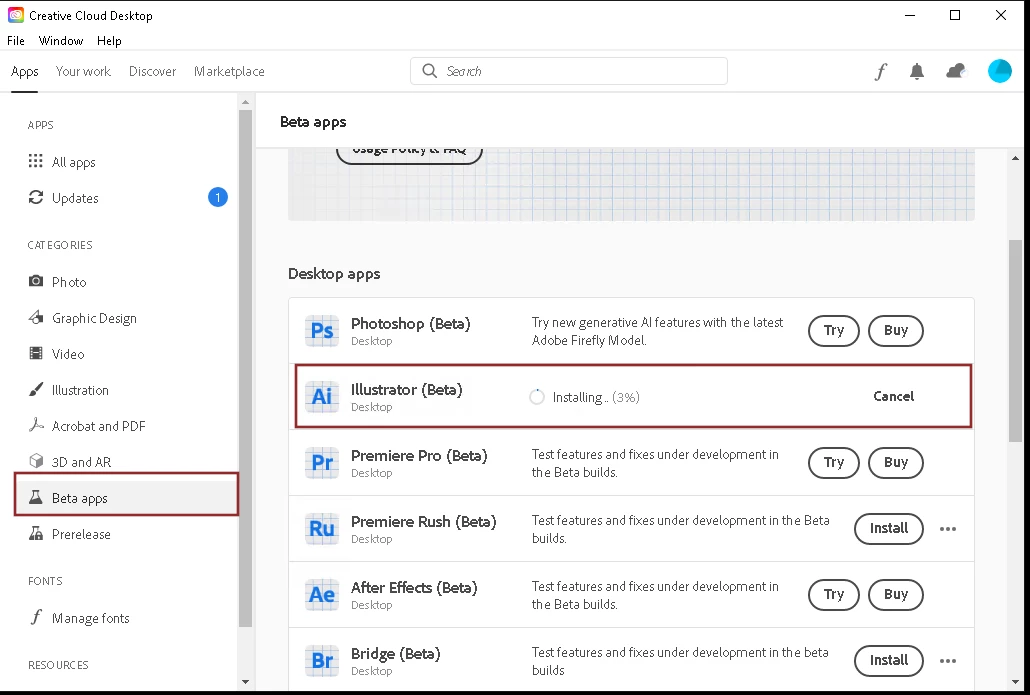
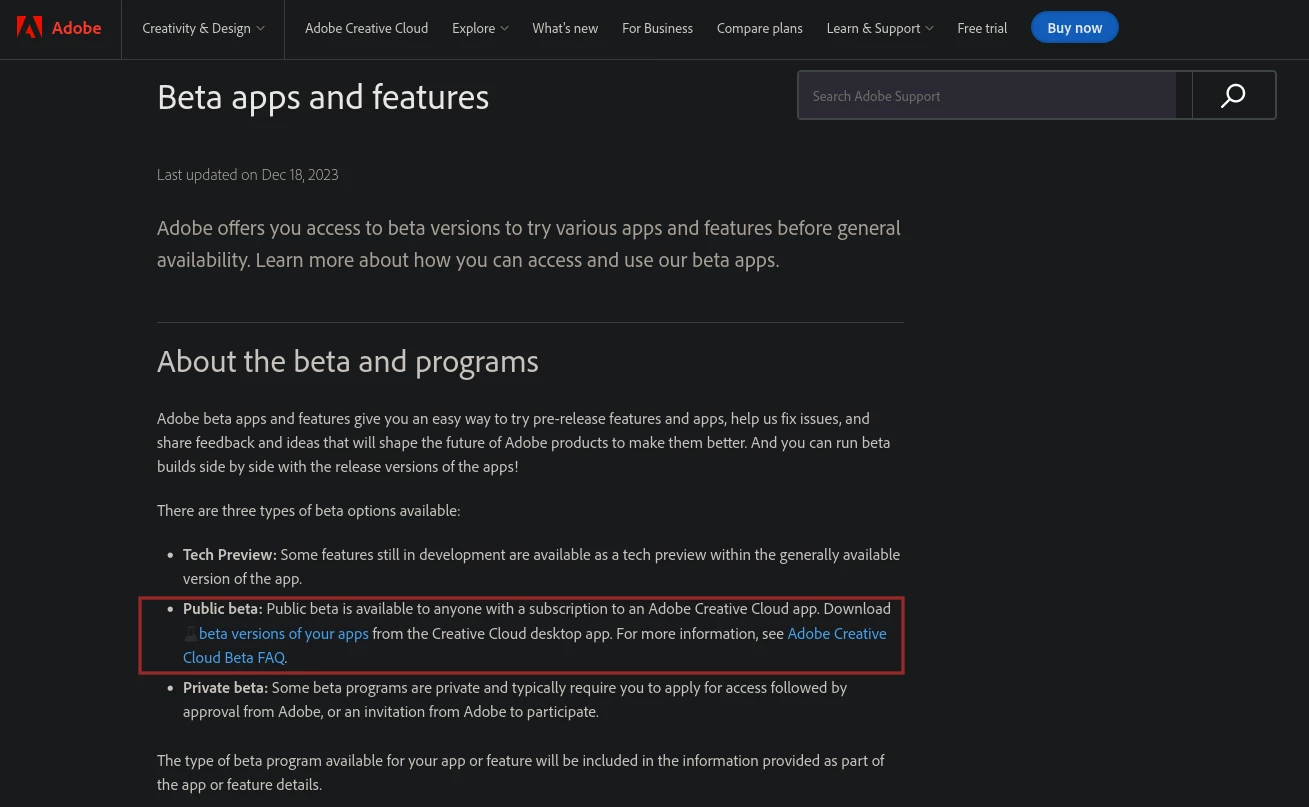
Or go to this page and click the link "beta versions of your apps"
https://helpx.adobe.com/creative-cloud/beta.html
Already have an account? Login
No account yet? Create an account
Enter your E-mail address. We'll send you an e-mail with instructions to reset your password.


 AdChoices