Participant
September 27, 2020
Answered

Illustrator pen pressure issues using Wacom

  • September 27, 2020
  • 1 reply
  • 590 views

Hi Community, 

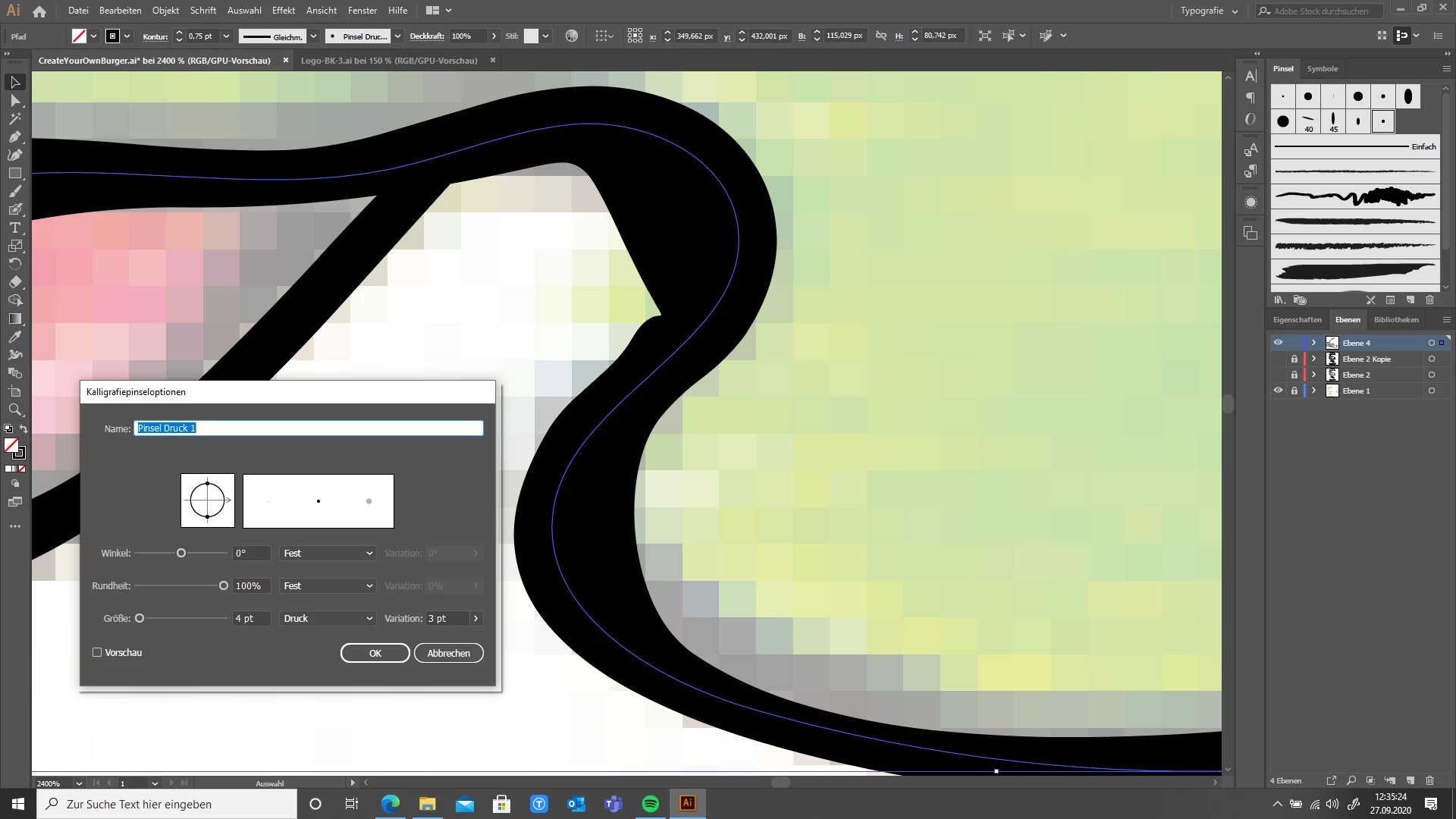
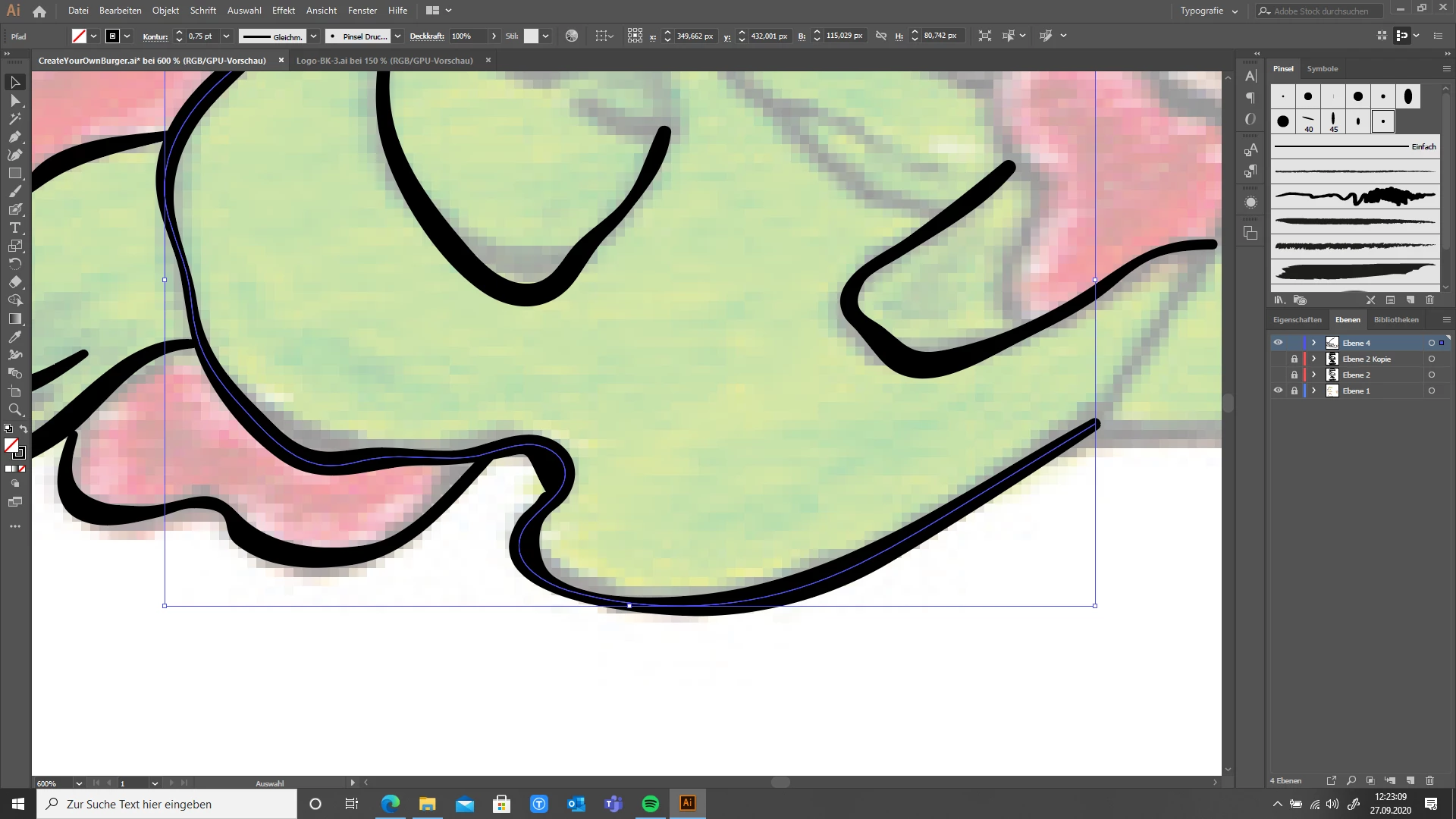
The line has been highlighted which shows the problem very clearly in the narrower curves.

The line is filled with color in the narrower curves.

Does anyone know how I can fix this?

I use a Wacom tablet and a pen that responds to pressure.

With kind regards

Josh


This topic has been closed for replies.
Correct answer Monika Gause

Apply the Zigzag effect to the path. First value: 0 the second value should be high, such as 50 or even 100. Use the Preview to adjust.

1 reply

Monika Gause
Community Expert
Monika GauseCommunity ExpertCorrect answer
Community Expert
September 27, 2020

Apply the Zigzag effect to the path. First value: 0 the second value should be high, such as 50 or even 100. Use the Preview to adjust.

Participant
September 27, 2020

Thank you very mutch!