

Inspiring
March 13, 2024
Answered

illustrator pen tool glitch

  • March 13, 2024
  • 3 replies
  • 702 views

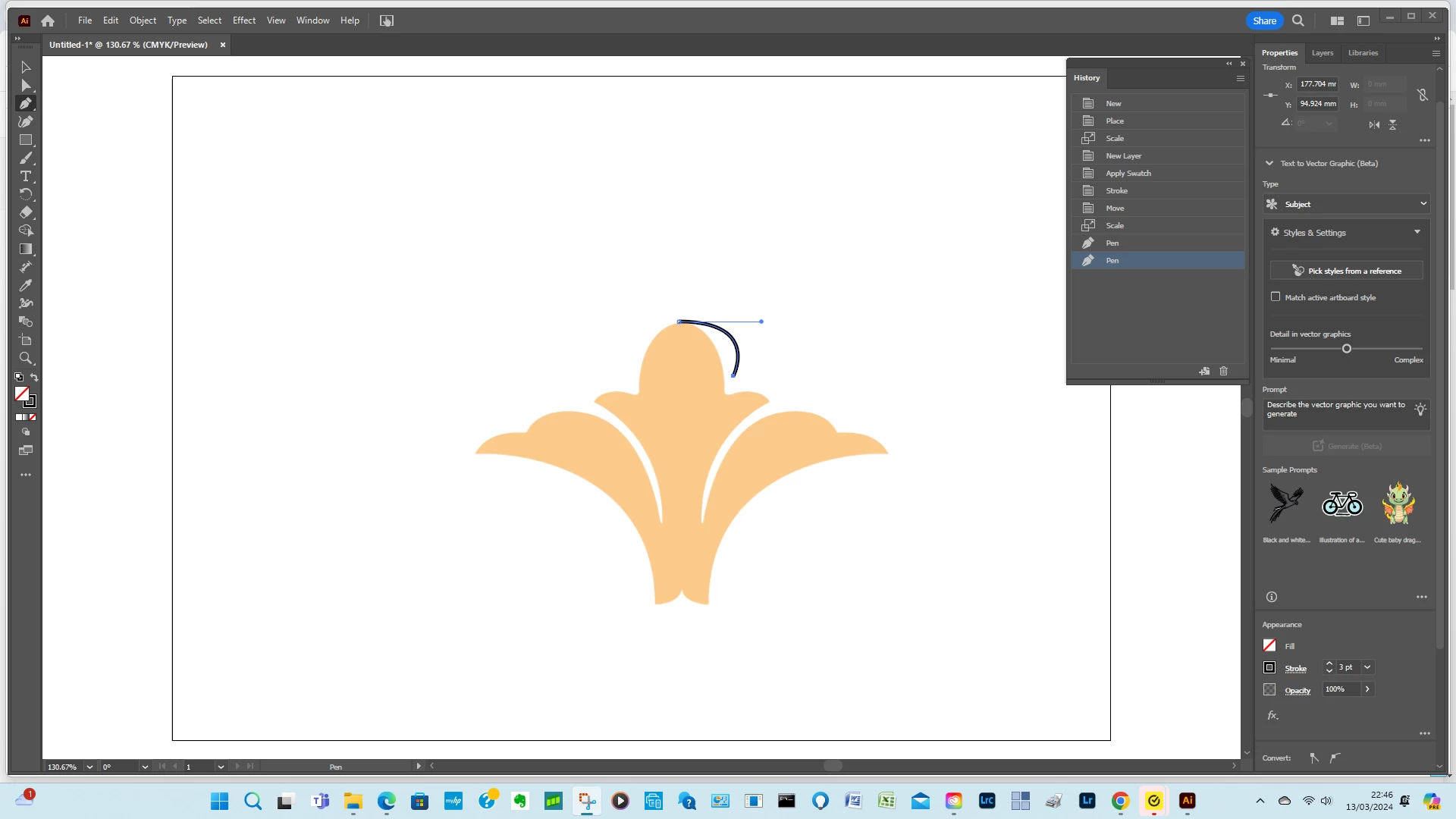
The pen tool seems to have a mind of its own.

the anchor point is about 5mm away from the point selected

All snap to options are turned off

Correct answer tomcup

Hi Ton.I have been pressing the SHIFT key too early when selecting second anchor point.

3 replies

Participant
March 13, 2025

heyy i have been facing the same issue could you help with how to resolve this problem 


Ton Frederiks
Community Expert
Community Expert
March 14, 2024

I am not sure I understand the question, the anchor point is the point selected, so what is 5 mm away from what?

tomcupAuthor
Inspiring
March 15, 2024

Hi Ton.

When i click the second point on the image the anchor point jumps to a different position about 5mm away.

look at the black line.

All of the snap options are turned off.

reset for pen tool is greyed out

tomcupAuthorCorrect answer
Inspiring
March 15, 2024

Hi Ton.I have been pressing the SHIFT key too early when selecting second anchor point.

Monika Gause
Community Expert
Community Expert
March 13, 2024

Can you turn on the control panel, please?

No snap to grid, no snap to pixel?


Are you using a stylus input on that touch device?

tomcupAuthor
Inspiring
March 14, 2024

Hi Monika.I have turned on the control panel.I am using a mouse to select points

tomcupAuthor
Inspiring
March 14, 2024

Hi Monika.I have disabled touch screen.Same problem.

Also the reset for pen tool is greyed out.