


Illustrator–Photoshop compatibility issue
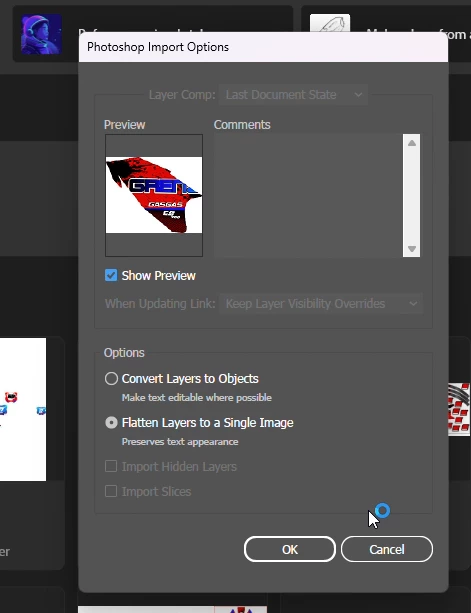
I’m having an issue when using Photoshop and Illustrator together. While creating mockups, the screen shown in the video keeps appearing. The same file opens without any problems on another computer. On the computer where the issue occurs, it may sometimes work normally as well. I can’t determine the cause because it happens frequently for a while, then may not occur again for some time.
Because of this issue, I have to rebuild every element each time. Instead of creating it once and easily reusing it multiple times, I have to work on it every time as if I were making a new mockup from scratch.
In the video, I showed both two problematic elements and one element that works correctly, which I was able to edit in Illustrator. I changed the last element to yellow. If the other elements worked the same way, this would be a simple task completed quickly. Instead, it took much longer because I had to create a new mockup for every element that did not work.
 AdChoices