HYPPie
Known Participant
April 29, 2019
Answered

Illustrator >< Photoshop viewing scale

  • April 29, 2019
  • 3 replies
  • 427 views

Hi,

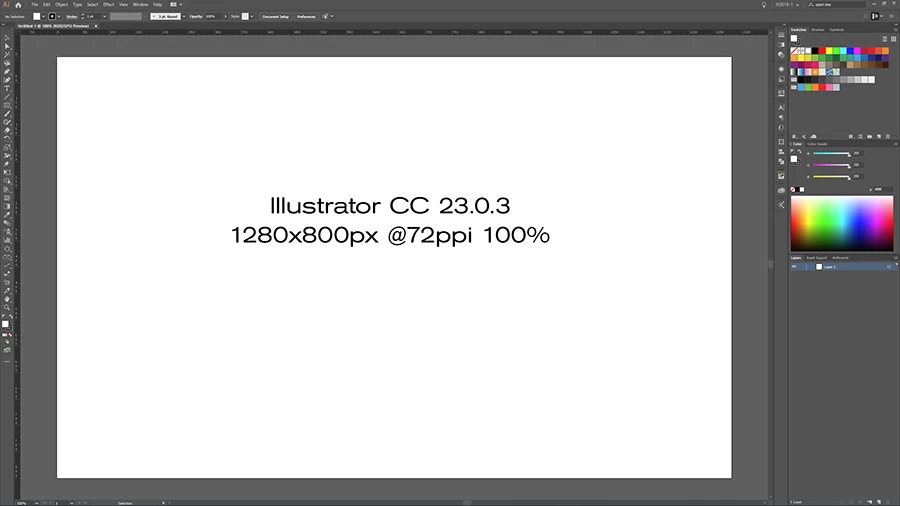
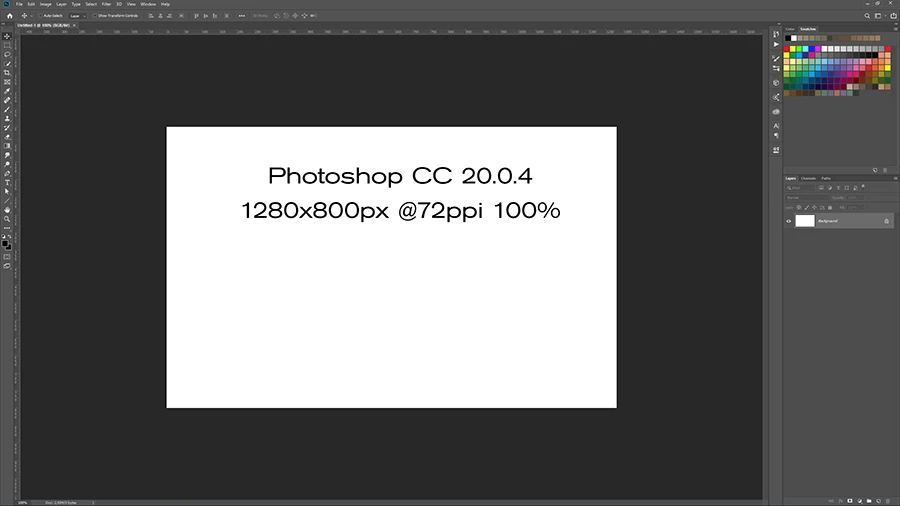
is there a way to change the 'dimensions' of Illustrator so they match those of Photoshop? Why the difference?
Thank you

This topic has been closed for replies.
Correct answer Monika Gause

In the Preferences > Genral you can disable this 100% matching option.

It's directed at print designers, but obviously you design for screen.

3 replies

HYPPie
HYPPieAuthor
Known Participant
April 29, 2019

Thank you Monika & Ton. I breathe normally again. ;-)

Ton Frederiks
Community Expert
Community Expert
April 29, 2019

If you check View > Pixel Preview Illustrator will match at 100% what it will look like in a browser.

In Photoshop 100% will show you the size when every pixel in your document matches the pixel on your screen.

On my computer, a Mac with a Retina screen, I will need to double the size to 200% view in Photoshop to match the Illustrator and browser size.

Monika Gause
Community Expert
Monika GauseCommunity ExpertCorrect answer
Community Expert
April 29, 2019

In the Preferences > Genral you can disable this 100% matching option.

It's directed at print designers, but obviously you design for screen.