Known Participant
Dec 17, 2024 11:45 AM UTC
Question

Illustrator printing desaturated

Hi All

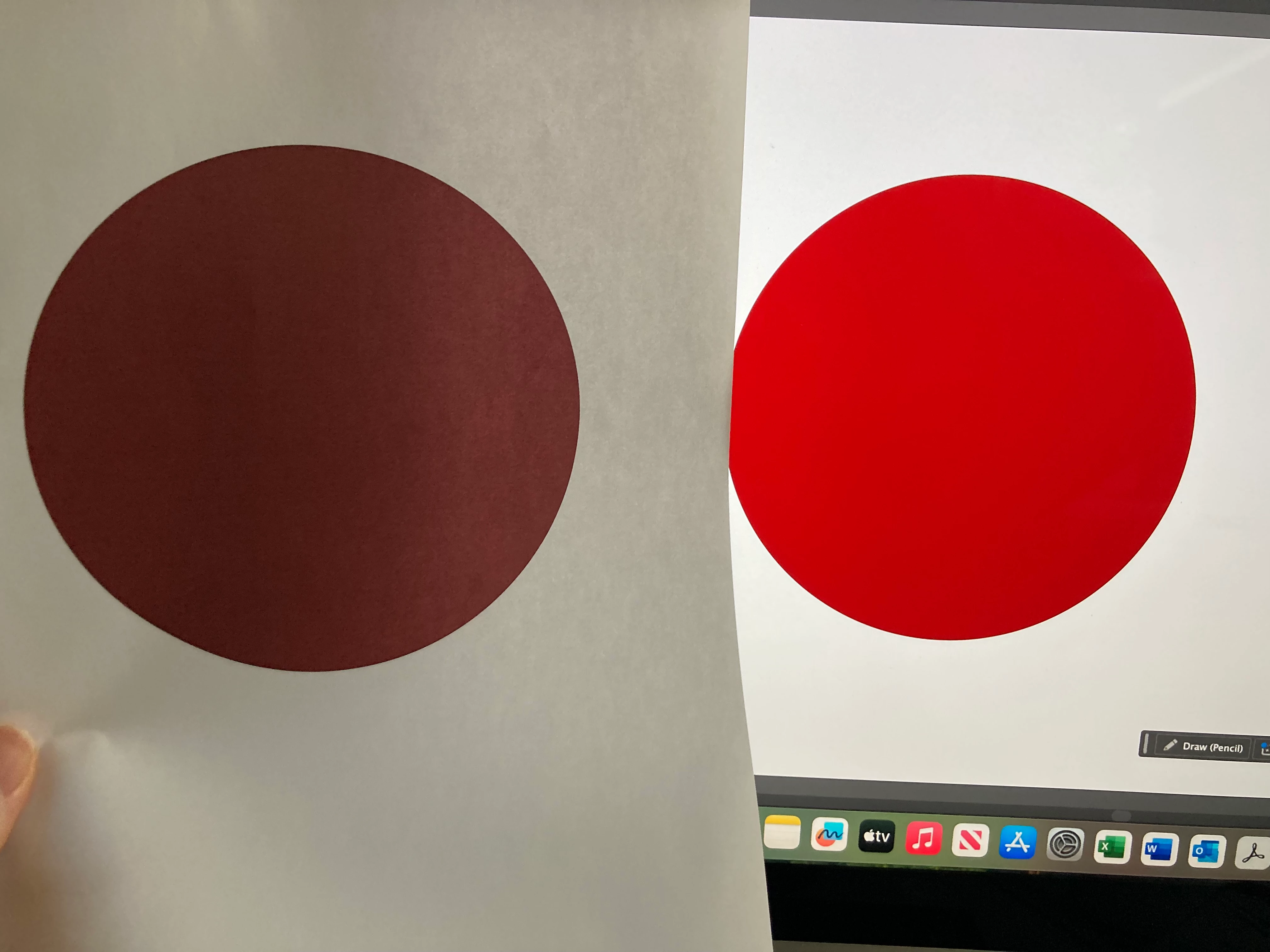
I am using Illustartor 2025 and when I go to print, the colours are very desaturated. The Red prints out as more of a burgendy colour.


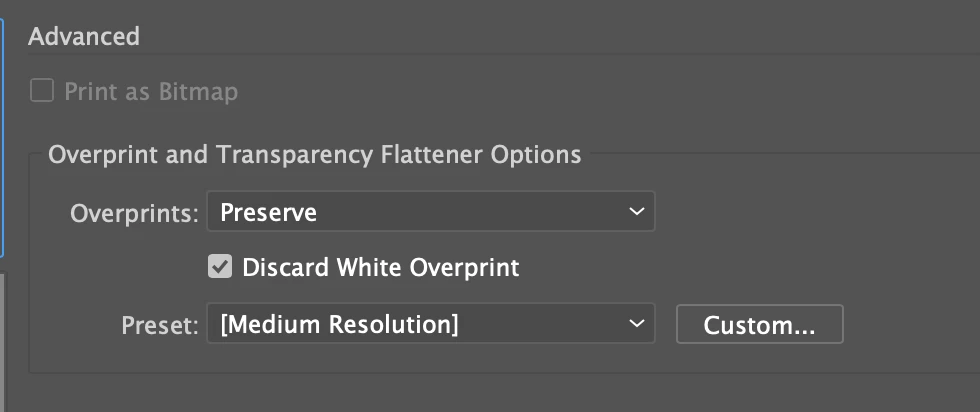
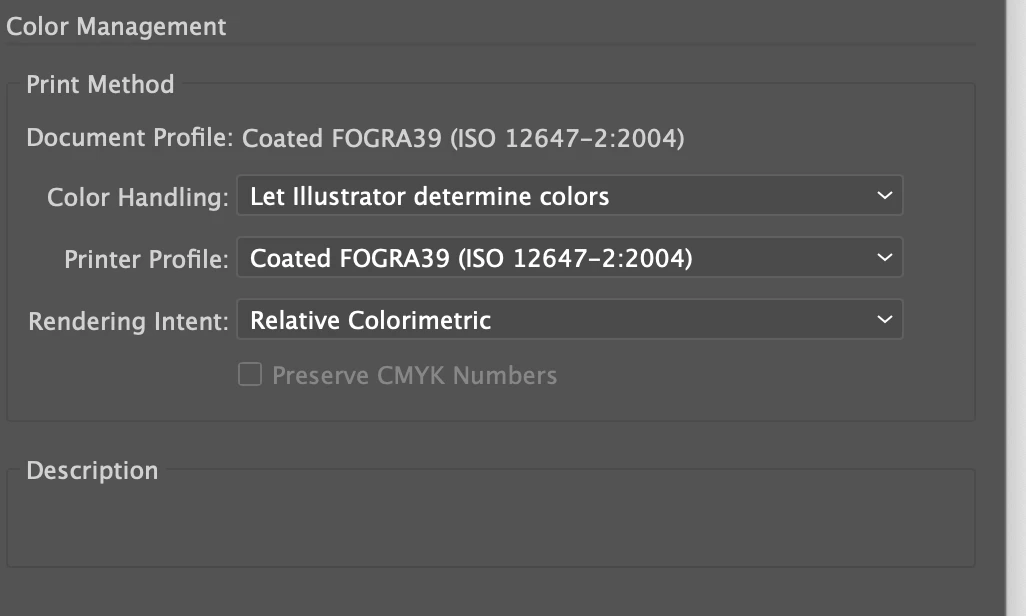
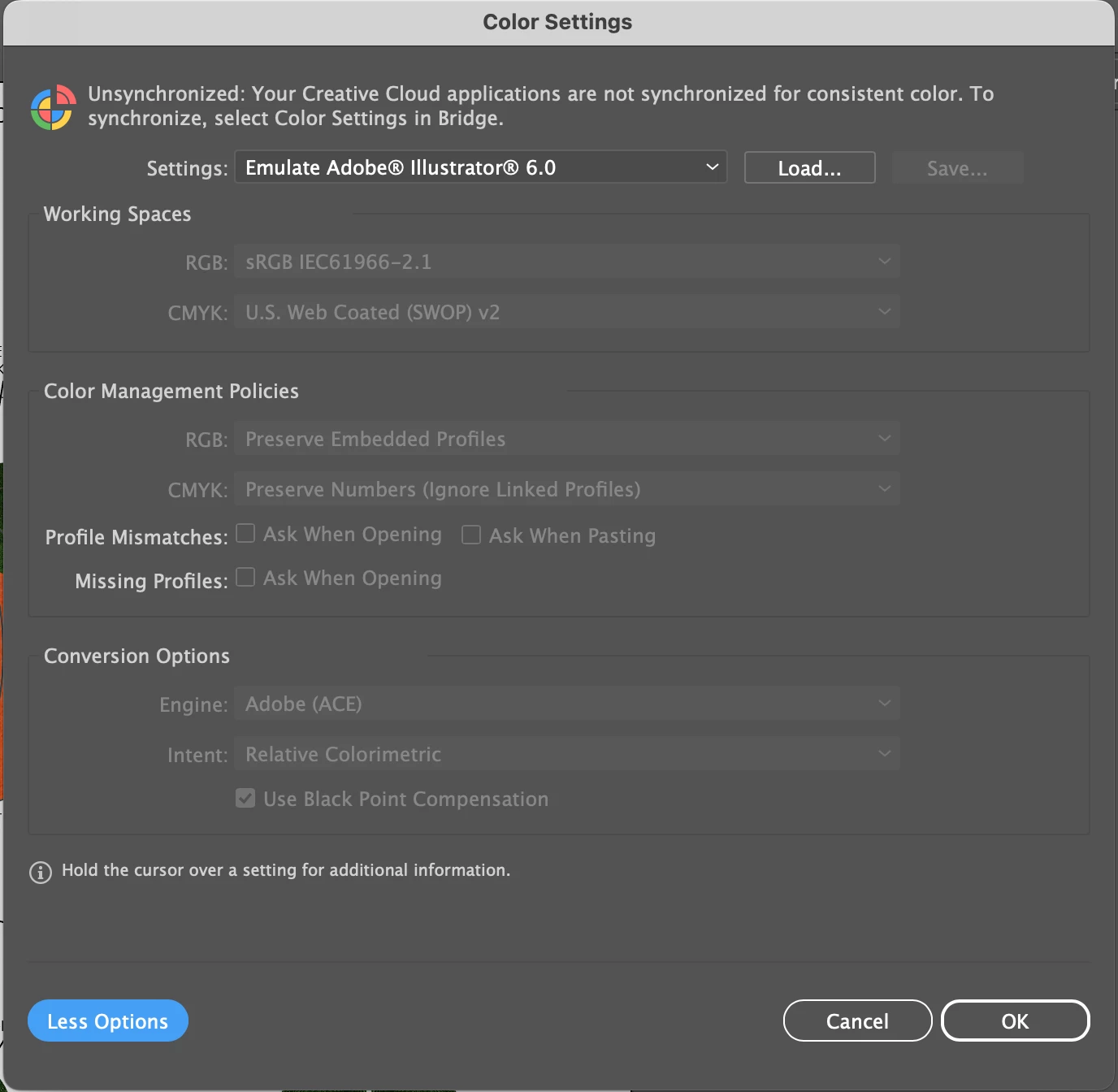
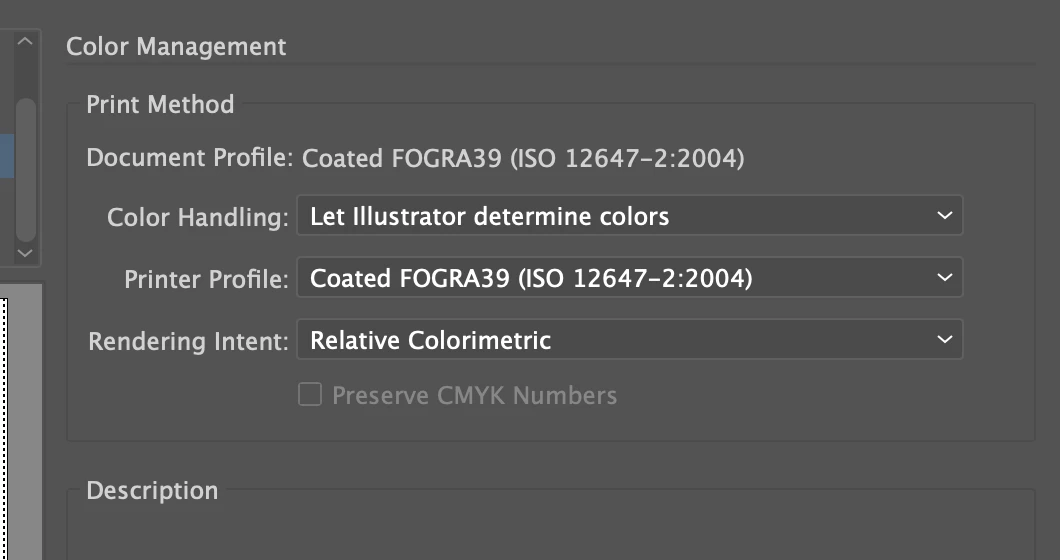
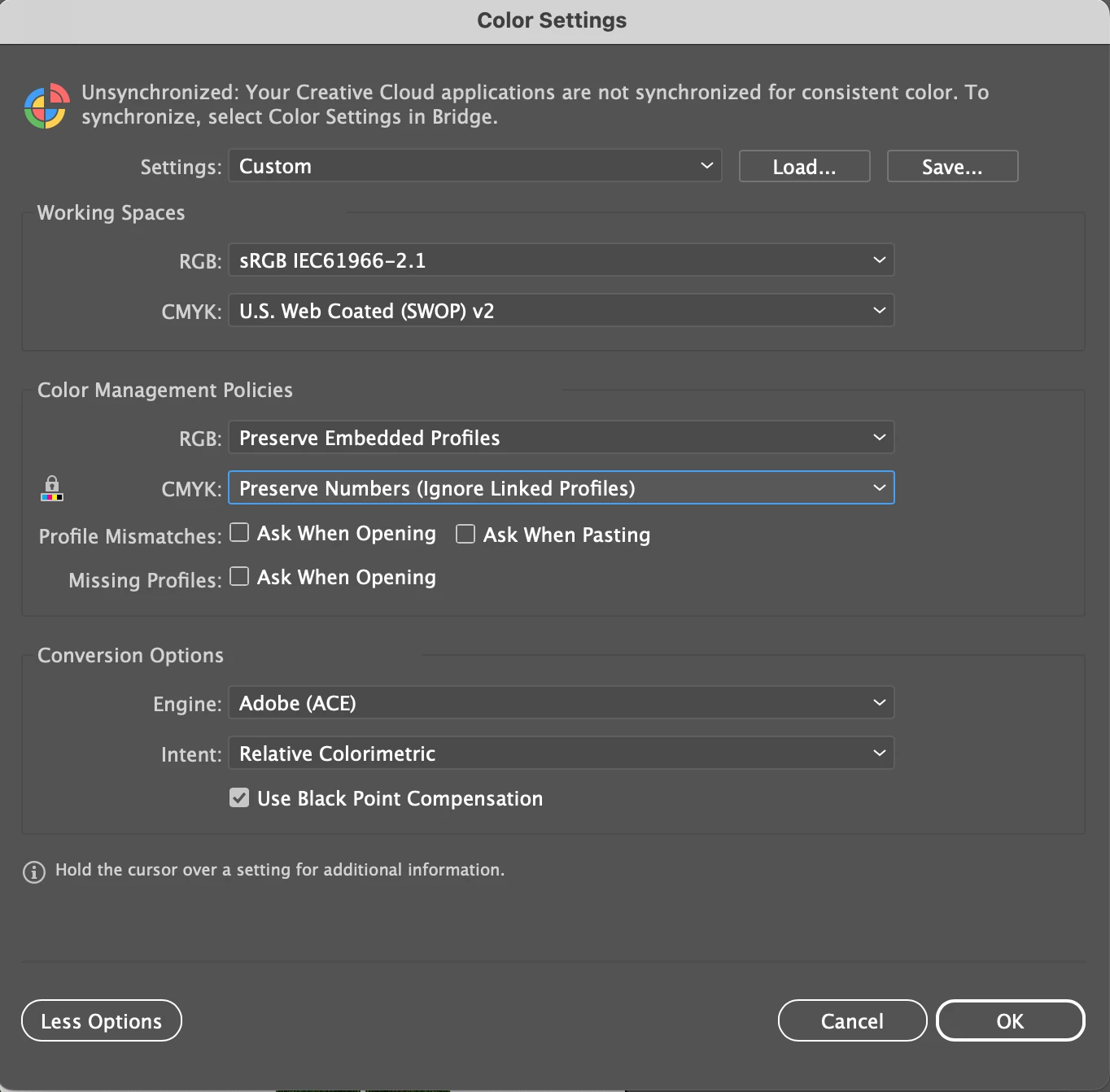
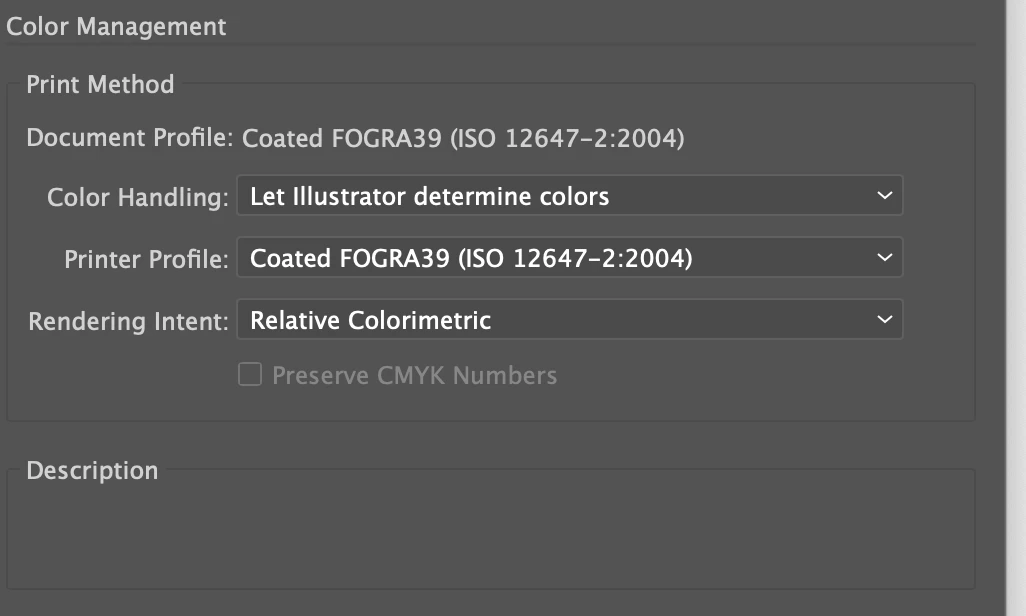
We have tried both CMYK and RGB and they almost identical. All other colour settings seem to be greyed out. 

I don't really know much about the colour settings or what could cause such a difference in colour between what is onscreen and what is being printed out.


If we print to PDF, the colours are fine

Would updating the print drivers help?

Is there a way to test to see if it's fault with the printer or the settings?


Thank you in advance


3 replies

Mohammad.Harb
Community Expert
Community Expert
Dec 17, 2024 11:53 AM UTC

Check if the printer driver is up to date, 

Does that happen with every illustarot document? 
Copy the artwork into a new document and try again.


one more thing, if you check the color management settings in acrobat pro and use the same setting are you getting the same result ? 


Translate
Known Participant
Jan 2, 2025 12:16 PM UTC

Hi


Yes it happens with every document

We did try the color management and it's the same result.


Thanks for the reply

Translate
Monika Gause
Community Expert
Community Expert
Jan 2, 2025 1:48 PM UTC

The paper you are using looks like some cheap office paper.

Also: if this is an inkjet office printer, it will give better results, when you send RGB data to print.

What kind of printer is it? 

Did you already read the documentation and how to turn off its own color management?


Translate